20
Factory software program determines the option module switch settings when CO2
(CO2 mainstream and sidestream module work), no AG the options appear AG ,
CO2-free options, in short, both only appear single, and will not appear in this menu
3.5 WORK INTERFACE SELECTION
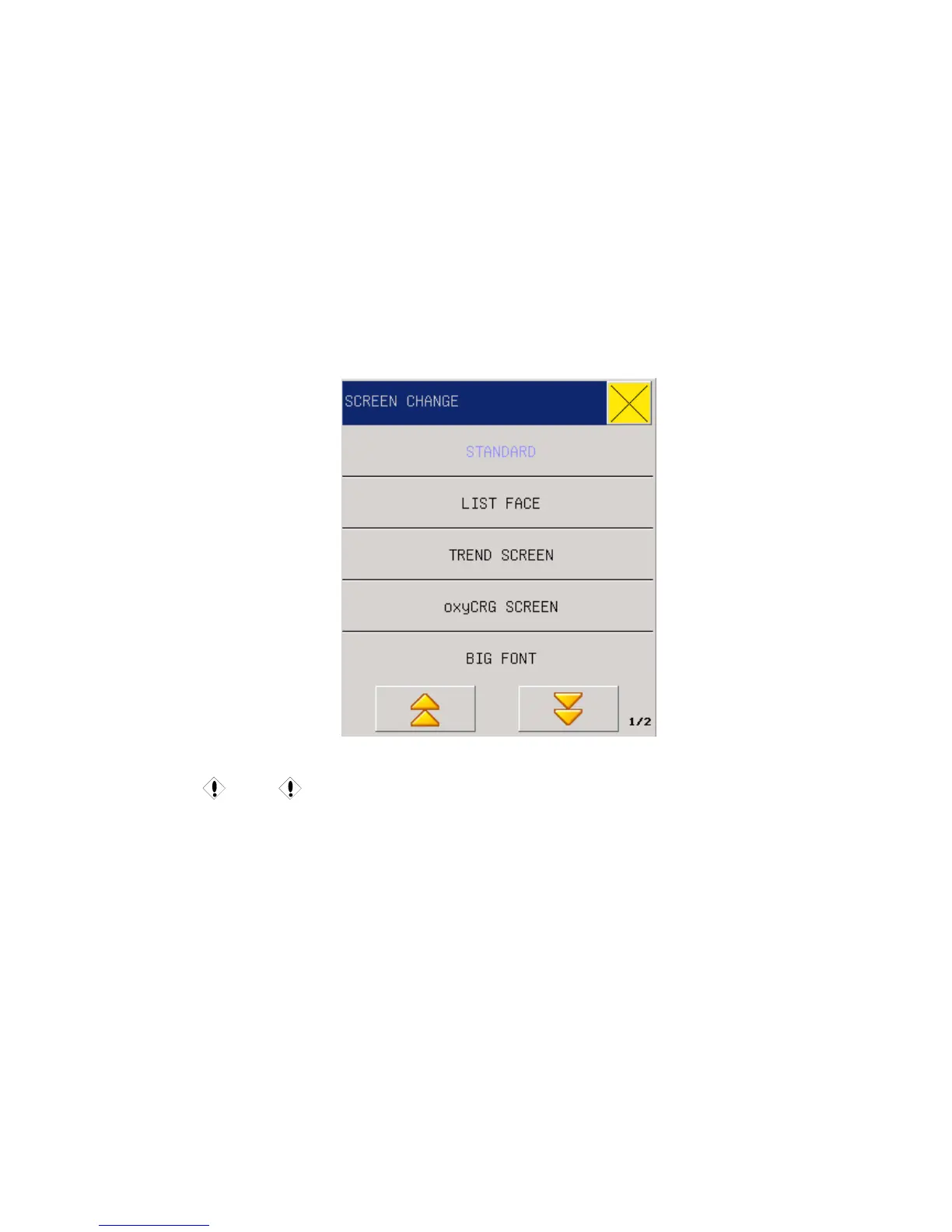
In the System Menu, select the “FACE SELECT” to enter the dialog box in the following Figure.
Here there are such seven options as “STANDARD”, “LIST FACE” “TREND SCREEN”,
“oxyCRG SCREEN” , “BIG FONT” , “7CH MULTI-LEADS DISPLAY” and AG SCREEN.
Fig 3-6 Work Interface
Caution
z " 7CH MULTI-LEADS DISPLAY " of the measurement setup "by the" lead type
"decision, when the lead type is set to" 5 lead ", this menu is “7CH
MULTI-LEADS DISPLAY”.
z When the lead type is set to "3 lead", it not have the menu.
z When the instrument function with AG anesthetic gas, module switch is set to
"On", this menu will have “AG SCERRN”
3.6 TREND SCREEN
Trend gragh for the previous 1 hour can be diplayed in the resolution of one data per one second
or one data per five seconds.



 To Next Page