152
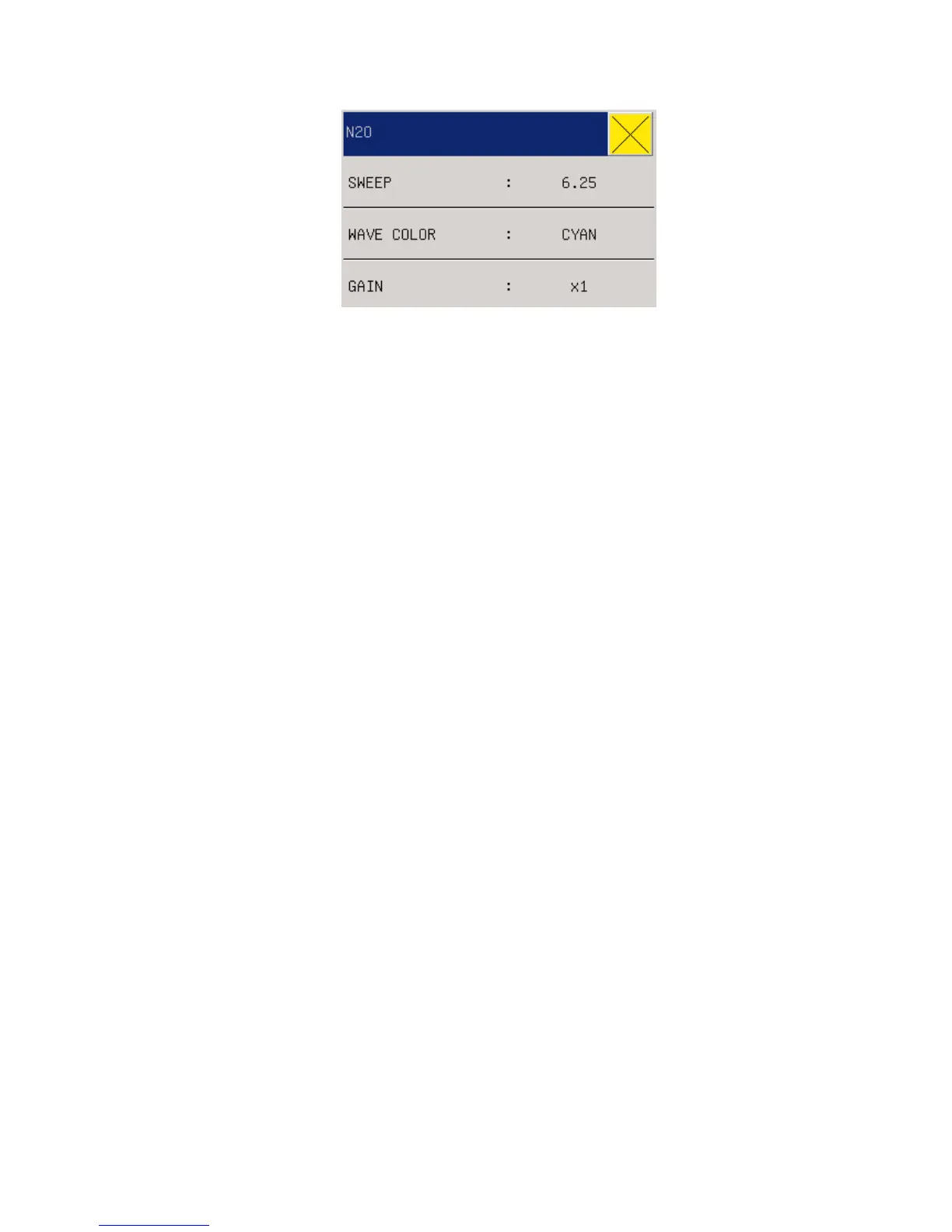
Fig. 17-8 N2O Settings
Waveform Speed: 12.5mm/s or 25.0mm/s.
Waveform Color: Green, Cyan, Red, Yellow, White, Blue, or Purple.
Gain: ×1, ×2, or ×4, to adjust the wave amplitude of the N2O waveform.
3. N2O Settings in Measurement Setup
In the AG interface, rotate the shuttle button to move the cursor on the display interface to
“Measurement Setup" in the menu bar or enter “Measurement Setup" in the main menu to select
“AG Setup” and “AG N2O”, and then press the shuttle button to enter the menu “AG N2O”. Refer
to the section “N2O Settings in Parameter Area” for the specific options of the menu “AG N2O”
in “Measurement Setup”.
18.6.4 AG AA Settings
1. AG AA Settings in Parameter Area
In the AG interface, rotate the shuttle button to move the cursor on the display interface to the
hotkey “AG AA” in the parameter area, and then press the shuttle button to enter the menu “AG
AA”.



 To Next Page