4
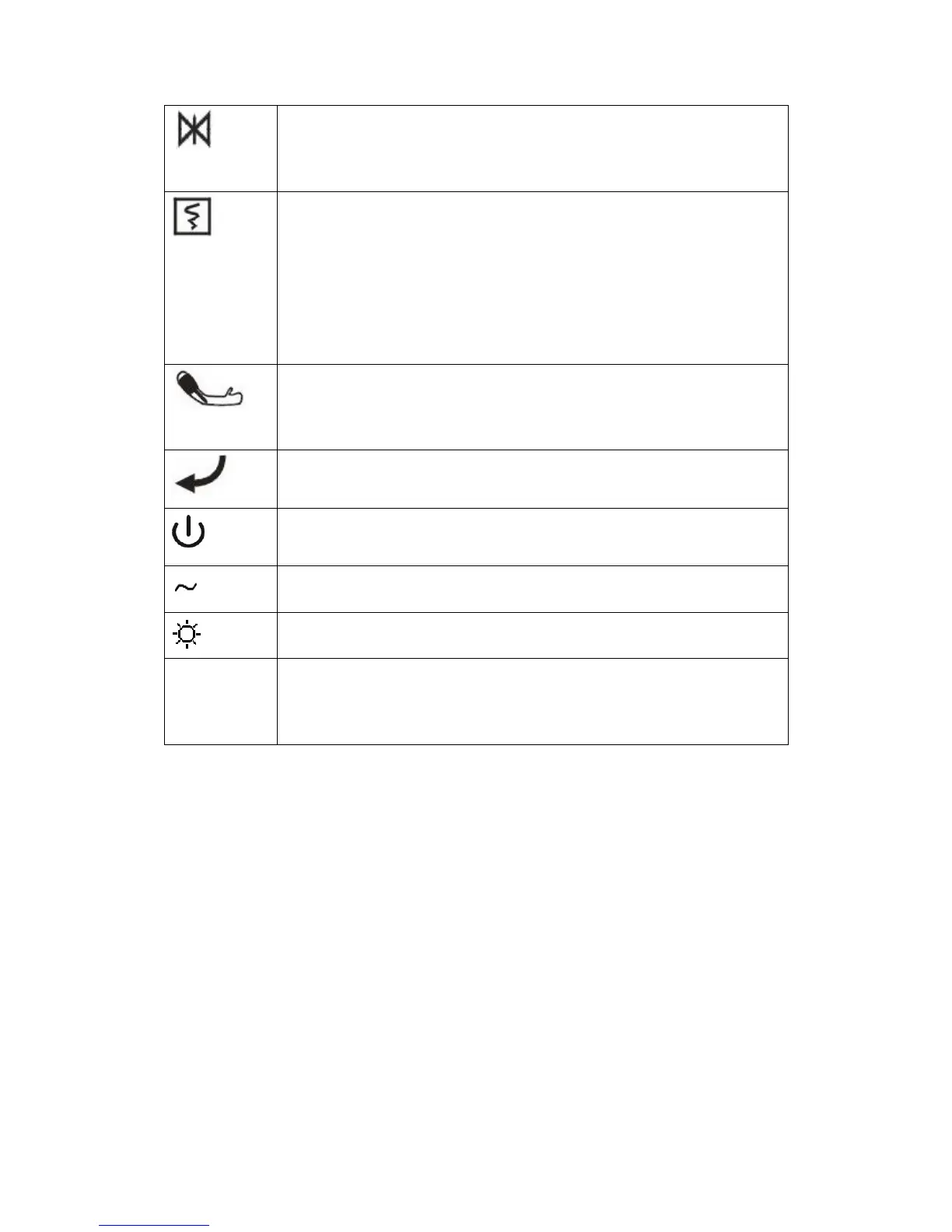
(FREEZE button): Press this button and all waveforms on the screen can be
frozen in the normal mode. Press this button once again and the frozen
waveforms can be freed.
(PRINT button): Press this button to start a real-time recording. The recording
length is determined according to the “real-time recording time” in the
“Recorder” submenu of “Setting” menu. Press this button once again in the
recording process and the recording will stop at once. Each interval of pressing
this button should be greater than 2 seconds and the frequency should not be
excessively high.
(To start/stop NIBP measurement), press to inflate the cuff to start a blood
pressure measurement. When measuring, press to stop the measurement and
deflate the cuff.
(MENU button): Press this button to have the main menu pop up when the
interface is in the state of non-window setting.
(ON/OFF button): Press this button to control the startup and shutdown of the
monitor.
a.c. INDICATOR
Work INDICATOR
JOG-DIAL JOG-DIAL to select and change the settings. Operation can be performed by
turning it clockwise, counterclockwise or pressing it down. JOG-DIAL is
mainly used in menu and window operation
1.3 Screen display
This monitor has a color LED screen, able to concurrently display collected patient
parameters, waveforms, and alarming information provided by the monitor, bed marks, clocks,
monitor status and other reminder information.
The main screen is divided into 4 sub-areas, i.e., Information Area , Waveform Area , ①②
Parameter Area and Menu Area (As shown in Figure 0③④ -2)



 To Next Page