14
Chapter3 System Menu
The monitor system setting is more flexible. Monitoring, waveform speed, volume and output, all
can be setup by user. Press the “
” button or use turn-knob to choose main menu, popping up
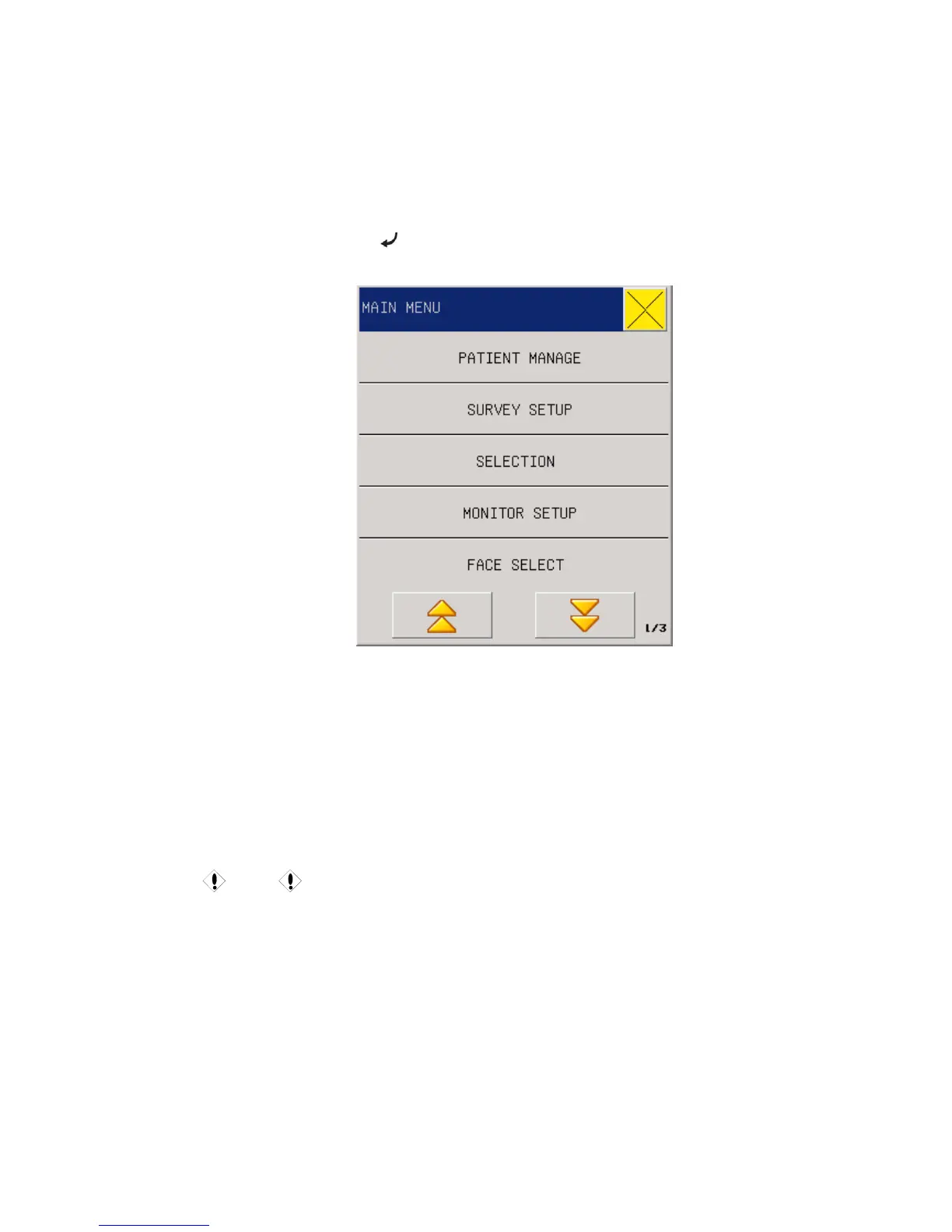
MAIN MENU.
Fig 3-1 Main Menu
MAIN MENU including: PATIENT MANAGE, SURVEY SETUP, SELECTION, MONITOR
SETUP, FACE SELECT, TREND GRAPH, TREND TABLE, NIBP RECALL, ALM RECALL ,
WAVE RECALL ,INFO, DRUG CALC, MAINTAIN, DEMO.
3.1 PATIENT MANAGE
Caution
For deleting the patient’s current data, please refer to the “
UPDATE PATIENT” in
this chapter.
Select the “PATIENT MANAGE” item under the system menu, and then pop up the following
menu:



 To Next Page