81
12.3 RESP setting in waveform area
Users can rotate the knob and move the cursor to the RESP hotkey on the parameter area of the
main screen, then press the knob to enter the RESP Setting menu.
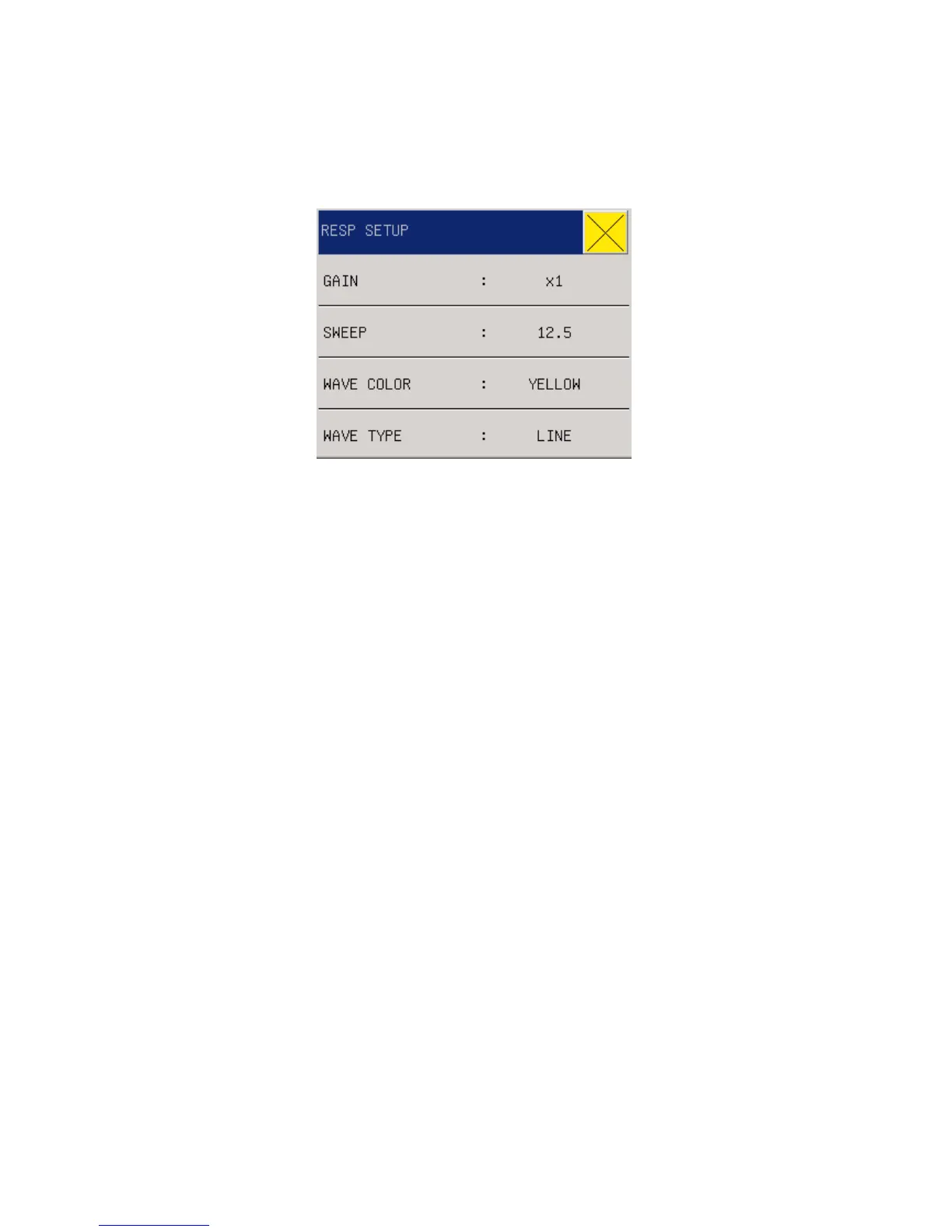
Fig 11-3 RESP Setup
GAIN(Waveform amplitude): Users can set enlarged display of RESP waveforms under five
optional enlargement rates:
×
0.25,
×
0.5,
×
1,
×
2 and
×
4.
SWEEP(Waveform speed): Three optional speeds, 6.25mm/s, 12.5mm/s and 25.0mm/s
WAVE COLOR: green, cyan, red, yellow, white, blue, violet.
WAVE TYPE : LINE or FILL
12.4 RESP setting in measurements
Users can rotate the knob and move the cursor to the RESP hotkey on the parameter area of the
main screen, then press the knob to enter the RESP Setting menu.



 To Next Page