17
"OFF" level means the alarm sound is closed.
WARINING
Where the alarm volume of the system is set at OFF, the monitor will not give alarm
sound in case of alarm, so you should use this function carefully.
3.3.2 HEART BEAT VOLUME
In the “SYSTEM MENU” select the “SELECTION”. Pitch on the “BEAT VOL ” with the cursor
and turn the knob to select the volume from such five options as “OFF”, “1”,“2”、“3” and “4”.
3.3.3 KEY VOL (Keyboard Vol )
Pitch on the “KEY VOL ” with the cursor and select the volume from such five options as “OFF”,
“1”,“2”、“3” and “4”.
3.3.4 LCD LIGHT(LCD Brightness)
In the system there are five Brightness level, i.e. “1~5”, where “5” means the maximum
brightness.
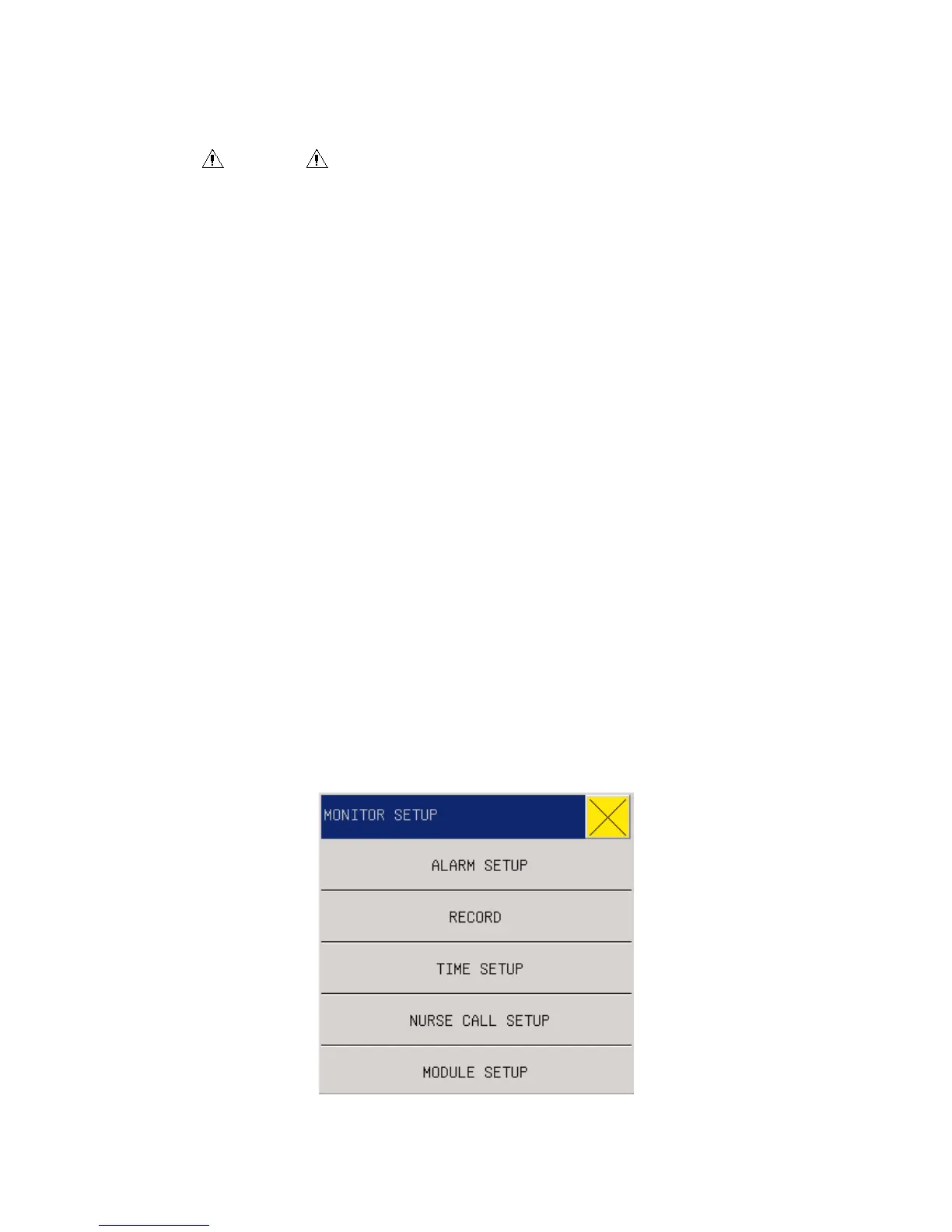
3.4 MONITOR SETUP (Monitor Setting)
Select MONITOR SETUP in MAIN MENU, sub-menu following with figure below, including
Fig 3-5 Monitor Setup



 To Next Page