82
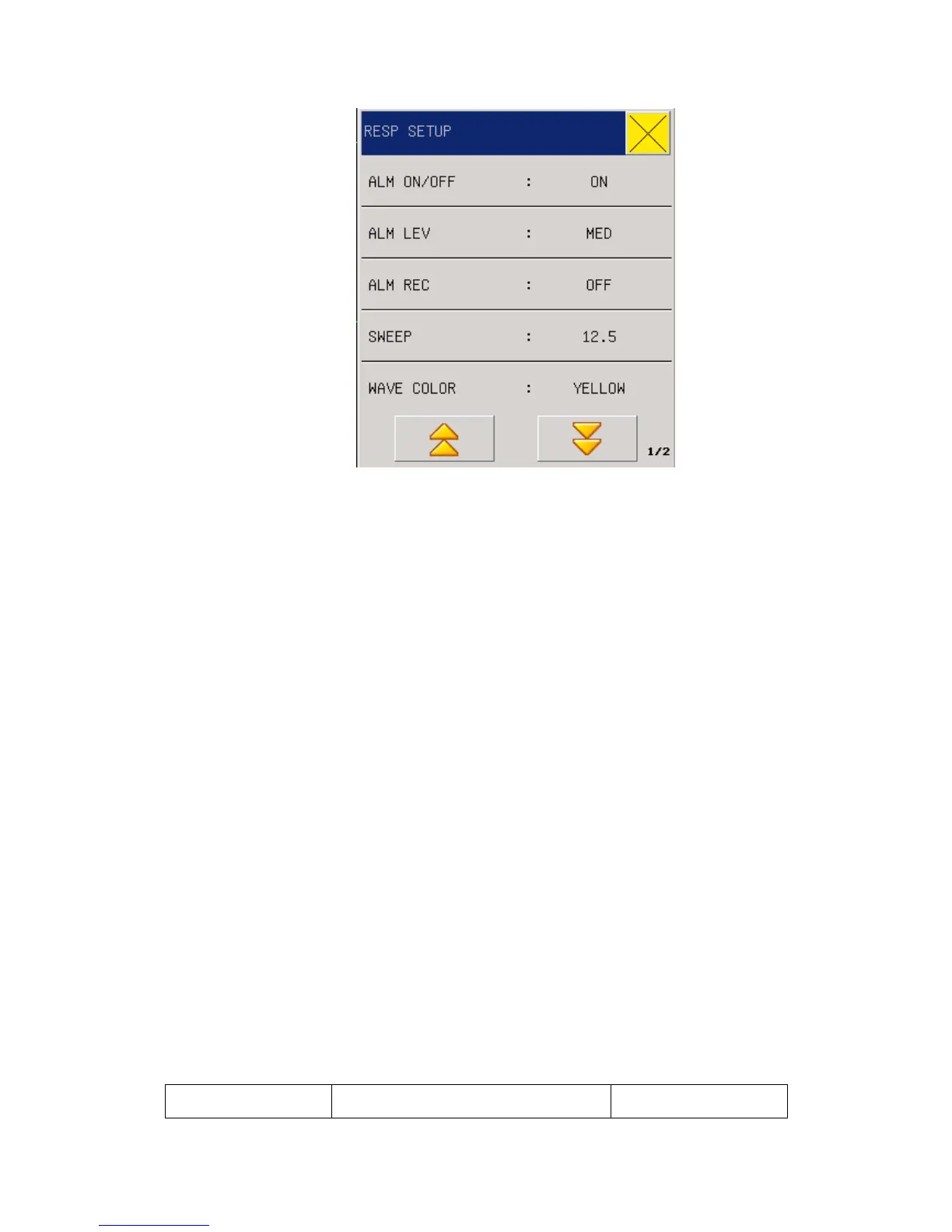
Fig 11-4 RESP Alarm Setup
1. ALM ON/OFF: see reference in RESP Setting menu
2. ALM LEV: see reference in RESP Setting menu
3. ALM REC see reference in RESP Setting menu
4. SWEEP: Waveform speed, Three optional speeds, 6.25mm/s, 12.5mm/s and 25.0mm/s
5. WAVE COLOR: green, cyan, red, yellow, white, blue, violet
6. RR Gain: Users can set enlarged display of RESP waveforms under four optional
enlargement rates: 0.25, 0.5, 1.0, 2.0 and 4.0.
7. APNEA ALM :Set the time dignosing a patient suffocation .NO , 1s ,2s ,5s ,10s ,15s ,20s,
25s ,30s ,35s ,40s.
6.
ALM HI: used to be set with the upper limit for RR alarm.
8. ALM LO: used to be set with the alarm lower limit.
9. DEFAULT: Select this option to enter "default configuration" dialog box, select the "Yes",
that is, using the default default configuration, the original configuration will be overwritten,
select "No" to abandon the current operation, the system remains the original configuration
unchanged
12.5 RESP alarm information and prompt information
The physiological alarm, technical alarm and prompt message which may occur in the RESP
measurement are listed below:
Physiological alarms:
Prompt information Cause Alarm level



 To Next Page