31
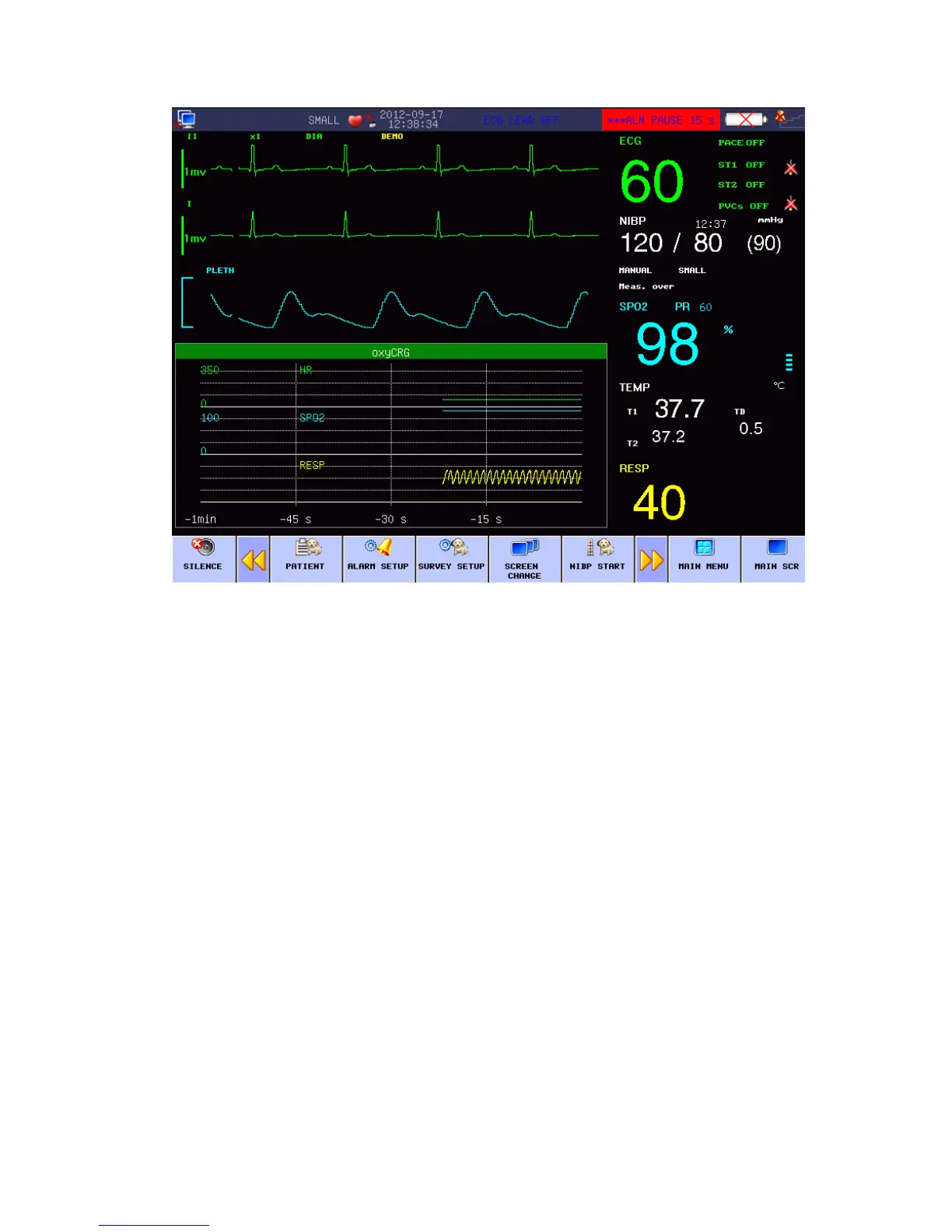
Fig 4-4OxyCRG Screen
TREND Diagram in oxyCRG Interface
OxyCRG Dynamic Interface is consist of compressed respiratory wave and RR.
OxyCRG Trend Length Selection
Two hot key at the below part of dynamic interface: TIME and TYPE
TREND Diagram for “1 minute” and “2 minute” can be selected through the trend time
buttons.
Compressed Respiratory Wave and RR
“The function of “Respiratory Rate/Compressed Respiratory Wave” means the operator
can select the “PR Trend” or “Compressed Respiratory Wave” as needed, under which
the displayed content occupies the same position. Select the “PR Trend” and this
position will show the TREND Diagram of the respiratory rate; select the “Compressed
Respiratory Wave” and this position will show the respiratory wave after compression.
In the Work Interface Selection menu, select other work interface to end the OxyCRG work
interface.
4.1.5 BIG FONT INTERFACE
In the Work Interface Selection menu, select the “BIG FONT” to enter the big font interface.



 To Next Page