136
z
SWEEP:12.5mm/s,25mm/s
z
FILTER: smooth, normal ,no filter
z
WAVE COLOR:green ,cyan , red ,yellow ,white ,blue , purple
z
WAVE TYPE:line,fill
17.4.3 IBP<1,2>setup in the measurement setup
Select the “Module Setup” option in the “monitor setup” menu and set the CO2 on-off to be on.
The following figure (the present figure is in demonstrating mode) will come out:
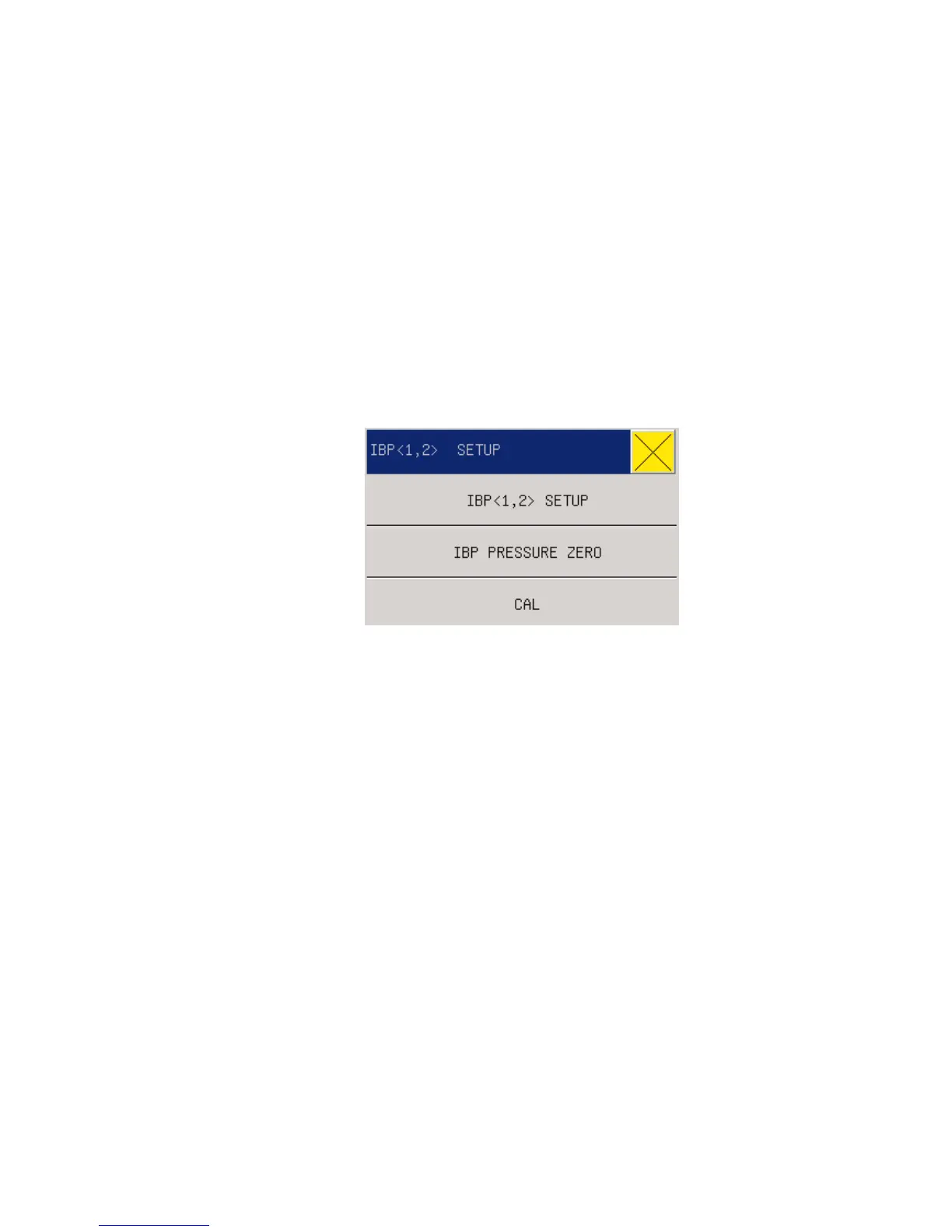
Press the knob to enter the “IBP selection” menu.
Fig 17-4 IBP Parameter Setting Menu
Settings can be done on the following items:
IBP<1,2>SETUP:
z ALM ON/OFF: see this chapter parameter area IBP <1,2> setup the ALM ON/OFF.
z ALM LEV: see this chapter parameter area IBP <1,2> setup the ALM LEV
z ALM REC: see this chapter parameter area IBP <1,2> setup the ALM REC
z SWEEP: see this chapter waveform area IBP <1,2> setup the SWEEP
z WAVE COLOR: see this chapter waveform area IBP <1,2> setup the WAVE
COLOR.
z UNIT : mmHg,kPa,cmH2O
z FILTER: see this chapter waveform area IBP <1,2> setup the FILTER.
z CH Press Setup: see this chapter waceform area IBP <1,2> setup the CH Press
Setup
z ALARM SETUP: see this chapter parameter area IBP <1,2> setup the ALARM
SETUP
z SCALE AGJUST see this chapter parameter area IBP <1,2> setup the SCALE



 To Next Page