89
SpO2 & PR adjustable limits:
Parameter Max upper limit Min lower limit Adjustable amount
each time
SpO
2
100% 0 1
PR 300bpm 15 bpm 1
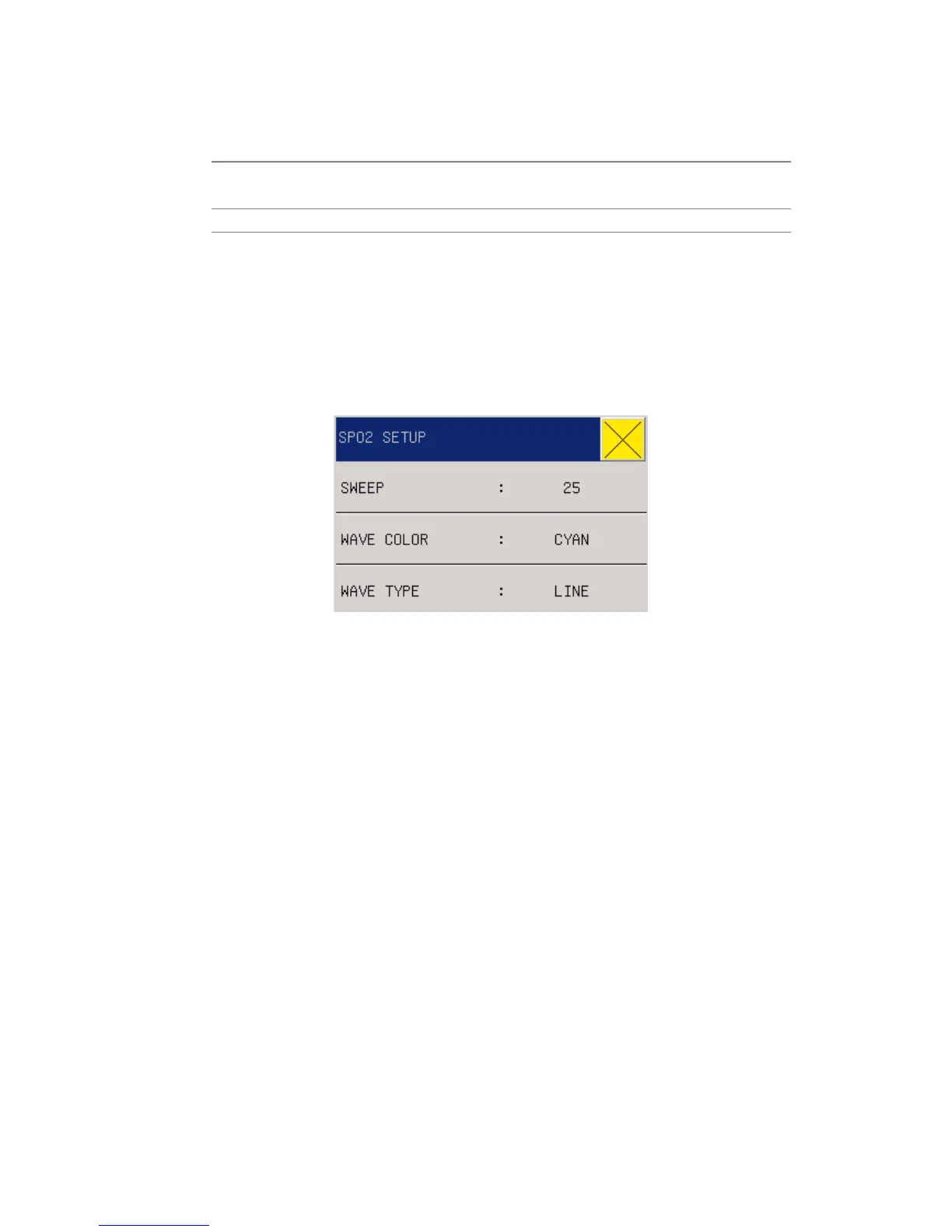
13.6 SPO2 setting in waveform area
Users can rotate the knob and move the cursor onto the SPO2 hotkey in the parameter area, then
press the knob to enter the SpO2 Setting menu.
Fig 12-8 SPO2 Setting
SWEEP: Waveform Speed, the scanning speed of SpO2 volume recording waveform is provided
with 12.5 and 25.0mm/s for option.
Waveform Colour: green, cyan, red, yellow, white, blue, violet.
WAVE TYPE:LINE or FILL
13.7 SPO2 setting in measurements
In the menu bar, select the “SURVEY SETUP”, select the "SPO2 SETUP” , see below



 To Next Page