23
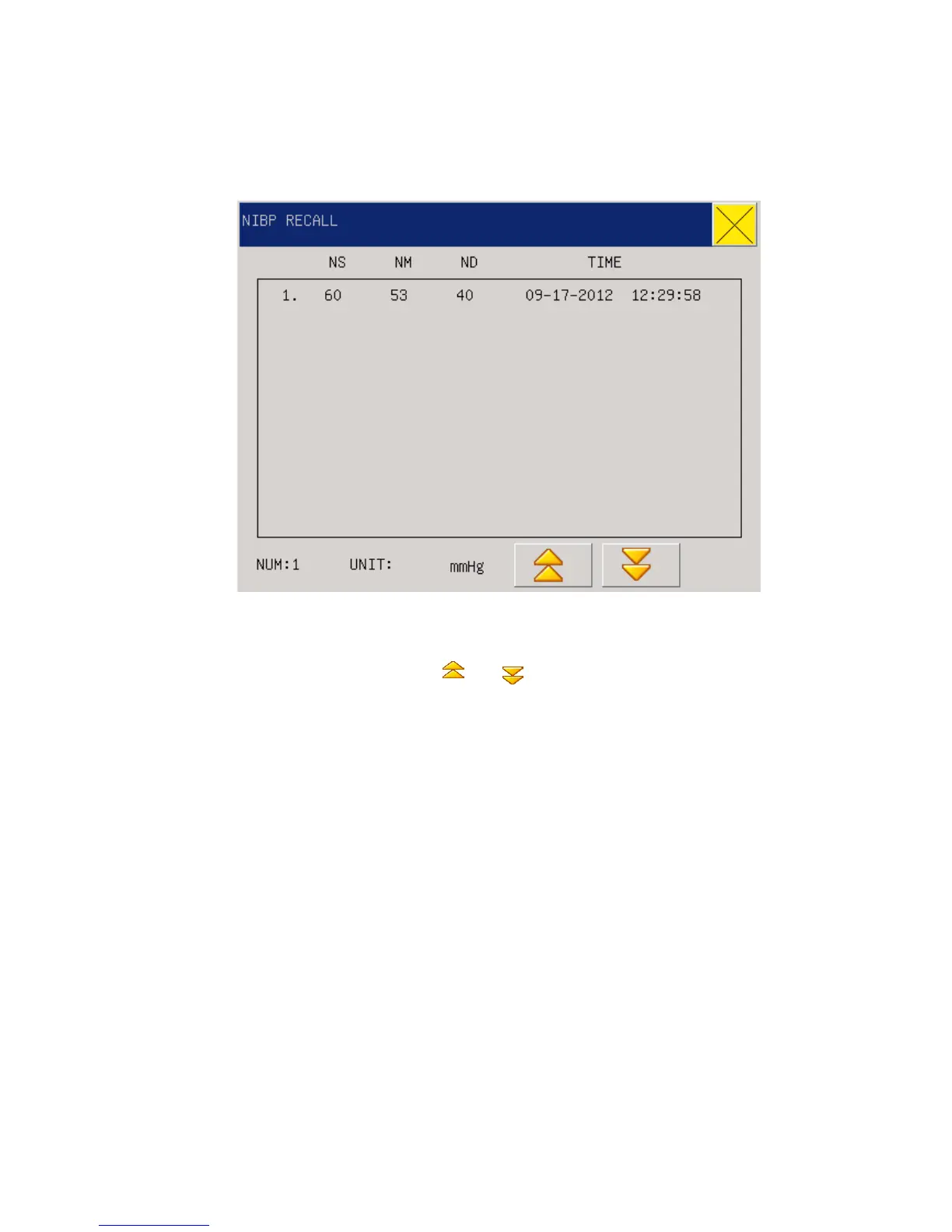
The monitor can display the latest 2000 NIBP measurement data in the NIBP review function.
After users select the NIBP Data Review item under the System menu, the windows will display
the latest 10 NIBP measurement results and measurement time, as shown in the following:
Fig 3-9 NIBP Recall
Data is sorted in time sequence, from early to late, and each screen can display 10 times of
measurement data, while users can select “ ” or “ ” to view later or earlier data. Maximally
2000 measurement results can be displayed, and when the measure times are over 2000, only the
latest 2000 will be displayed.
3.9 Reviewing alarm
When parameter alarm occured ,the monitor would be memory the alarm parameter data. Enter
the “main menu” selected “ALM RECALL-condition” could be recheck the patient status in
“RECALL EVENT”:



 To Next Page