15
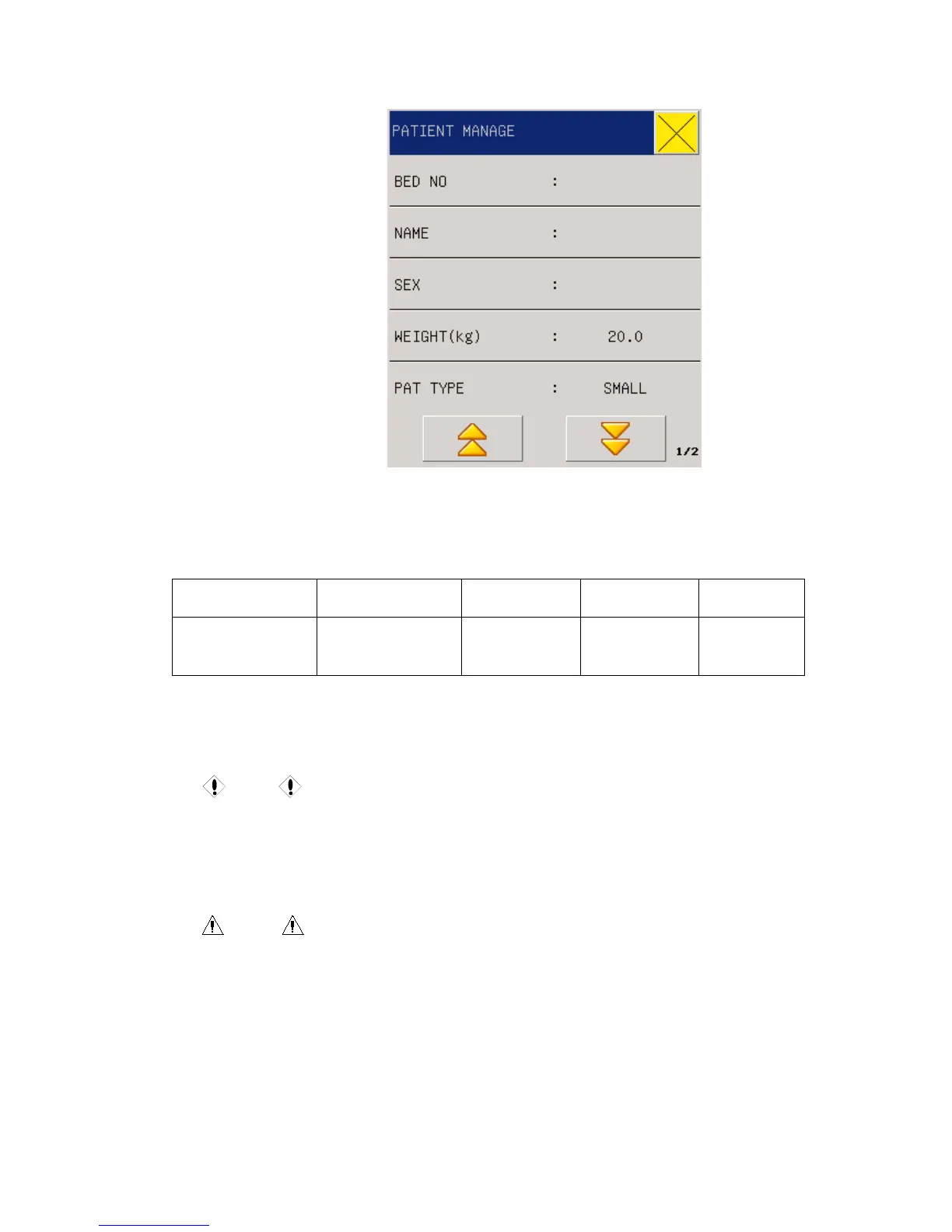
Fig 3-2 Patient Manage
Users can set the following content:
1. Bed NO. 0-999 for option, for example, 666
2. Name input patient name to the popping up menu
Lock Shift Del Clr Enter
Caps Lock
(permanent)
Caps shift
(one-off)
delete clear enter
3. SEX Patient gender( female, male)
4. PAT TYPE PATIENT TYPE (big,small)
5. Weight(kg) 0~200, for example, 100
Caution
PACE: The default setting is OFF after you restart the monitor.
In this menu, user can select the “UPDATE PATIENT” and select “CONFIRM TO UPDATE
PATIENT” to update patient information.
Warning
Patient type changed, the alarm parameters such as heart beat and NBP may vary,
usually make sure the limits are suitable for the patient.
Pacer detection must be on for pacing patients. If falsely setting OFF, the monitor would
miktake pacing pulse as QRS, and not alarm for heatbeat stop



 To Next Page