5
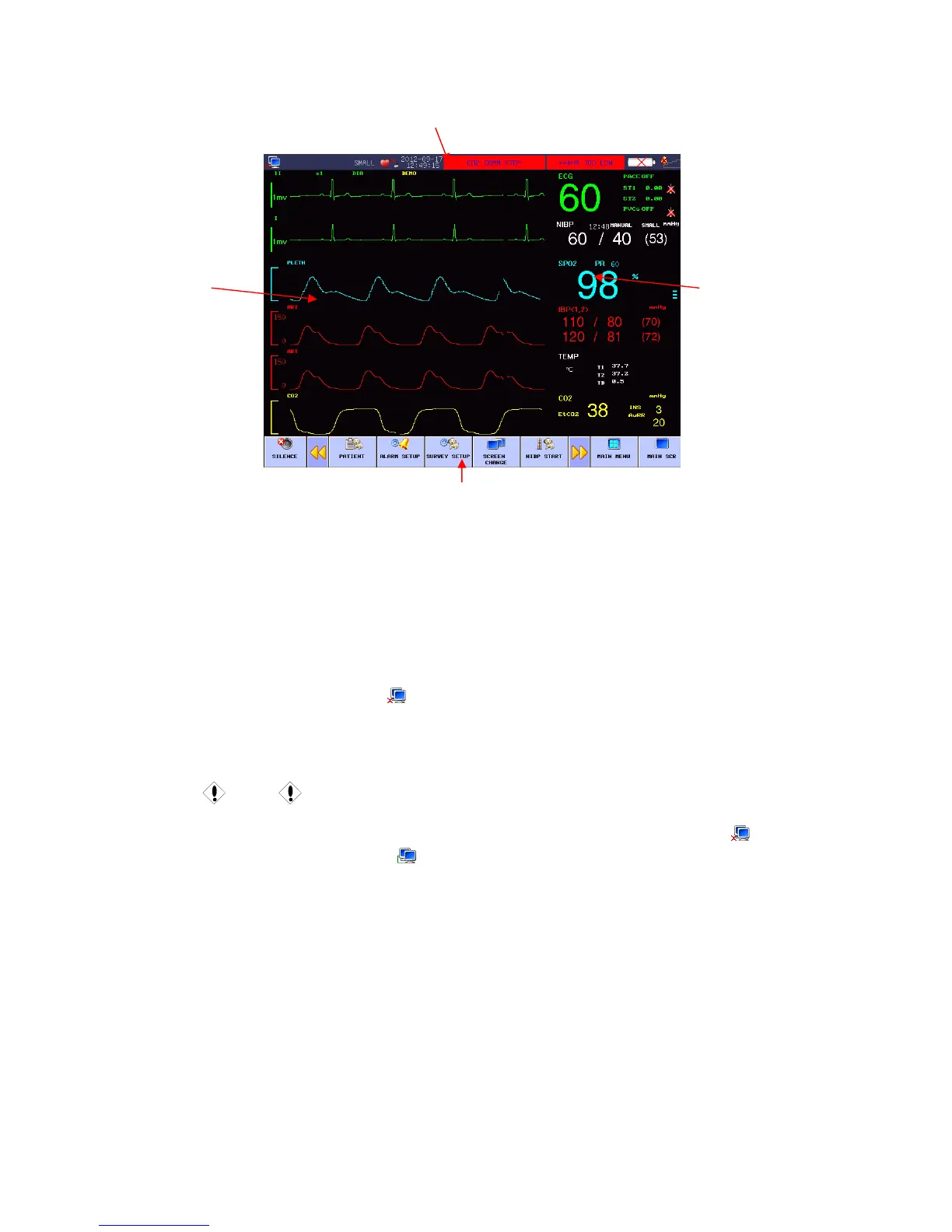
Figure 1-2 Main screen display
Information Area ( ):①
Prompt message in the information area appears and disappears together with the reported state. In
accordance with the content, it is divided into:
1. Network setup: Cursor stops in sign, press to enter system setup.
Network Bed No.: refer to IP address for monitor, The IP is 200.200.200.X,(X is
Network Bed No.:, from 1 to 100)
Caution
Connection state of CMS (central monitoring system) : when displaying
, no
connection; when displaying
, connection.
Network Bed No. should not conflict with other monitors, or there will be unnecessary problems
for the monitor.
If any problem happens because of confliction, unplug network wire, restart the monitor, reset the
Network Bed No. and connect the network wire again.
2. Patient Information: press to enter the Patient Information menu when cursor is in bed No.,
name or patient group area.
“Bed No.”: Refer to the bed number of the patient being monitored, this area will be
blank if there is no input.
Name: Patient name, this area will be blank if there is no input.
Information Area
Parameter
Area
Waveform
Area
Menu Area



 To Next Page