Components description | 8
DOCMA0000006‐UK ﴾ENG﴿ ‐ Samson FPT 3A 127
8.7.2 Continuous oil function on Joystick with mechanical deadman
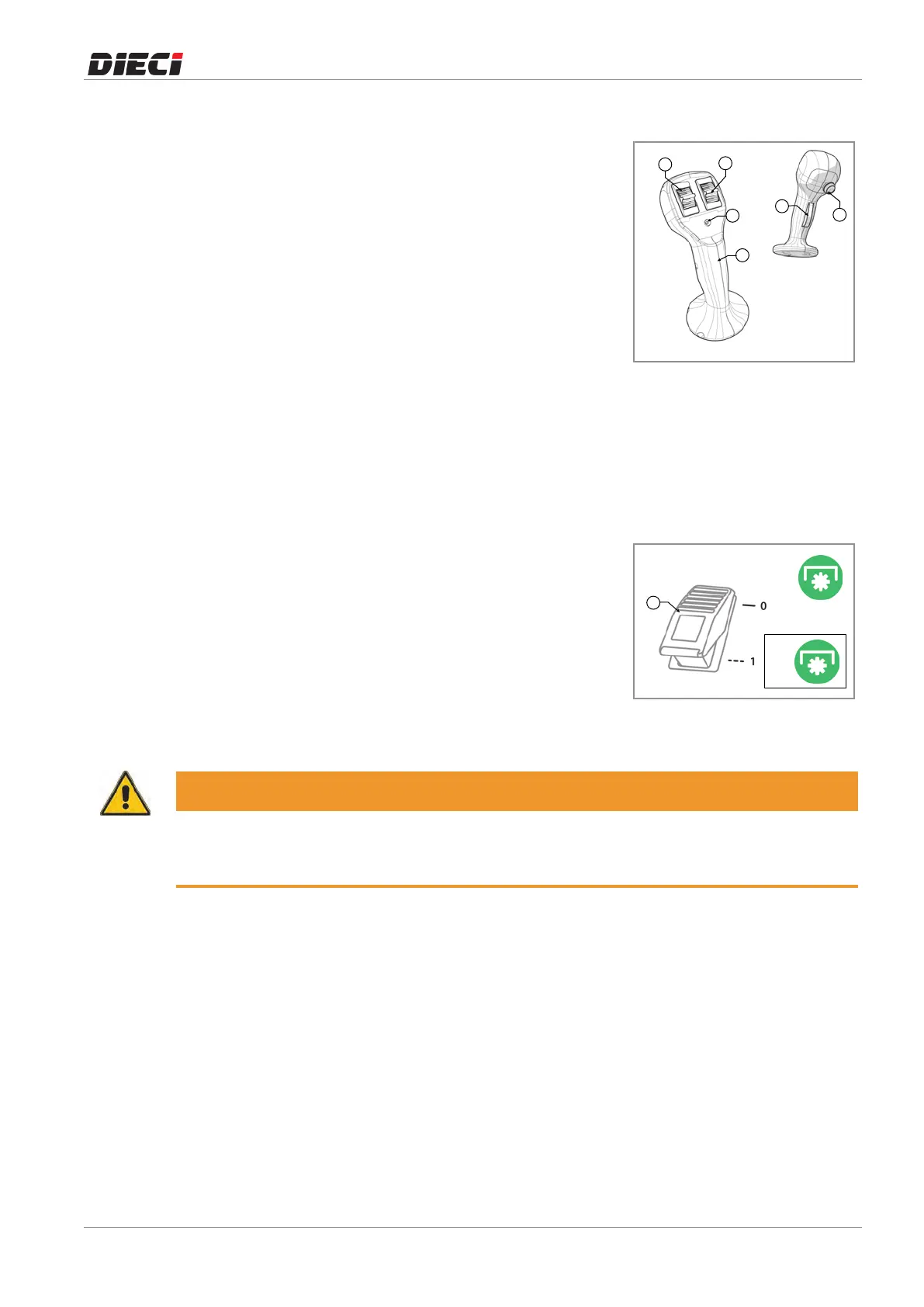
To activate the function it is necessary to (fig. 150456-1):
– Select, using the hydraulic couplers switch andthe coupler
switchontheboomhead(ifinstalled),thedesiredhydraulic
coupleronwhichtoactivatethefunction.
– Usetheservicesrolleronthejoysticktosetthedesiredflow
ofoil.
– Maintain the flow of oil through the services roller and
simultaneously press the button "6" to activate the
continuousoilfunction.
The LED 5 coming on, on the joystick, indicates that the
continuousoilfunctionisactive.
To disable the function it is necessary to:
– Pressthebutton"6".
When the LED "5" on the joystick goes off it indicates that the
continuousoilfunctionisdisabled.
150456-1
8.7.3 Continuous oil function for vehicles with man basket function
To enable the continuous oil function it is necessary to (fig
150457-1):
1. Select, using the hydraulic couplers switch andthe coupler
switchontheboomhead(ifinstalled),thedesiredhydraulic
coupleronwhichtoactivatethefunction.
2. Use the joystick control used for services (service roller or
lever)tosetthedesiredoilflowrate.
3. Presstheswitch“1”toenablethecontinuousoilfunction.
When the indicator light “2” next to the button “1” flashes it
indicatesthatthecontinuousoilfunctionisactive.
150457-1
WARNING
The continuous oil function is disabled temporarily when the joystick is moved without pressing the
"Deadman" button.
The continuous oil function will resume as soon as the joystick returns to the rest position.



 To Next Page