8 | Components description
94 DOCMA0000006‐UK ﴾ENG﴿ ‐ Samson FPT 3A
Position Description
Service [}99]
5
ByPass key [}103]
6
Steering mode icon [}95]
7 Notused
8
Clock and clock setting [}94]
9
Hour meter [}94]
10 Notused
11 Gearused(onlyPSEVO2transmission)
12 Notused
8.2.5 Clock and clock setting
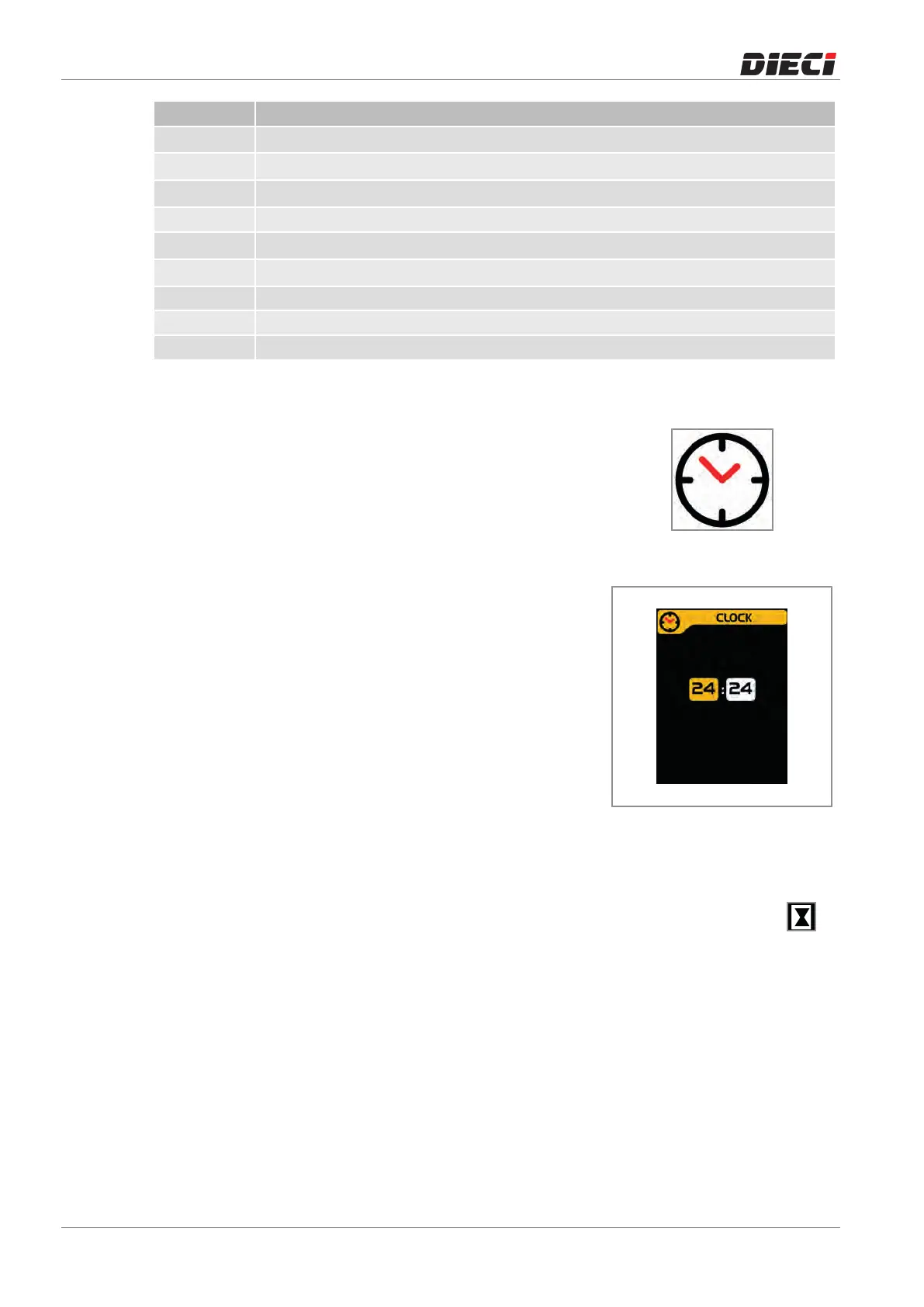
Onthehomescreenthereistheindicationofthetimenexttothe
relatedicon(fig.1509271).
150927-1
Toadjustthetimeitisnecessaryto(fig.1509272):
– PresstheMENUbutton,
– Selecttheclocksettingicon,
– PresstheOKbutton,
– UsetheUPandDOWNtosetthehourdigits,
– PresstheOKbutton,
– UsetheUPandDOWNtosettheminutesdigits,
– PresstheOKbuttontosetthenewtime.
Press the MENÙ button at any time to cancel the process and
returntotheHomescreen.
150927-2
8.2.6 Hour meter
Onthehomescreenthereistheindicationofthehourmeternexttotherelatedicon(fig.
1509281).
Theseparationofthedecimalpointflasheswhenthehourmeterisactive.
150928-1



 To Next Page