Chapter 5 Volume Management
5.2 Functions in the Action Area for Volume
ETERNUS Web GUI User’s Guide
101
Copyright 2011 FUJITSU LIMITED P2X0-1090-02ENZ0
D: Data disks
P: Parity disks
5.2.17 Export Cache Parameters
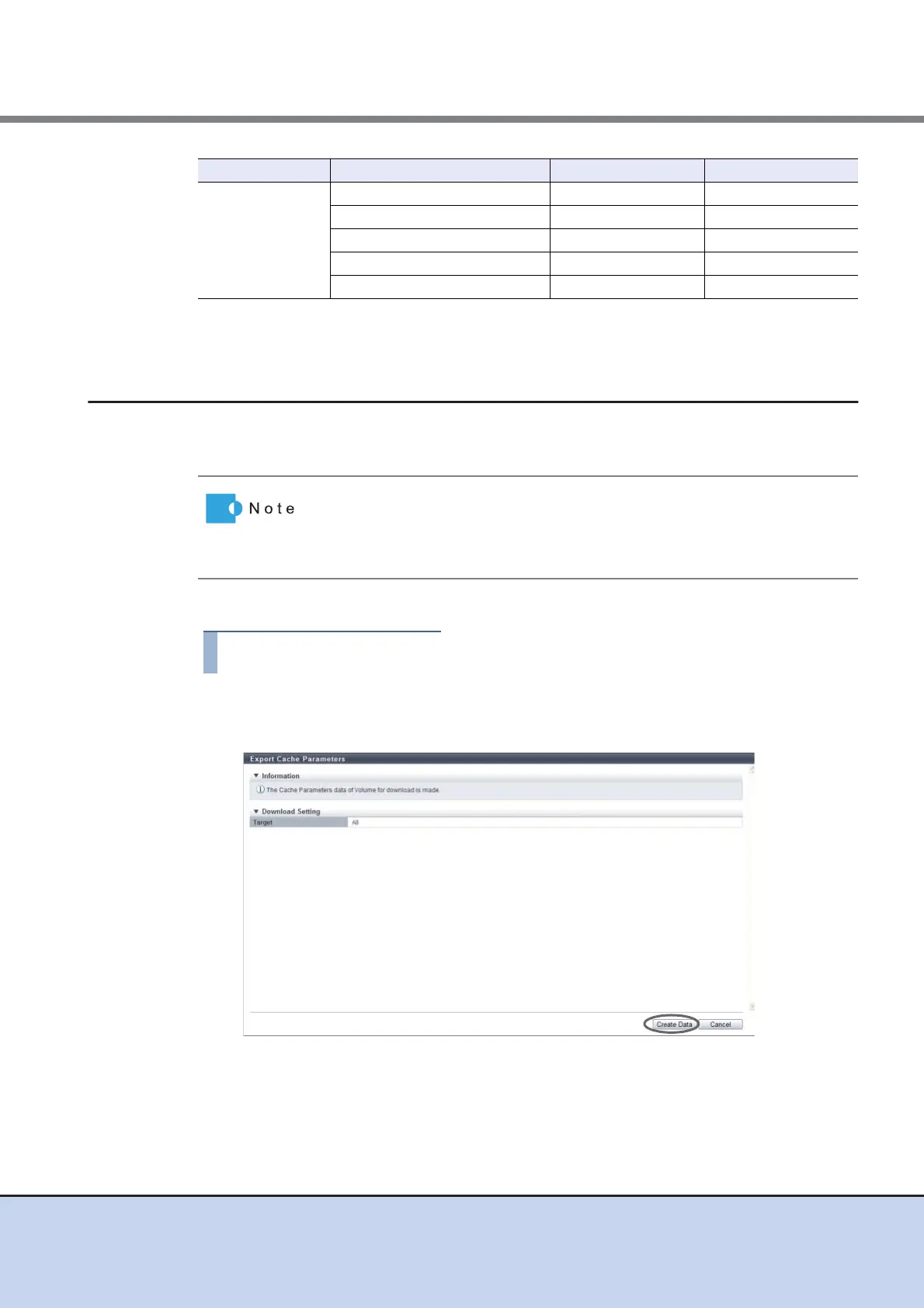
This function downloads the setting information of the cache parameters for all the volumes at
the same time.
The procedure to export cache parameters is as follows:
1 Click [Export Cache Parameters] in [Action].
2 Click the [Create Data] button.
→ Exporting of the cache parameters is executed.
After the cache parameters are exported, a dialog box to download the file appears.
RAID6
7D+2P 2 1 - 4
8D+2P 1 1 - 4
9D+2P 1 1 - 3
10D+2P 1 1 - 3
11D+2P - 14D+2P 1 1 - 2
RAID level Drive configuration Initial state Allowed input
• "Prefetch Limit (PL)", "Force Prefetch Mode (FP)", and "Multi Writeback
Count (MWC)" can be downloaded.
• Cache parameters can be downloaded from "Standard", "SDV", and
"SDPV" type volumes.



 To Next Page