Chapter 7 Thin Provisioning Pool Management
7.2 Functions in the Action Area for Thin Provisioning
ETERNUS Web GUI User’s Guide
164
Copyright 2011 FUJITSU LIMITED P2X0-1090-02ENZ0
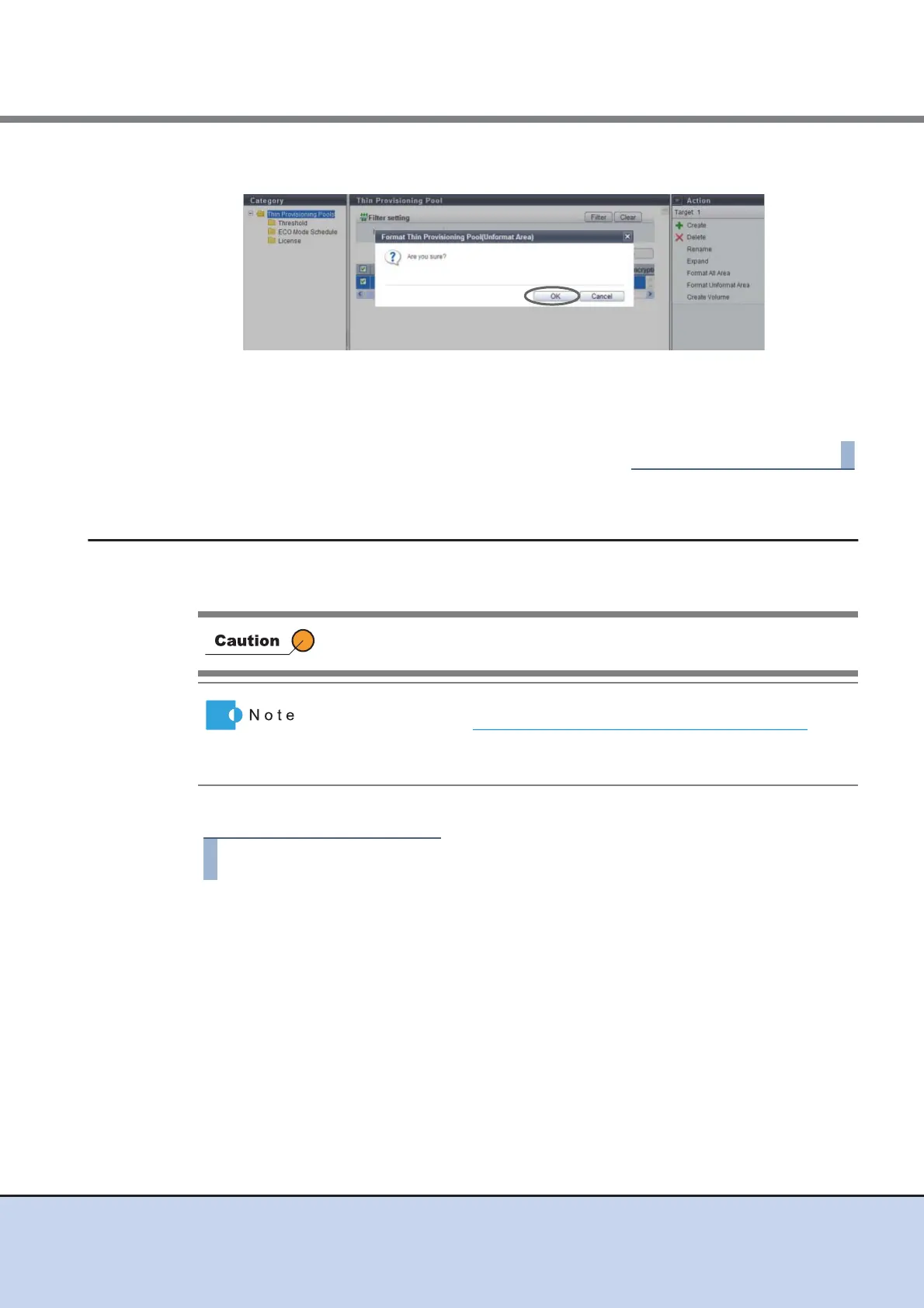
2 Click the [OK] button.
→ Format of unformat area in the Thin Provisioning Pool starts.
3 Click the [Done] button to return to the [Thin Provisioning Pool] screen.
7.2.7 Modify Threshold Thin Provisioning Pool
This function changes the threshold for monitoring the used capacity of Thin Provisioning Pool.
There are two types of threshold: "Warning" and "Attention".
The procedure to change the threshold of a TPP is as follows:
1 Select the TPP for which the threshold is to be changed (multiple selections can
be made) and click [Modify Threshold] in [Action].
2 Select a new threshold, and click the [Modify] button.
• Warning
Change the warning threshold (%) for monitoring the TPP used capacity between 5
and 99.
Specify the warning threshold so that "Warning" is larger than "Attention".
This function cannot be performed when there are no TPPs in the
ETERNUS DX Disk storage system.
• This function changes the threshold of a TPP that is created by using
the procedure in "7.2.1 Create Thin Provisioning Pool" (page 144)
.
• The same threshold can be applied for multiple TPP in a single
operation.



 To Next Page