Chapter 8 Advanced Copy Management
8.2 Functions in the Action Area for Advanced Copy
ETERNUS Web GUI User’s Guide
202
Copyright 2011 FUJITSU LIMITED P2X0-1090-02ENZ0
8.2.2 Stop Session
This function stops the selected copy session.
This function is used when a session cannot be stopped due to a host error or other causes.
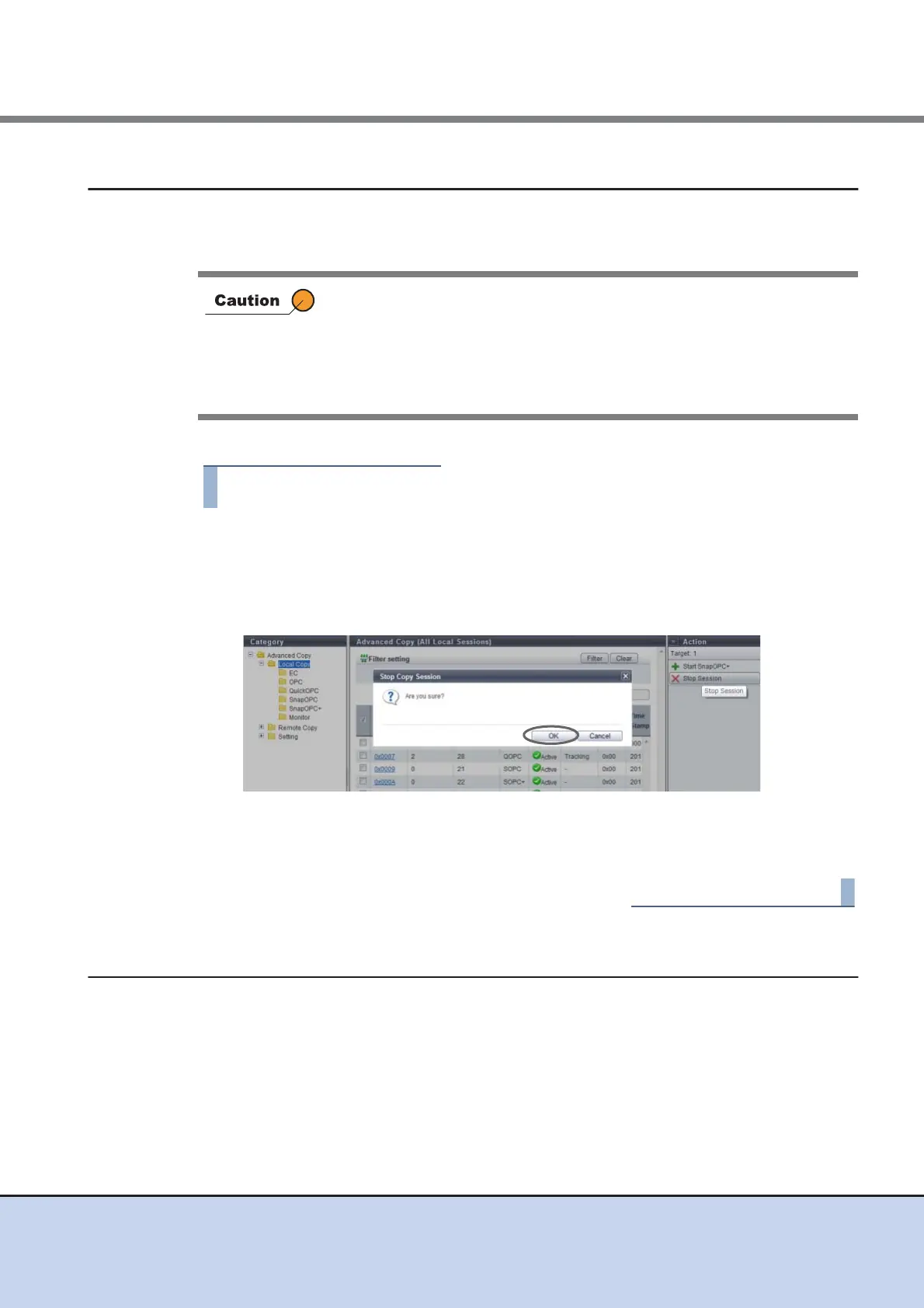
The procedure to stop a copy session is as follows:
1 Select the copy session to be stopped (multiple selections can be made) and
click [Stop Session] in [Action].
→ A confirmation screen appears.
2 Click the [OK] button.
→ The selected copy session is stopped.
3 Click the [Done] button to return to the [Advanced Copy] screen.
8.2.3 Register Advanced Copy License
This function registers the Advanced Copy license for EC, OPC, QuickOPC, SnapOPC,
SnapOPC+, and REC.
There are two types of Advanced Copy licenses:
• Paid License
All of the Advanced Copy functions can be used.
• If one SnapOPC+ session is stopped, all the sessions started earlier
than that session are also stopped.
• If one SnapOPC+ session is stopped, all the Restore OPC sessions
started earlier than that session become in error status.
• If a SnapOPC or SnapOPC+ session during a Restore OPC session is
stopped, that Restore OPC session becomes in error status.



 To Next Page