Chapter 8 Advanced Copy Management
8.2 Functions in the Action Area for Advanced Copy
ETERNUS Web GUI User’s Guide
217
Copyright 2011 FUJITSU LIMITED P2X0-1090-02ENZ0
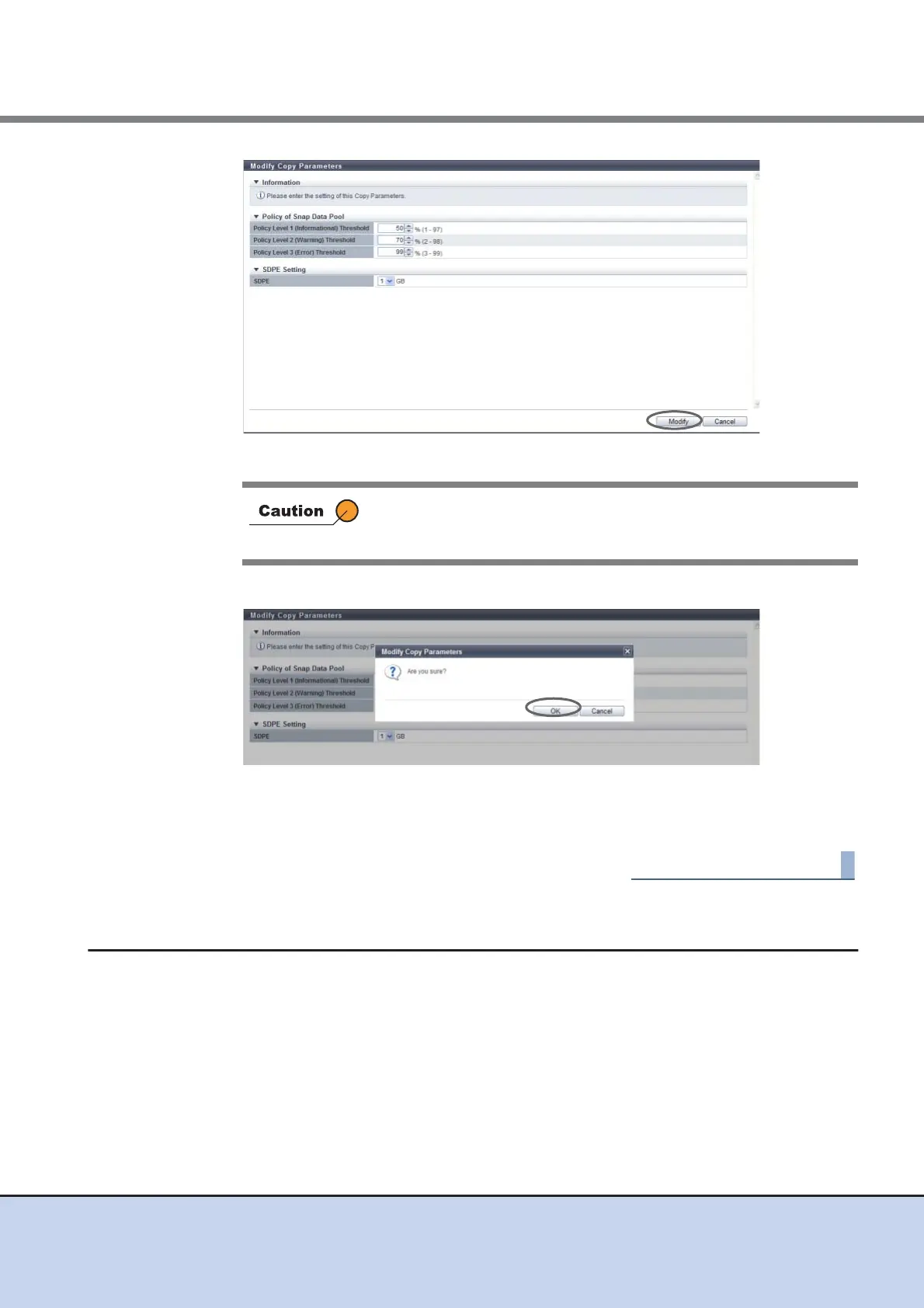
→ A confirmation screen appears.
3 Click the [OK] button.
→ The specified copy parameters are registered.
4 Click the [Done] button to return to the [Snap Data Pool] screen.
8.2.8 Set Copy Path
This function sets copy path information between the ETERNUS DX Disk storage systems
required for performing REC using the wizard screen.
Copy path information indicates the path (copy path and the device where the copy path is set)
used for performing REC.
Not only copy path information of the local device but also the information between remote
devices can be created.
If the magnitude relation is not "Threshold for a policy level 1" →
"Threshold for policy level 2" → "Threshold for policy level 3", an
error screen appears.



 To Next Page