Chapter 1 Outline
1.5 Screen Operations
ETERNUS Web GUI User’s Guide
23
Copyright 2011 FUJITSU LIMITED P2X0-1090-02ENZ0
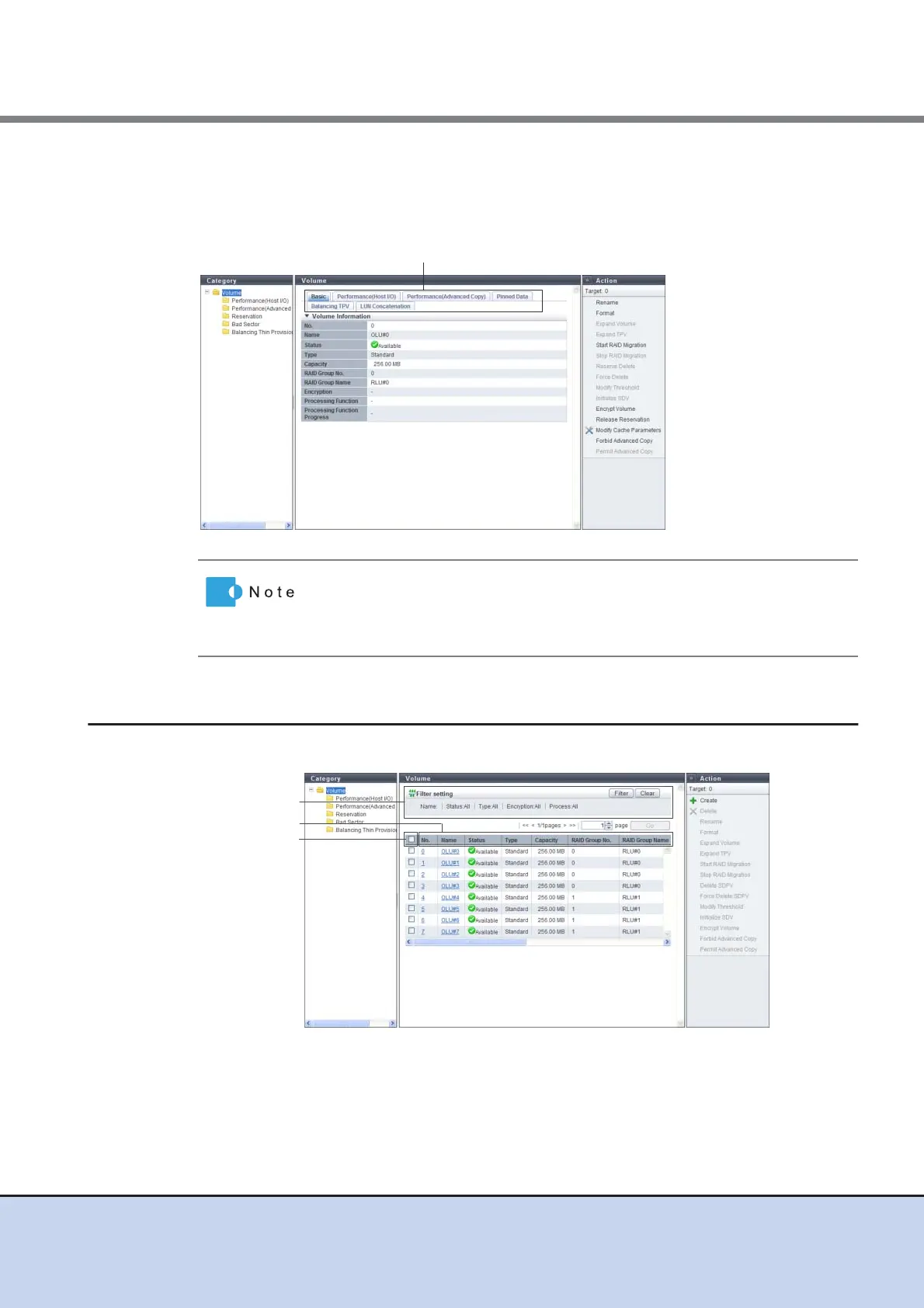
■ Detailed screen
Click the link for each item in the list screen to display a detailed screen. Click the tabs that are
displayed to switch the display.
1.5.4 Basic Operation
Select the desired item and execute the selected operation.
For some items, the same information may be displayed for the list screen
and the detailed screen. From Chapter 5 onward, only the information for
items in the detailed screen that is different from the list screen is
described.
Tabs to change detailed screens
Filter setting
Sorting criteria
Select All checkbox



 To Next Page