Chapter 8 Advanced Copy Management
8.2 Functions in the Action Area for Advanced Copy
ETERNUS Web GUI User’s Guide
255
Copyright 2011 FUJITSU LIMITED P2X0-1090-02ENZ0
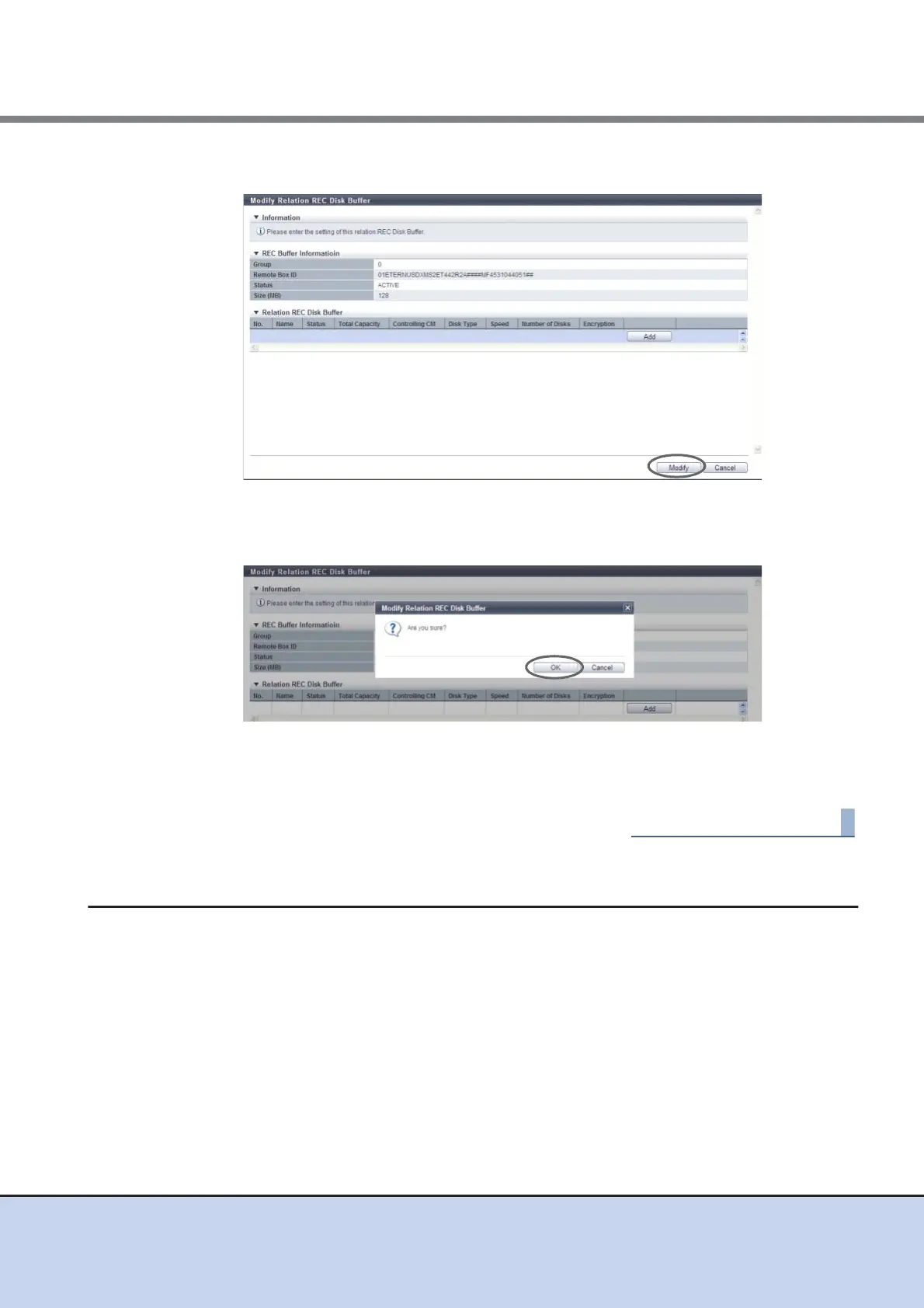
3 Click the [Modify] button.
→ A confirmation screen appears.
4 Click the [OK] button.
→ Deletion of a REC Disk Buffer starts.
5 Click the [Done] button to return to the [REC Buffer] screen.
8.2.17 Create REC Disk Buffer
This function creates a REC Disk Buffer.
When using the REC Consistency mode, REC Buffer shortage may occur due to errors (such as
a bad line). Note that the copy session will be halted if the REC Buffer shortage extends for a
certain period of time. The REC Disk Buffer is used for temporarily saving copy data to avoid
these situations.



 To Next Page