Chapter 11 System Management
11.1 System Status
ETERNUS Web GUI User’s Guide
452
Copyright 2011 FUJITSU LIMITED P2X0-1090-02ENZ0
• Box ID
The Box ID is displayed.
Box ID is the information to be used for application software to define the remote device. The
initial Box ID is a device ID that is created by combining device information (series name,
model, serial number, etc.).
• Encryption Mode
The current encryption mode ("Enable" or "Disable") is displayed.
• SED Authentication Key
Whether the SED authentication key has been "Registered" or "Not Registered" is displayed.
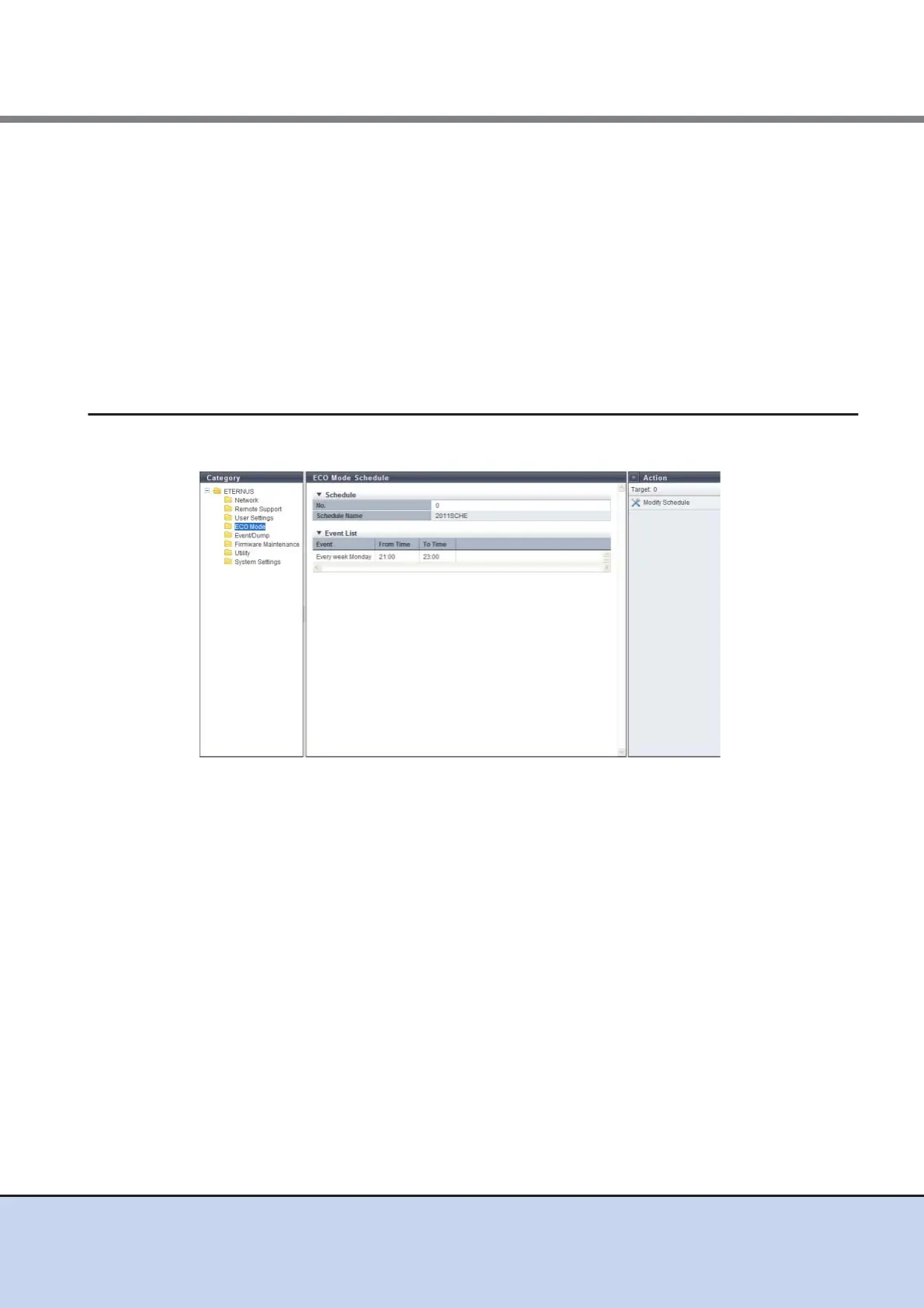
11.1.9 ECO Mode Schedule Detail
In this screen, the detailed information of an ECO mode schedule is displayed.
The following items are displayed in the Main area:
● Schedule
• No.
The schedule number is displayed.
• Schedule Name
The schedule name is displayed.
● Event List
• Event
The detailed event information is displayed.
• From Time
The time at which the event application is started is displayed.
- hh:mm (hh: Hour, mm: Minute)
• To Ti me
The time at which the event application is stopped is displayed.
- hh:mm (hh: Hour, mm: Minute)



 To Next Page