Chapter 5 Volume Management
5.2 Functions in the Action Area for Volume
ETERNUS Web GUI User’s Guide
89
Copyright 2011 FUJITSU LIMITED P2X0-1090-02ENZ0
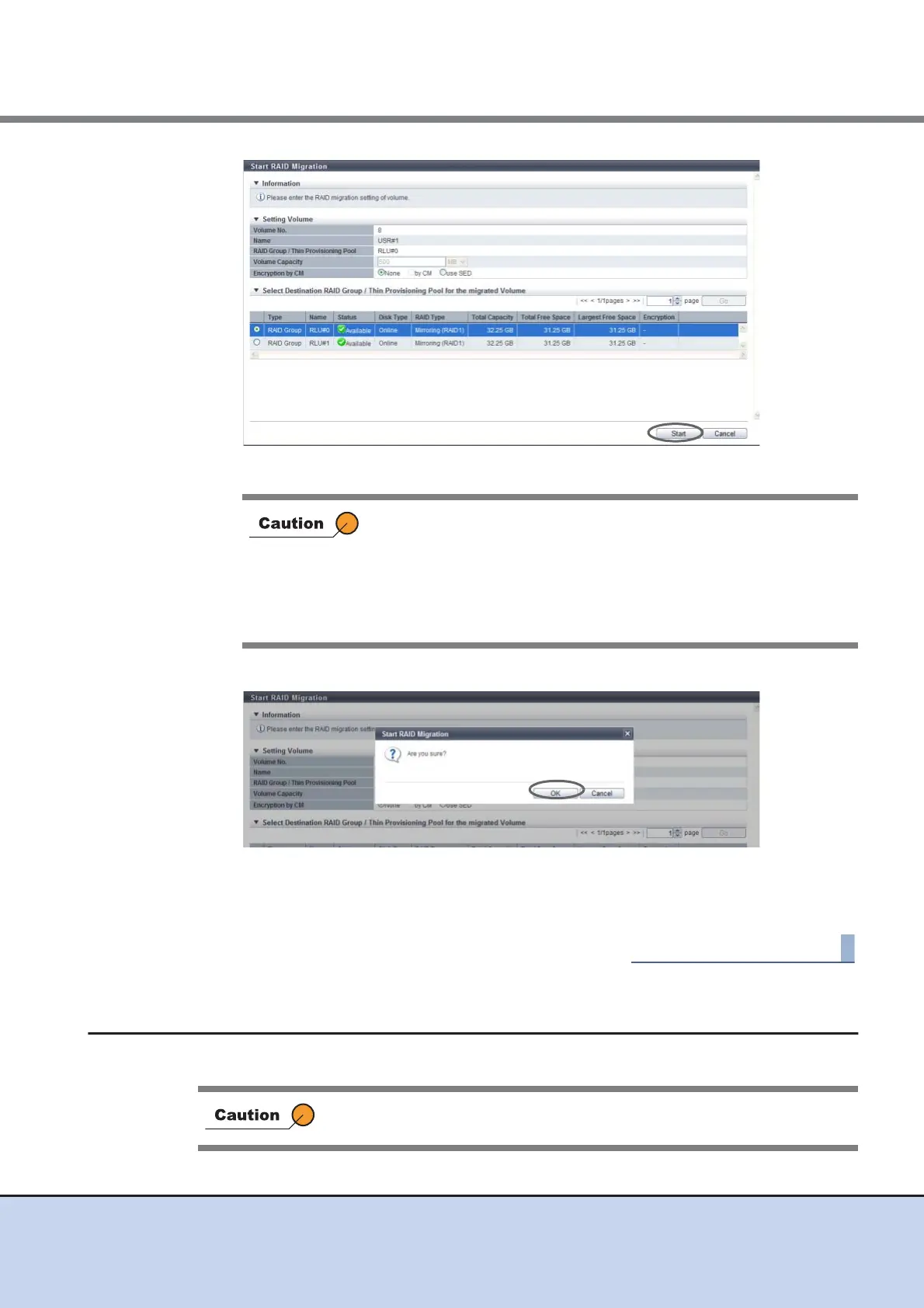
→ A confirmation screen appears.
3 Click the [OK] button.
→ Migration starts.
4 Click the [Done] button to return to the [Volume] screen.
5.2.8 Stop RAID Migration
This function stops RAID migration.
An error screen appears in the following conditions:
• When the destination RAID group or TPP is not selected
• When the capacity is not specified for "Volume Capacity"
• When "Volume Capacity" does not satisfy the input conditions
• When the total capacity of formats that can be performed at the
same time exceeds the limit
This function cannot be executed when migration is not being performed for
the selected volume.



 To Next Page