Chapter 7 Thin Provisioning Pool Management
7.2 Functions in the Action Area for Thin Provisioning
ETERNUS Web GUI User’s Guide
153
Copyright 2011 FUJITSU LIMITED P2X0-1090-02ENZ0
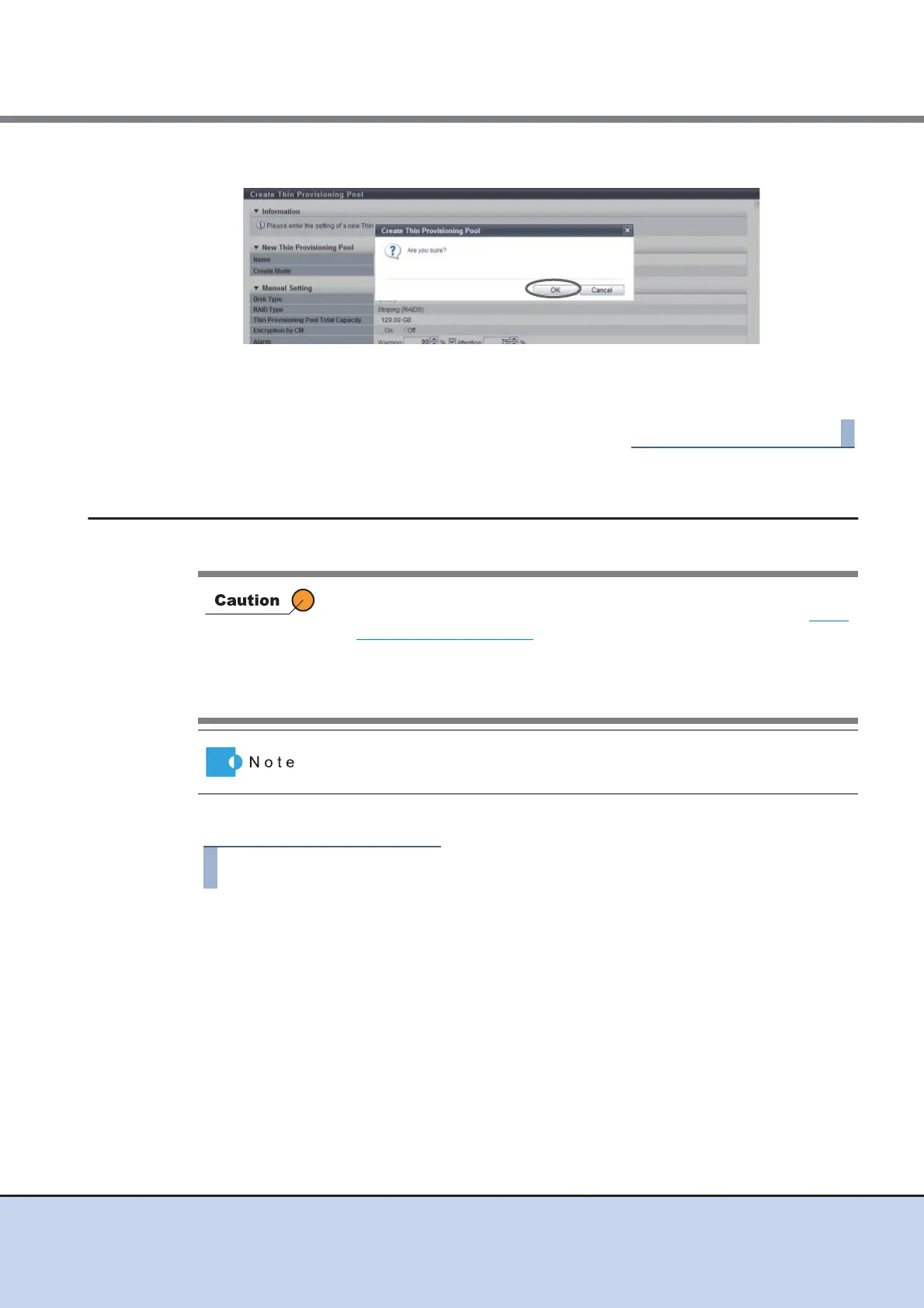
7 Click the [OK] button.
→ Create Thin Provisioning Pool starts.
8 Click the [Done] button to return to the [Thin Provisioning Pool] screen.
7.2.2 Delete Thin Provisioning Pool
This function deletes a Thin Provisioning Pool.
The procedure to delete a Thin Provisioning Pool is as follows:
1 Select the TPP to be deleted (multiple selections can be made) and click
[Delete] in [Action].
→ A confirmation screen appears.
• TPPs that have volumes registered cannot be deleted. When deleting a
TPP, delete the volumes beforehand. To delete a volume, refer to "5.2.2
Delete Volume" (page 77).
• This function cannot be used under the following conditions:
- When no TPP is registered
- When all the TPPs have volumes registered
After deleting a TPP, all the RAID groups that configure the TPP are also
deleted.



 To Next Page