Chapter 7 Thin Provisioning Pool Management
7.2 Functions in the Action Area for Thin Provisioning
ETERNUS Web GUI User’s Guide
144
Copyright 2011 FUJITSU LIMITED P2X0-1090-02ENZ0
7.2 Functions in the Action Area for Thin Provisioning
When using functions in the Action area, select the desired function from the Action area that is
displayed in the status display screen.
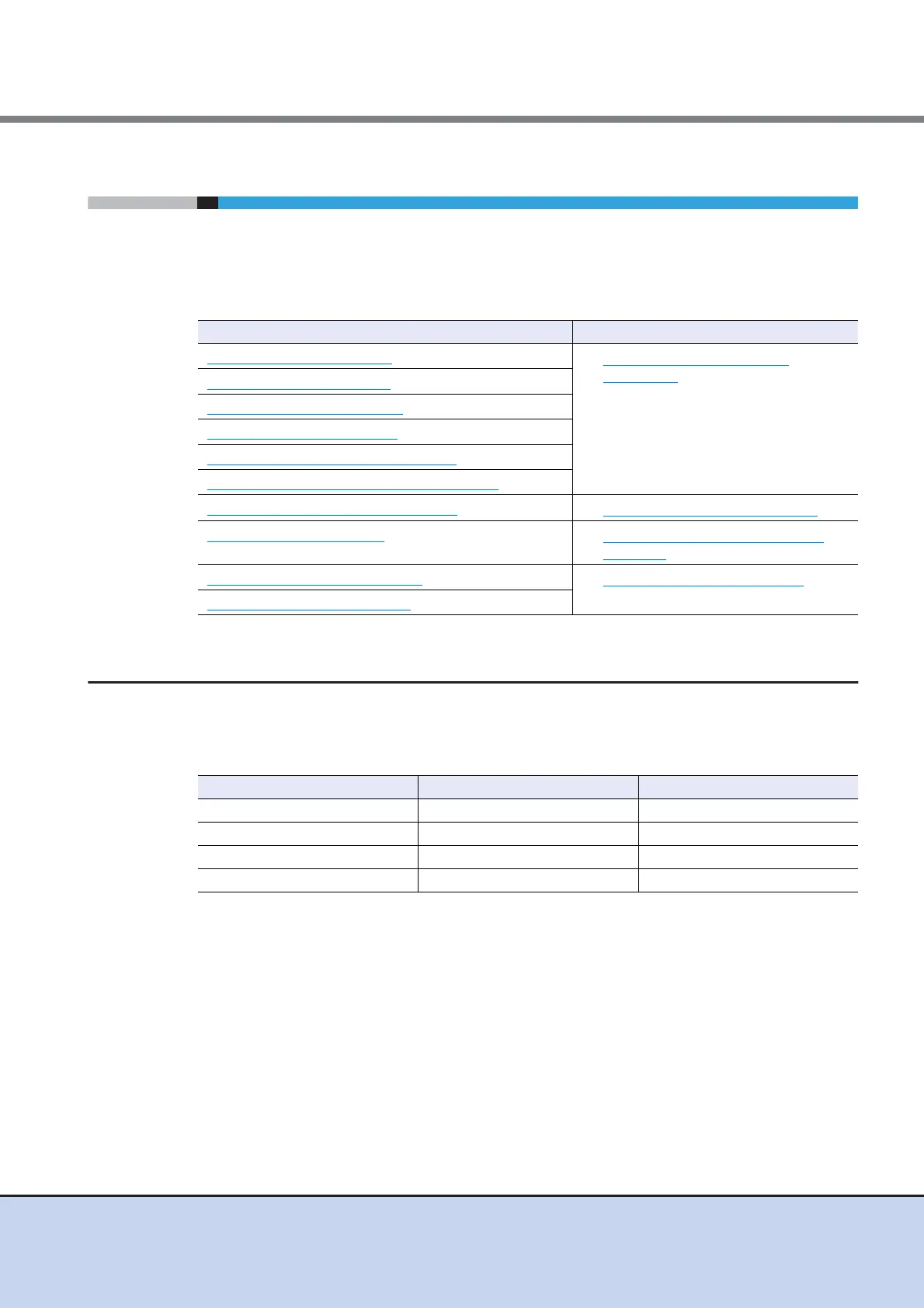
The functions in the Action area for Thin Provisioning can be performed from the following dis-
play functions:
7.2.1 Create Thin Provisioning Pool
This function creates a Thin Provisioning Pool.
The maximum number of TPP and maximum TPP capacity for each model
*1: Up to 256 TPPs can be created. When the maximum installation number of drives of a model is 512 or
less, the maximum number of TPPs is half the maximum installation number of drives.
Functions in the Action area for Thin Provisioning Display function
Create Thin Provisioning Pool
• Thin Provisioning Pool (Basic
Information)
Delete Thin Provisioning Pool
Rename Thin Provisioning Pool
Expand Thin Provisioning Pool
Format Thin Provisioning Pool (All Area)
Format Thin Provisioning Pool (Unformat Area)
Modify Threshold Thin Provisioning Pool
• Thin Provisioning Pool (Threshold)
Assign ECO Mode Schedule
• Thin Provisioning Pool (ECO Mode
Schedule)
Register Thin Provisioning License
• Thin Provisioning Pool (License)
Delete Thin Provisioning License
Model Maximum Number of TPP (*1) Maximum TPP Capacity (TB)
ETERNUS DX80 S2 60 128
ETERNUS DX90 S2 120 128
ETERNUS DX410 S2 240 384
ETERNUS DX440 S2 256 768



 To Next Page