Chapter 9 Connectivity Management
9.1 Connectivity Status
ETERNUS Web GUI User’s Guide
280
Copyright 2011 FUJITSU LIMITED P2X0-1090-02ENZ0
The following items are displayed in the Main area:
• CA Reset Group Member
The location information of member ports of each reset group is displayed.
If there are several ports, the ports are displayed, being separated with a ", (comma)". If there
are three or more ports the [more...] link are displayed.
- CM#x CA#y Port#z (x: CM number, y: CA number, z: Port number)
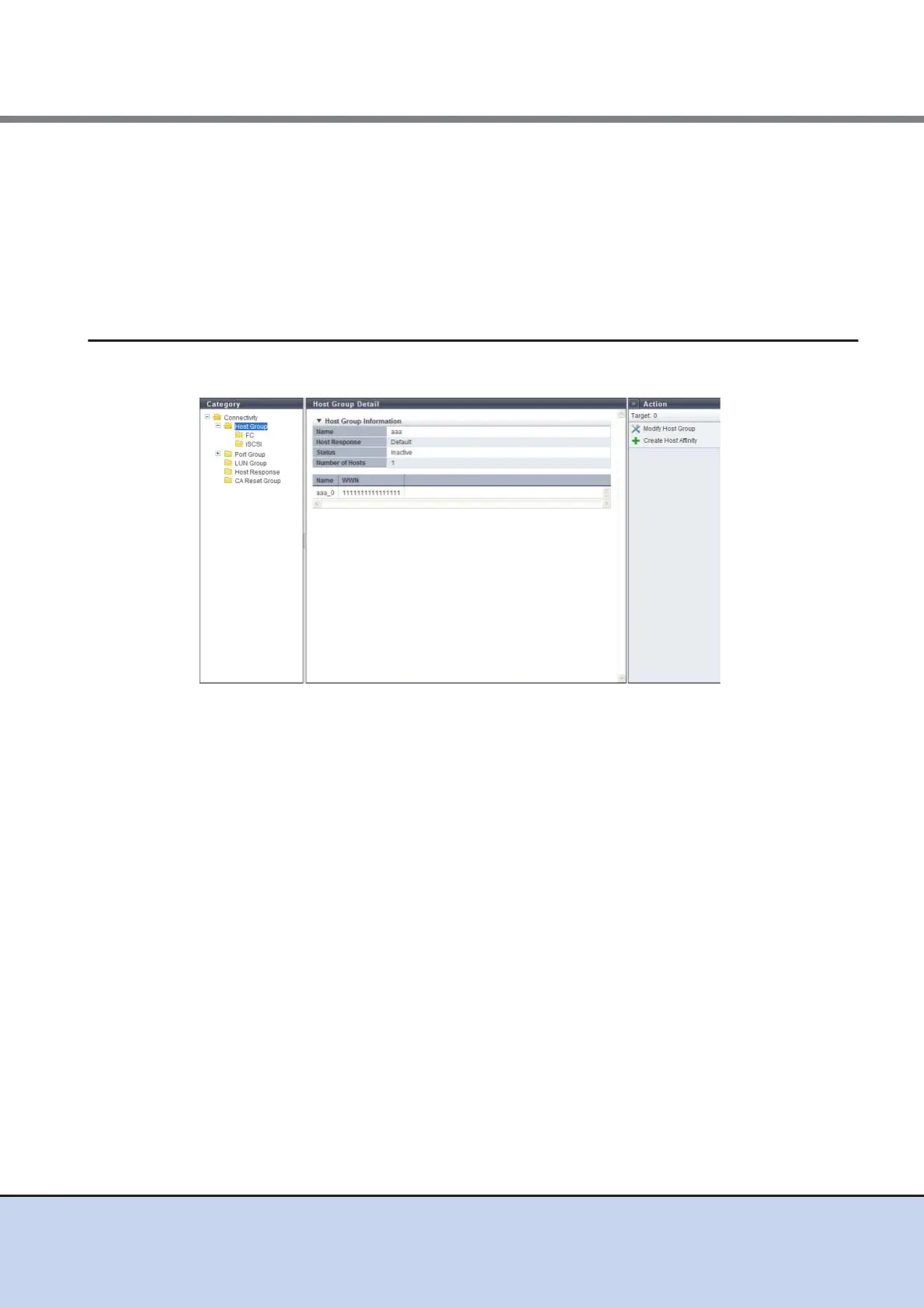
9.1.7 Host Group Detail
The details of the host group are displayed.
The following items are displayed in the Main area:
● Host Group Information
• Name
The host group name is displayed.
• Host Response
The host response name, which has been assigned to a host group, is displayed.
• Status
Whether the host group is "Active" or "Inactive" in the host affinity setting is displayed.
• Number of Hosts
The number of hosts, which have been registered in the host group, is displayed.
● Host List
• Name
The host group name is displayed.
• WWN
When the host interface type is "FC", the WWN of the host is displayed.
• iSCSI Name
When the host interface type is "iSCSI", the iSCSI name of the host is displayed.



 To Next Page