Chapter 11 System Management
11.2 Functions in the Action Area for System
ETERNUS Web GUI User’s Guide
523
Copyright 2011 FUJITSU LIMITED P2X0-1090-02ENZ0
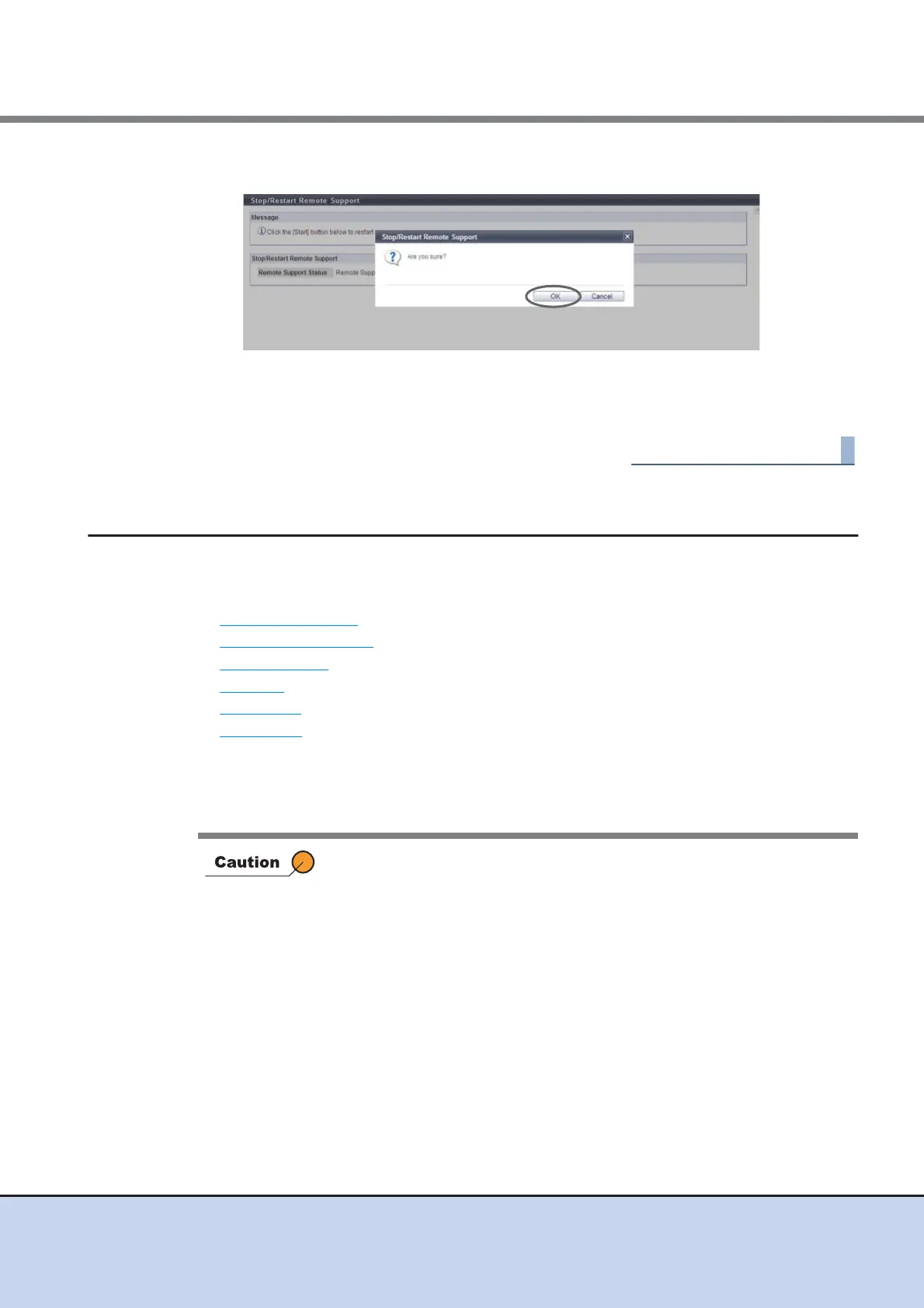
3 Click the [OK] button.
→ The Remote Support is restarted.
4 Click the [Done] button to return to the [Remote Support] screen.
11.2.5 User Settings
This section describes user management.
User management provides the following functions:
• Setup User Account
• Initialize User Account
• Modify RADIUS
• Add Role
• Delete Role
• Modify Role
11.2.5.1 Setup User Account
This function adds, edits, and deletes the user account.
• Up to 60 user accounts can be set.
• When using the SSH Client Key authentication, create a pair of the SSH
client public key and the SSH client secret key in advance, using the
creation tool. One public key can be registered per user account. When
the [Setup User Account] function is executed, the public key is
registered in the ETERNUS DX Disk storage system.
• The following types (formats) of public keys can be used:
- RSA for SSH1 (OpenSSH)
- DSA for SSH2 (IETF)
- RSA for SSH1 (IETF)
The supported maximum encryption strength for the public key is 4096-
bit.
• "User Name" for user accounts cannot be changed.



 To Next Page