Chapter 5 Volume Management
5.2 Functions in the Action Area for Volume
ETERNUS Web GUI User’s Guide
84
Copyright 2011 FUJITSU LIMITED P2X0-1090-02ENZ0
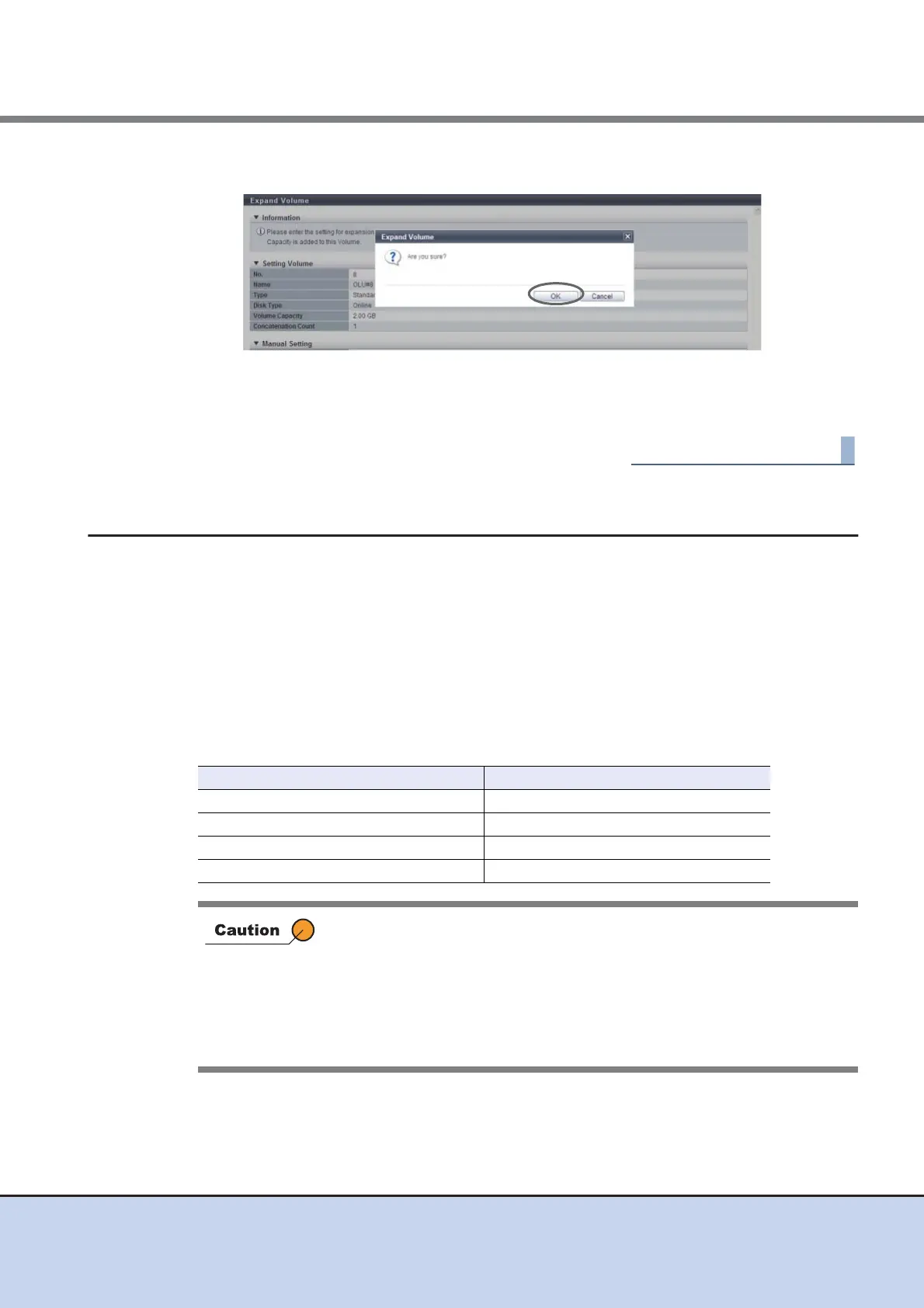
5 Click the [OK] button.
→ Expansion of a volume starts.
6 Click the [Done] button to return to the [Volume] screen.
5.2.6 Expand Thin Provisioning Volume
This function expands the capacity of Thin Provisioning Volumes.
Requirements for expanding a TPV
• The capacity of the TPV is less than 128TB
• Advanced Copy sessions are not specified for the TPV
• Balancing is not being performed in the TPV
• Migration is not being performed in the TPV
The maximum capacity of Thin Provisioning Pool for each model
Model Maximum TPP Capacity (TB)
ETERNUS DX80 S2 128
ETERNUS DX90 S2 128
ETERNUS DX410 S2 384
ETERNUS DX440 S2 768
• This function cannot be performed when there are no TPVs in the
ETERNUS DX Disk storage system.
• The total capacity of TPVs must be smaller than the maximum capacity
of TPP.
• This function cannot be performed when there is no free space for
expansion in the ETERNUS DX Disk storage system.
• Expanded TPV capacity must be recognized by server.



 To Next Page