Chapter 8 Advanced Copy Management
8.2 Functions in the Action Area for Advanced Copy
ETERNUS Web GUI User’s Guide
238
Copyright 2011 FUJITSU LIMITED P2X0-1090-02ENZ0
5 After setting the time, click the [Done] button to return to the [Copy Path] screen.
8.2.9 Delete All Copy Path
This function deletes all of the REC path information between devices registered in the
ETERNUS DX Disk storage system.
The procedure to delete all of the REC paths is as follows:
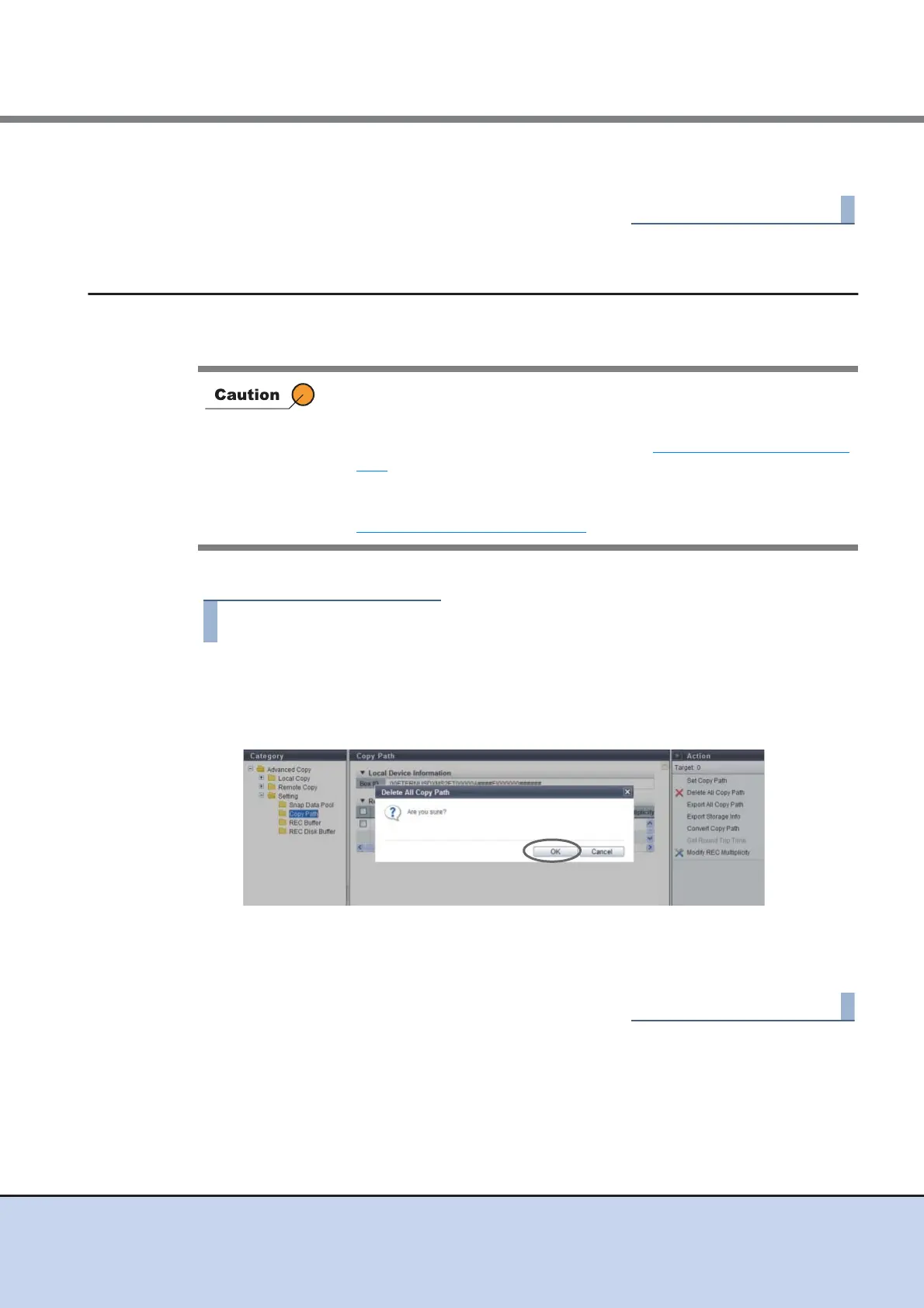
1 Click [Delete All Copy Path] in [Action].
→ A confirmation screen appears.
2 Click the [OK] button.
→ Deletion of REC paths starts.
3 Click the [Done] button to return to the [Copy Path] screen.
• If a REC path, which is being used in a REC, was deleted, it may affect
operations, such as the REC being stopped. Confirm that REC is not in
use before modifying the information.
To check whether REC is in use, refer to "8.1.3 Remote Copy" (page
179).
• This function deletes all of the REC paths configured in the ETERNUS
DX Disk storage system. To delete some of the REC paths, refer to
"8.2.8 Set Copy Path" (page 217)
.



 To Next Page