Chapter 11 System Management
11.1 System Status
ETERNUS Web GUI User’s Guide
450
Copyright 2011 FUJITSU LIMITED P2X0-1090-02ENZ0
The following items are displayed in the Main area:
● ECO Mode General Setting
• ECO Mode
The ECO mode setting (enabled or disabled) for all of the ETERNUS DX Disk storage
systems is displayed.
● ECO Mode Schedule
• No.
The schedule number is displayed.
By clicking this link, the [ECO Mode Schedule] screen is displayed. Refer to "11.1.9 ECO
Mode Schedule Detail" (page 452) for display items.
If the ECO mode is controlled with the Storage Foundation Software ETERNUS SF, a "-"
(hyphen) is displayed.
• Schedule Name
The schedule name is displayed.
If the ECO mode is controlled with Storage Foundation Software ETERNUS SF, "External" is
displayed.
• Events
The number of events that are registered in the schedule is displayed.
If the ECO mode is controlled with the Storage Foundation Software ETERNUS SF, a "-"
(hyphen) is displayed.
• RAID Group
The number of RAID groups for which the schedule is allocated to is displayed.
• Thin Provisioning Pool
The number of Thin Provisioning Pools for which the schedule is allocated to is displayed.
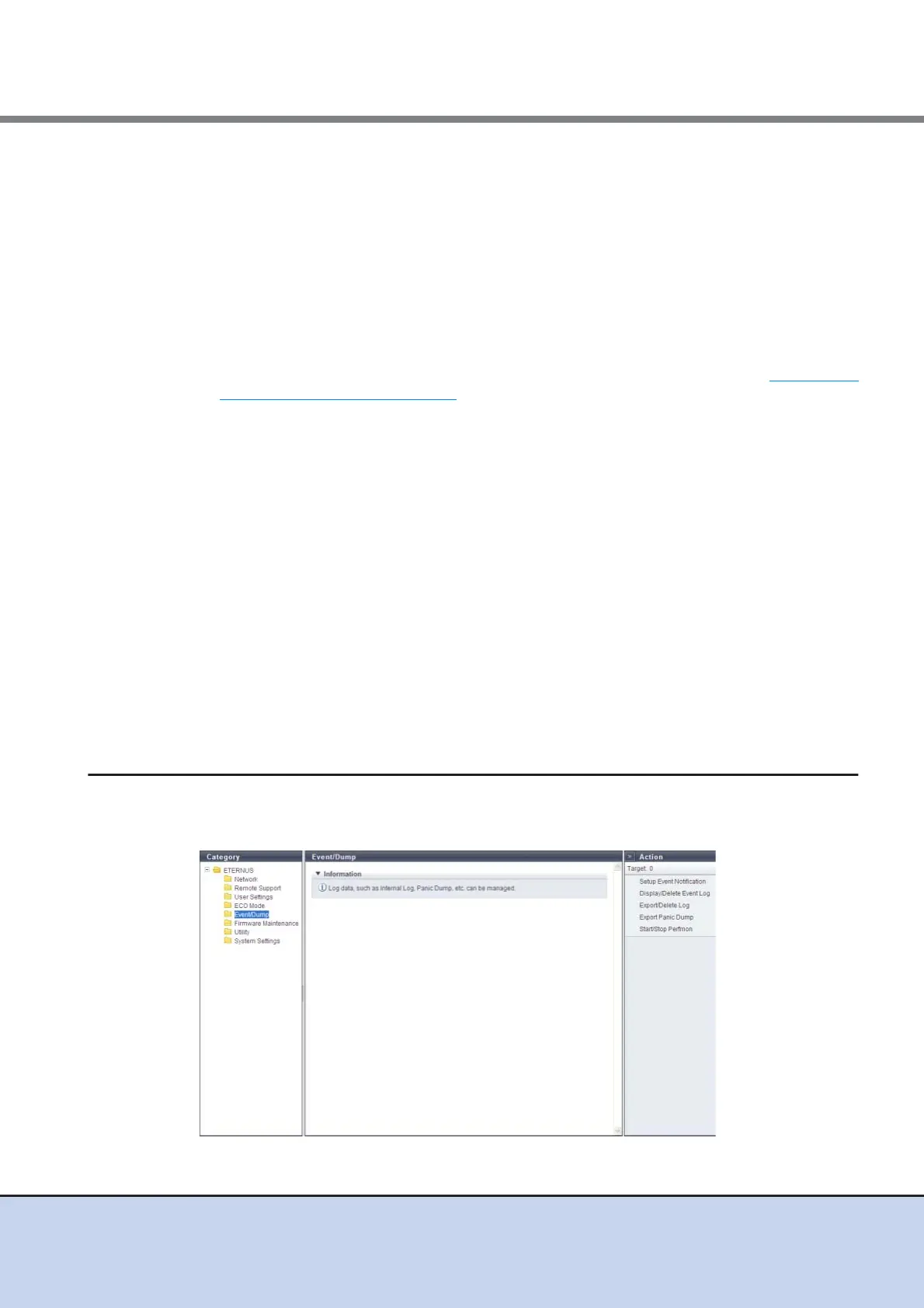
11.1.6 Event/Dump
This function records and displays the event history of the ETERNUS DX Disk storage system as
an event log.



 To Next Page