Chapter 8 Advanced Copy Management
8.1 Advanced Copy Status
ETERNUS Web GUI User’s Guide
173
Copyright 2011 FUJITSU LIMITED P2X0-1090-02ENZ0
8.1.2 Local Copy
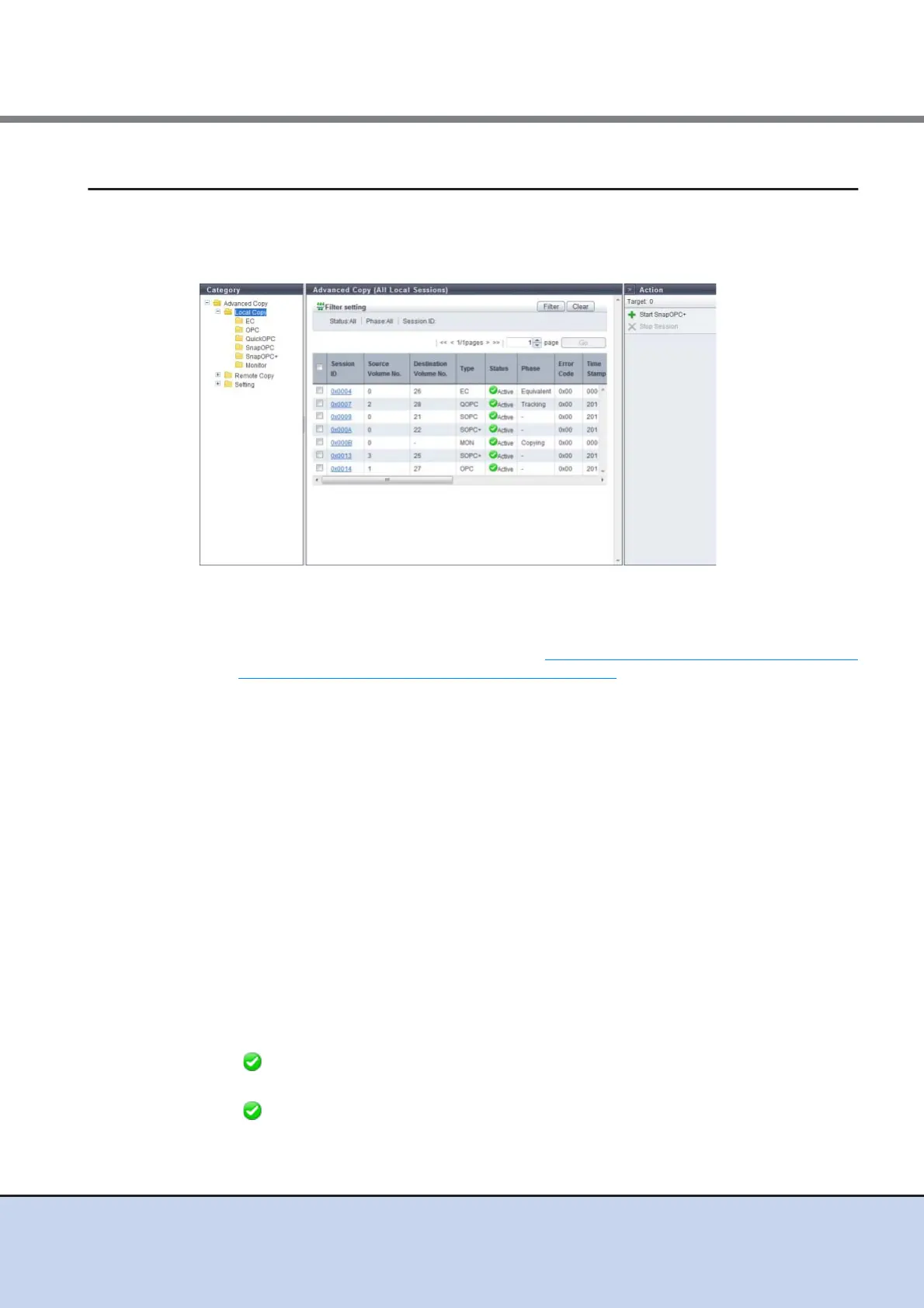
This function displays status for local copy sessions.
The following session types are available: Equivalent Copy (EC), One Point Copy (OPC),
QuickOPC, SnapOPC, SnapOPC+, and Monitor.
The following items are displayed in the Main area:
• Session ID
The session ID is displayed.
Clicking this item displays the screen shown in "8.1.5 Advanced Copy (Property)" (page 191)
or "8.1.6 Advanced Copy (Extent information)" (page 194).
• Source Volume No.
The copy source volume number is displayed. If the status is "Reserve", a "-" (hyphen) is
displayed.
• Destination Volume No.
The copy destination volume number is displayed. If the "Status" is "Reserve" or the "Type" is
"MON", a "-" (hyphen) is displayed.
• Type
The copy session type is displayed using an abbreviation.
- For Equivalent Copy: EC
- For One Point Copy: OPC
- For QuickOPC: QOPC
- For SnapOPC: SOPC
- For SnapOPC+: SOPC+
- For Monitor: MON
• Status
The copy session status is displayed.
- Active
Operating normally
- Reserve
Session ID reserved



 To Next Page