ETERNUS Web GUI User’s Guide
109
Copyright 2011 FUJITSU LIMITED P2X0-1090-02ENZ0
Chapter 6 RAID Group Management
This chapter describes RAID group management.
6.1 RAID Group Status
RAID group status displays the following status information:
• RAID Group (Basic Information)
• RAID Group (Tuning)
• RAID Group (ECO Mode)
Detailed information of the RAID groups can be displayed from the following screens:
• RAID Group (Volume Layout)
• RAID Group (Disk)
6.1.1 RAID Group (Basic Information)
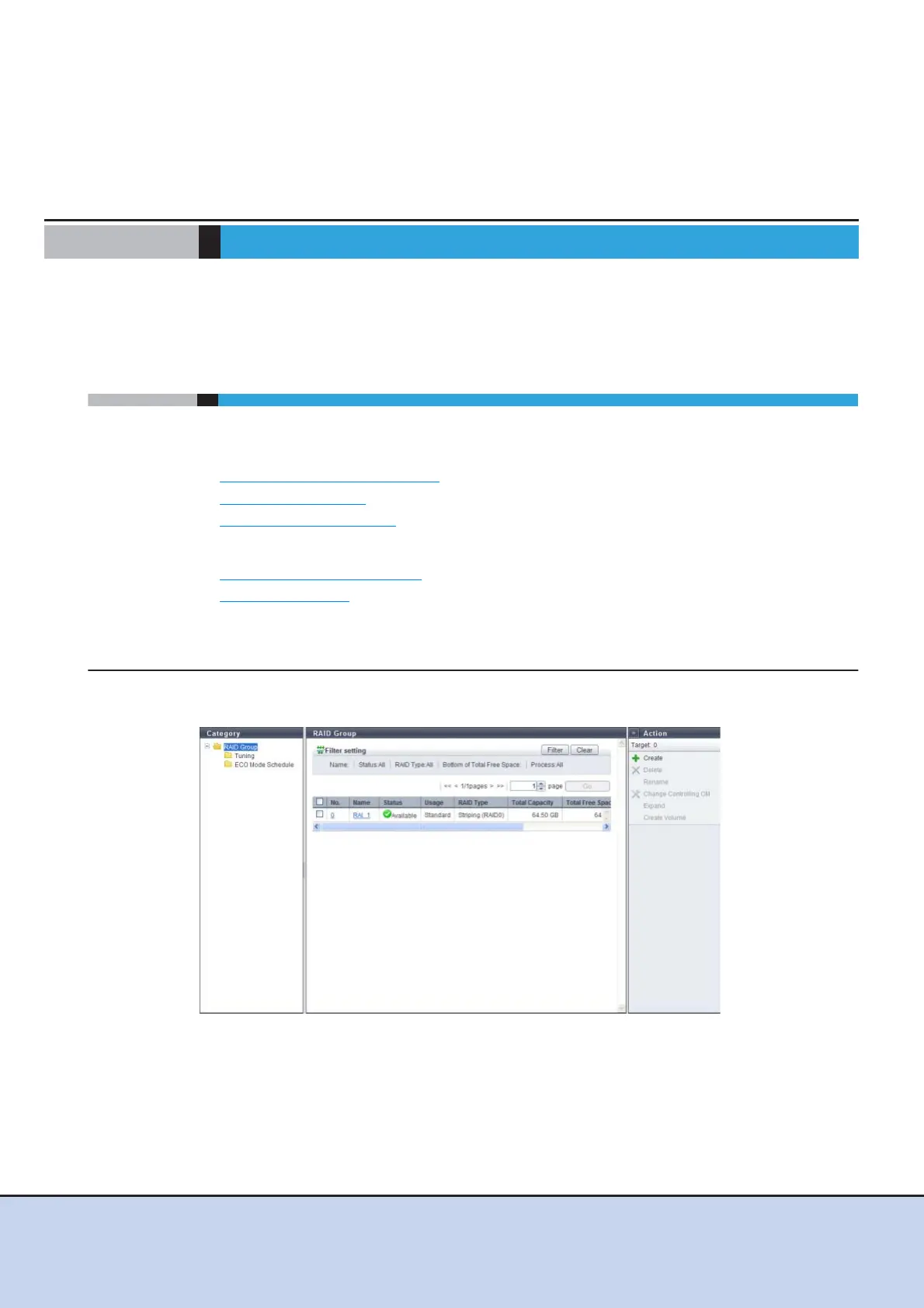
This function displays the basic information of RAID groups.
The following items are displayed in the Main area:
• No.
The RAID group number is displayed. Clicking this item displays the [RAID Group (Basic)]
screen.
The RAID group number is allocated when a volume is created from the smallest unused dec-
imal number in ascending order.



 To Next Page