Chapter 5 Volume Management
5.2 Functions in the Action Area for Volume
ETERNUS Web GUI User’s Guide
77
Copyright 2011 FUJITSU LIMITED P2X0-1090-02ENZ0
5.2.2 Delete Volume
This function deletes volumes.
Standard volumes, TPVs, and SDVs can be deleted.
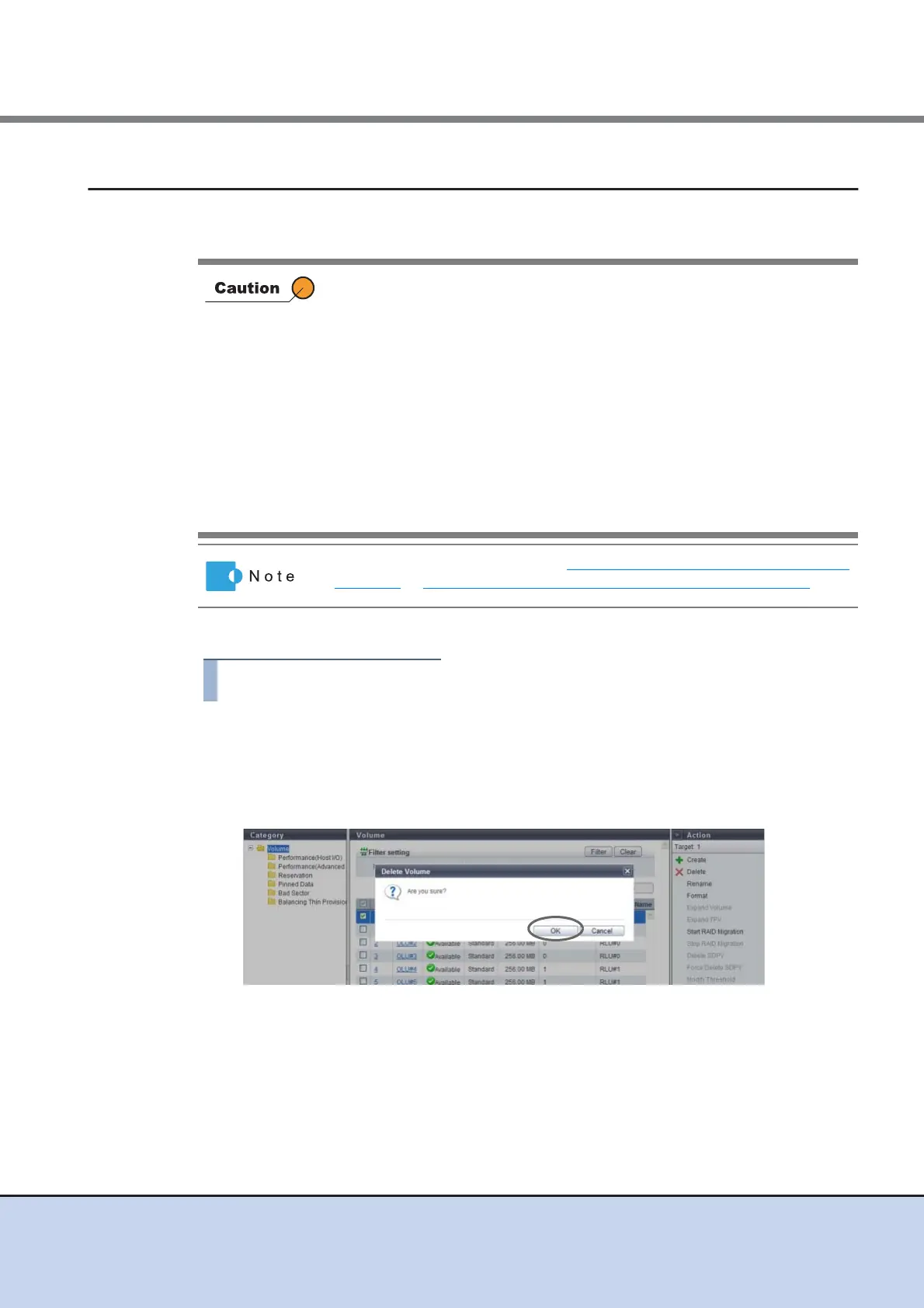
The procedure to delete a volume is as follows:
1 Select the volume to be deleted (multiple selections can be made) and click
[Delete] in [Action].
→ A confirmation screen appears.
2 Click the [OK] button.
→ Deletion of a volume starts.
• When a volume is deleted, access to data in the target volume is not
allowed.
• The following volumes cannot be deleted:
- Volumes that are registered in a LUN group
- Volumes undergoing RAID migration
- A copy source volume or a copy destination volume of the Advanced
Copy that is being executed
- Volumes that are being balanced (work volumes and target TPVs for
balancing)
• By repeating creation and deletion of volumes, free space may be
dispersed in the RAID group.
• Up to 128 volumes can be deleted at once.
When deleting SDPVs, refer to "5.2.9 Delete Snap Data Pool Volume"
(page 90) or "5.2.10 Force Delete Snap Data Pool Volume" (page 91).



 To Next Page