Chapter 5 Volume Management
5.2 Functions in the Action Area for Volume
ETERNUS Web GUI User’s Guide
107
Copyright 2011 FUJITSU LIMITED P2X0-1090-02ENZ0
3 Click the [Done] button to return to the [Balancing Thin Provisioning Volume]
screen.
5.2.21 Stop Balancing Thin Provisioning Volume
This function stops TPV balancing.
The procedure to stop balancing of the Thin Provisioning Volume is as follows:
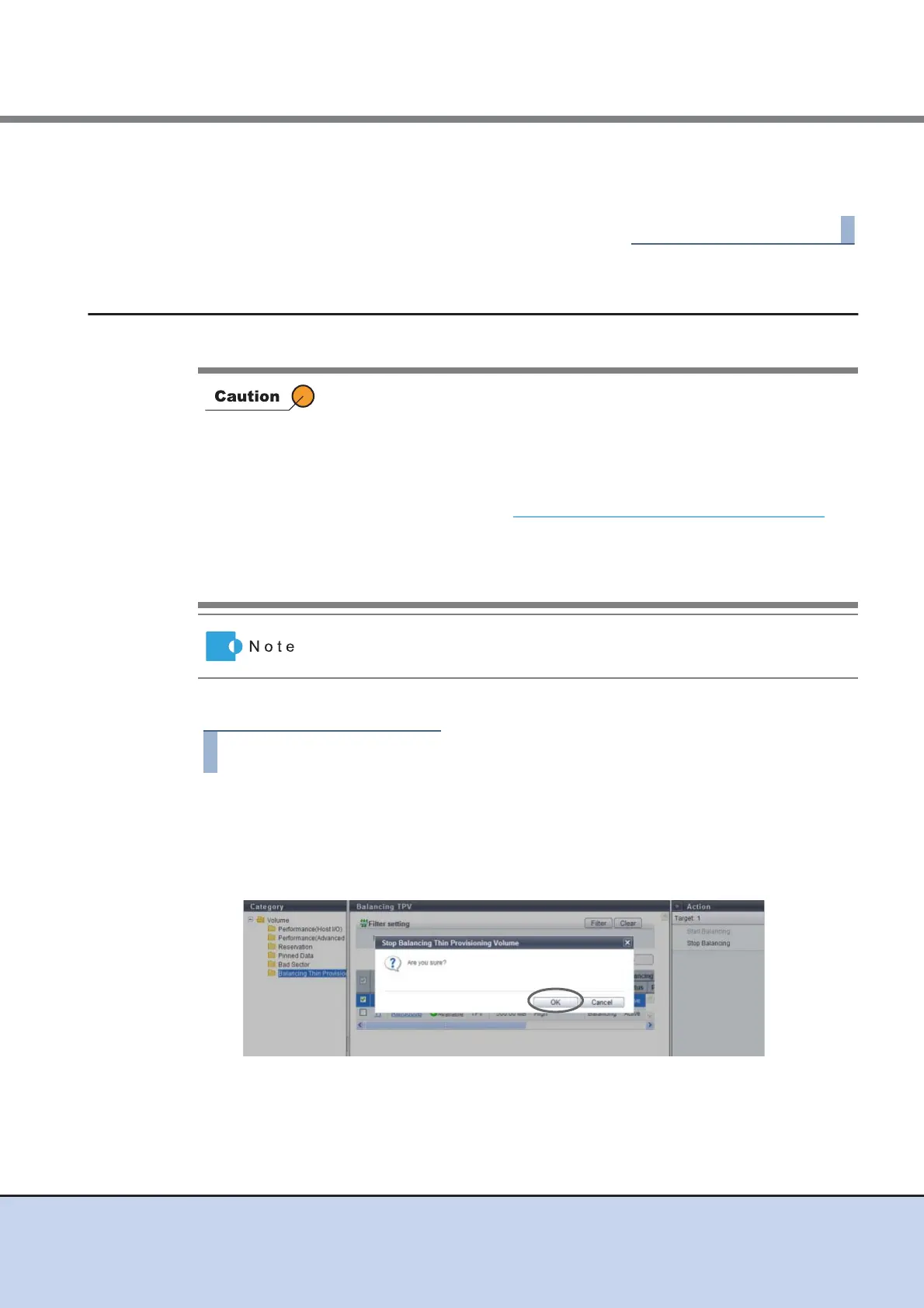
1 Select the volume for which balancing is to be stopped and click [Stop
Balancing] in [Action].
→ A confirmation screen appears.
2 Click the [OK] button.
→ TPV balancing stops.
• This function cannot be used when balancing is not being performed for
a TPV.
• This function cannot be used when TPV balancing is already complete.
• In order to recover normal status (the status before failure), the
configuration information of the ETERNUS DX Disk storage system may
be needed. After balancing TPV is complete (*1), get the configuration
information. Refer to "11.2.8.3 Export Configuration" (page 574)
for
details.
*1: This indicates that normal balancing of TPVs has been completed, and
balancing TPV sessions that terminated due to error are deleted
completely.
When TPV balancing is stopped, data in volumes that are not balanced yet
can be accessed normally.



 To Next Page