Chapter 7 Thin Provisioning Pool Management
7.1 Thin Provisioning Pool Status
ETERNUS Web GUI User’s Guide
139
Copyright 2011 FUJITSU LIMITED P2X0-1090-02ENZ0
• Attention
The attention threshold (%) for monitoring the TPP used capacity is displayed. When the
"Attention" threshold is omitted, "0%" is displayed.
Filter setting
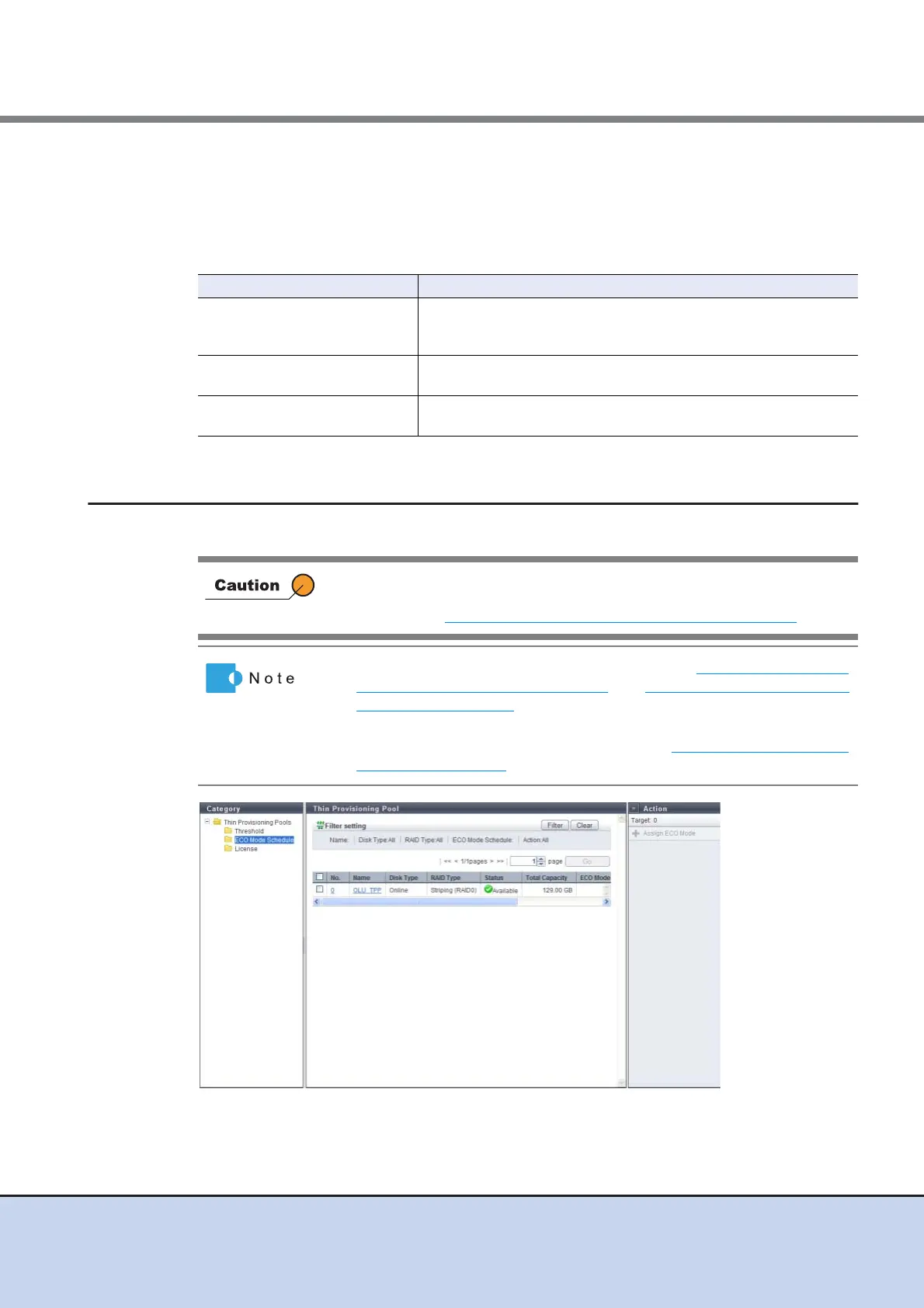
7.1.3 Thin Provisioning Pool (ECO Mode Schedule)
This function displays the ECO mode setting status of the Thin Provisioning Pool.
Filter Description
Name
Input the TPP name that is to be displayed.
TPPs matching or partially matching the input name are displayed.
When not using the TPP name for filtering, leave this item blank.
Disk Type
Select the drive type that is to be displayed.
When not using the drive type for filtering, select "All" (all TPPs).
RAID Type
Select the RAID type that is to be displayed.
When not using the RAID type for filtering, select "All" (all TPPs).
Registering the license for the Thin Provisioning feature is required to use
the Thin Provisioning function. To check the registration status of the
license, refer to "7.1.4 Thin Provisioning Pool (License)" (page 141)
.
• To use the ECO mode, follow the procedure in "11.2.6.1 Modify ECO
Mode General Setting" (page 540) and "11.2.6.2 Create ECO Mode
Schedule" (page 541) to perform the common ECO mode setup and
create an ECO mode schedule.
• To assign the ECO mode to a TPP, refer to "7.2.8 Assign ECO Mode
Schedule" (page 166).



 To Next Page