Chapter 11 System Management
11.2 Functions in the Action Area for System
ETERNUS Web GUI User’s Guide
540
Copyright 2011 FUJITSU LIMITED P2X0-1090-02ENZ0
11.2.6.1 Modify ECO Mode General Setting
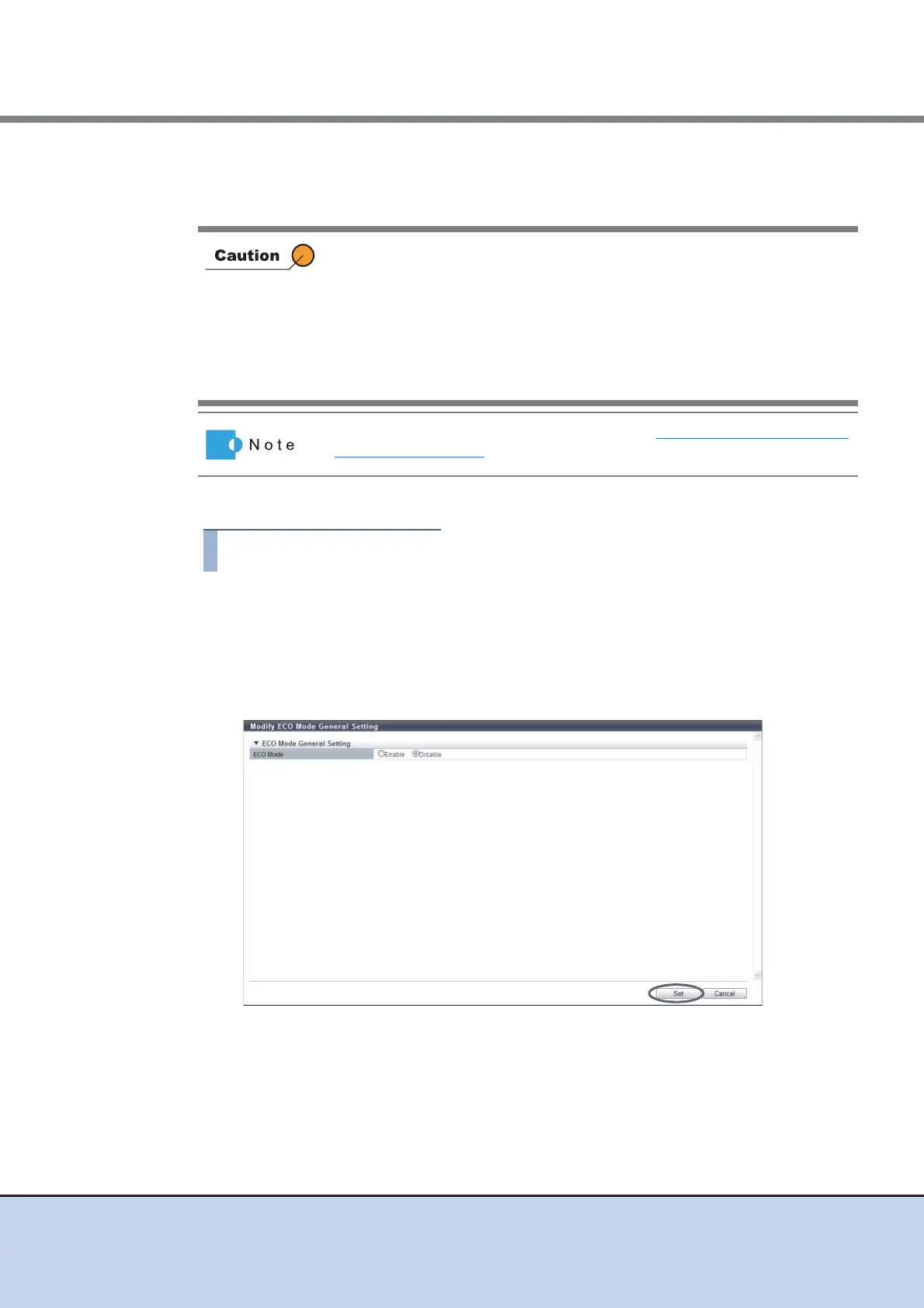
This function enables or disables the ECO mode setting for ETERNUS DX Disk storage system.
The procedure to set the ECO mode schedule for a RAID group is as follows:
1 Click [Modify ECO Mode Setting] in [Action].
2 Specify the parameters, and click the [Set] button.
• ECO Mode
Select whether to "Enable" or "Disable" the ECO mode for the ETERNUS DX Disk
storage system.
→ A confirmation screen appears.
ECO mode is not available for the following drives:
• Hot Spares (except Dedicated Hot Spares)
• SSD
• Drives in a RAID group that satisfy the following conditions:
- A RAID group where no volumes are registered
- A RAID group where SDPVs are registered
- RAID group that is registered as a REC Disk Buffer
To create a new ECO mode schedule, refer to "11.2.6.2 Create ECO Mode
Schedule" (page 541).



 To Next Page