Chapter 4 Configuration Settings
4.2 Configuration Settings for Using Thin Provisioning Functions
ETERNUS Web GUI User’s Guide
57
Copyright 2011 FUJITSU LIMITED P2X0-1090-02ENZ0
4.2 Configuration Settings for Using Thin Provisioning
Functions
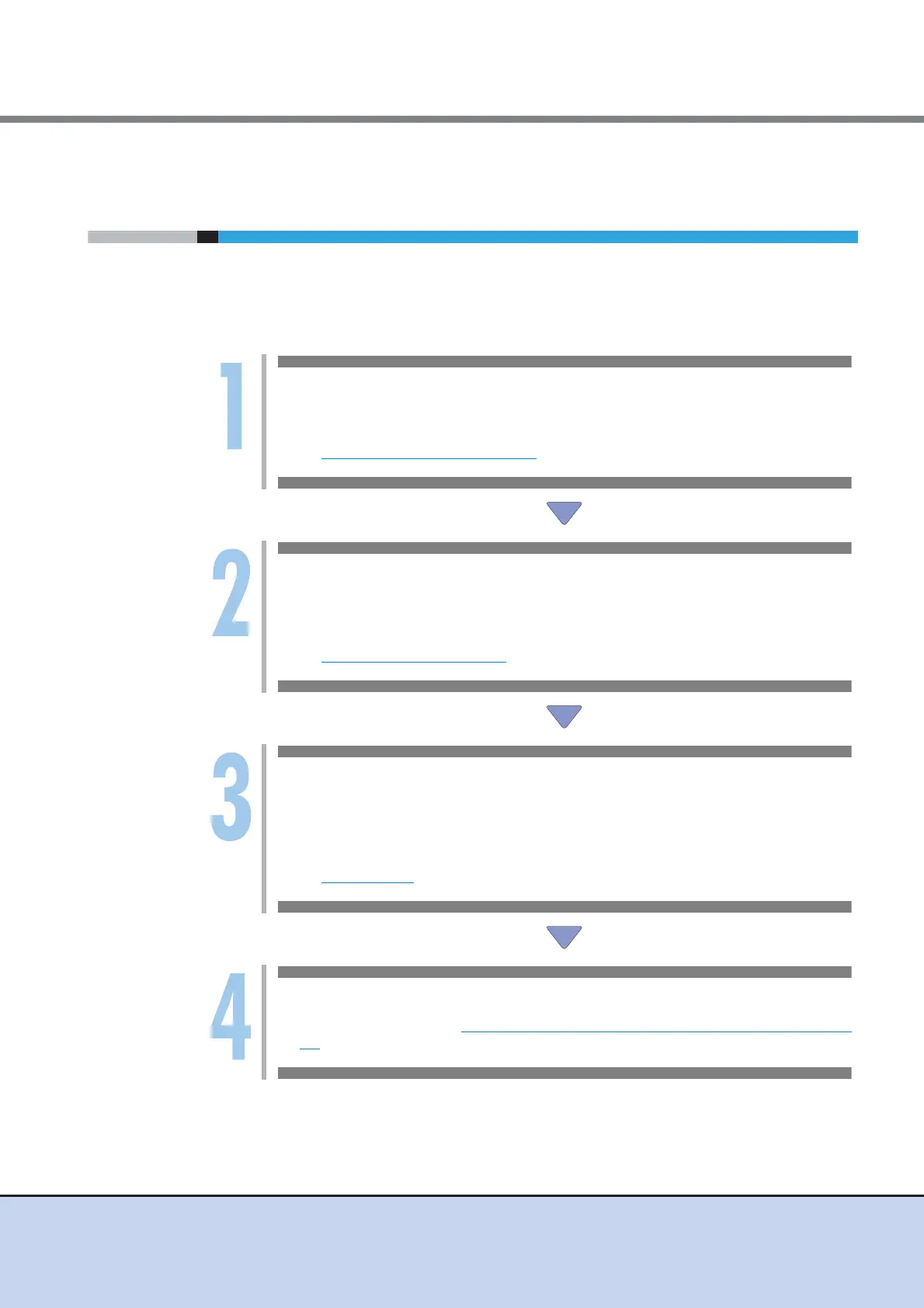
The following section shows the series of settings that need to be performed to use Thin Provi-
sioning functions.
Not only can new Thin Provisioning Pool be created, adding or changing volumes that are regis-
tered in the existing Thin Provisioning Pools can also be performed.
Register Thin Provisioning License
Register the license to use the Thin Provisioning function.
Refer to:
- Register Thin Provisioning License
Create Thin Provisioning Pool
Create a Thin Provisioning Pool (groups of drives (which are configured in RAID groups)
that configure a Thin Provisioning Pool).
Refer to:
- Create Thin Provisioning Pool
Create Volume
Create a volume (physical drive area in the Thin Provisioning Pool). A volume is a struc-
tural unit of a Thin Provisioning Pool that can be recognized from the server. Select "Thin
Provisioning" for "Type".
Refer to:
- Create Volume
Add Host
Refer to Step 3 onward in "4.1 Configuration Settings for Using Standard Volumes" (page
54) for the procedure to recognize the volume from the server.



 To Next Page