Chapter 8 Advanced Copy Management
8.2 Functions in the Action Area for Advanced Copy
ETERNUS Web GUI User’s Guide
240
Copyright 2011 FUJITSU LIMITED P2X0-1090-02ENZ0
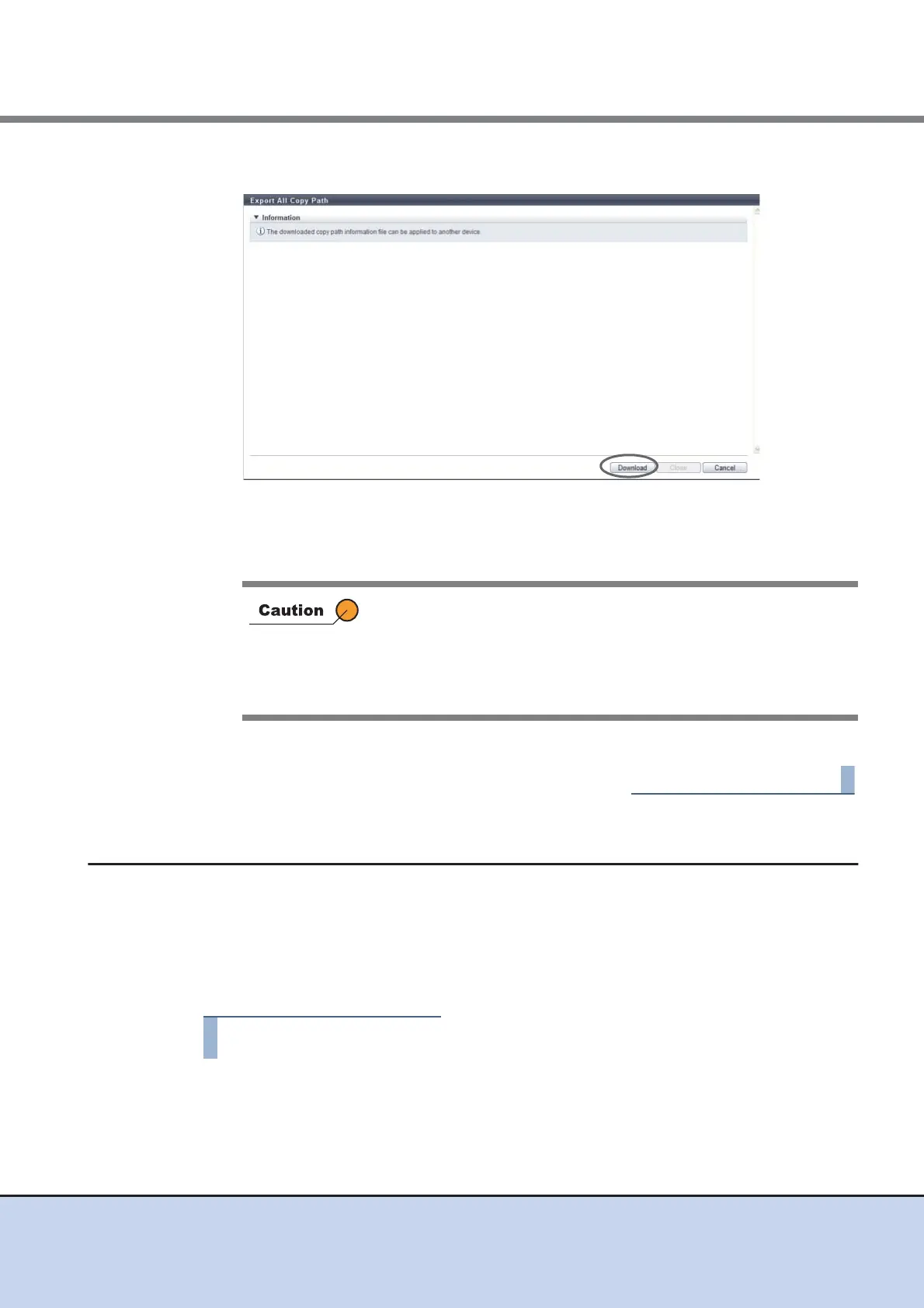
3 Click the [Download] button.
→ A dialog box to download the file appears.
4 Save the REC path information file.
The default file name is "rec_path.bin".
5 Click the [Close] button to return to the [Copy Path] screen.
8.2.11 Export Storage Information
This function exports the FCRA/iSCSI-RA installation information in the ETERNUS DX Disk stor-
age system, and saves the information in a file.
The saved file can be used as device information when creating a REC path, so that manual reg-
istration of the device information will not be required.
The procedure to export the REC device information is as follows:
1 Click [Export Storage Info] in [Action].
If the [Cancel] button in the [File Download] dialog box is clicked to
cancel the operation, an error may occur in the web browser.
To cancel the operation after the [File Download] dialog box is
displayed, wait at least 10 minutes before clicking the [Cancel] button
or click the [Save] button to complete the operation and delete the
unnecessary file.



 To Next Page