Chapter 5 Volume Management
5.2 Functions in the Action Area for Volume
ETERNUS Web GUI User’s Guide
96
Copyright 2011 FUJITSU LIMITED P2X0-1090-02ENZ0
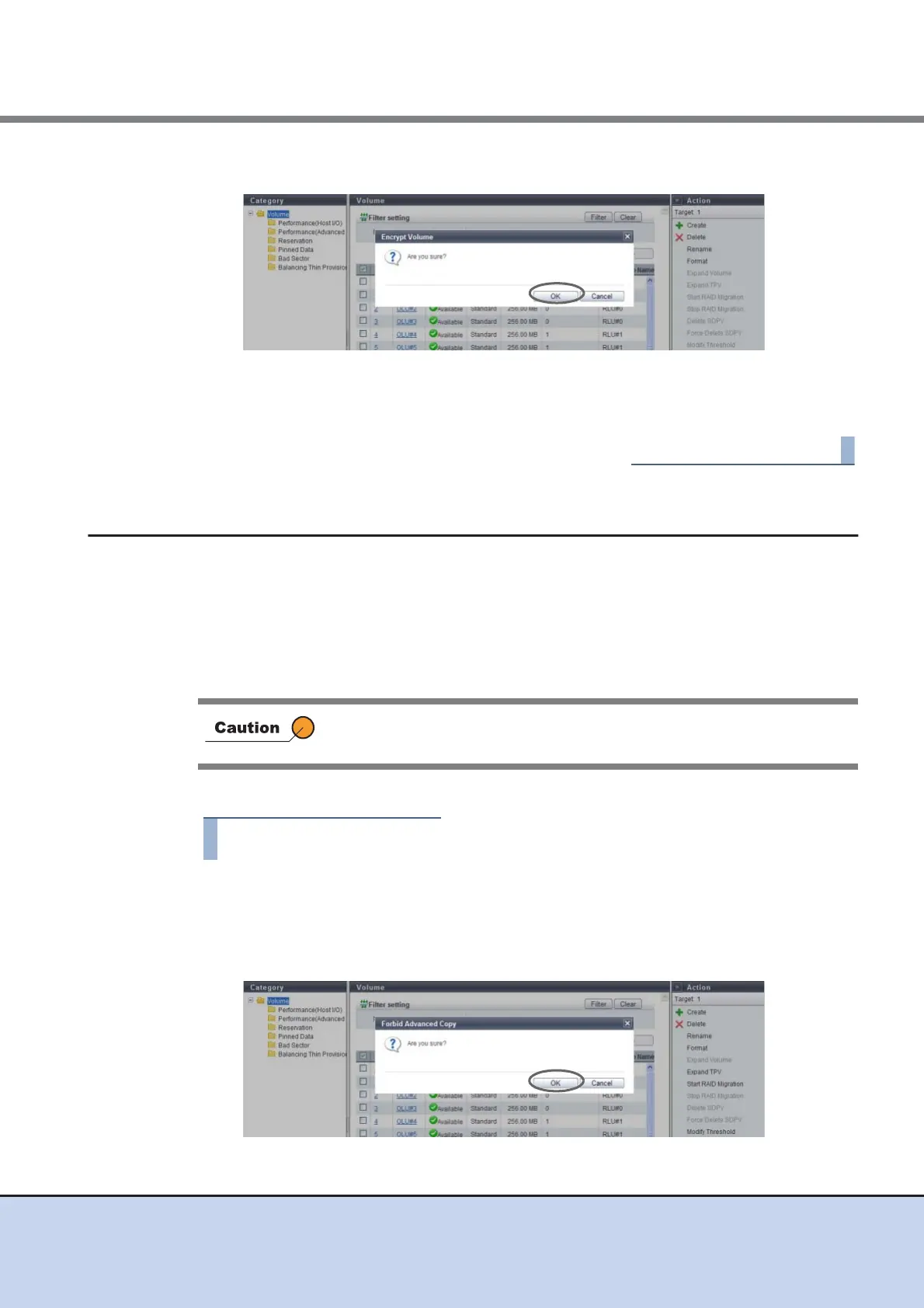
2 Click the [OK] button.
→ Encryption of the volume starts.
3 Click the [Done] button to return to the [Volume] screen.
5.2.14 Forbid Advanced Copy
This function protects a volume so that the volume cannot be registered as the copy destination
volume of Advanced Copy.
The [Forbid Advanced Copy] is a function that protects the data in the selected volumes by for-
bidding the volume to be the copy destination of the Advanced Copy sessions or restoration set-
ting. When the Advanced Copy function is used by multiple software, the same volumes may be
used by multiple software, resulting in unexpected data corruption. This function is available to
protect the data in the copy source that is to be deleted.
The procedure to protect a volume is as follows:
1 Select the volume to be protected (multiple selections can be made) and click
[Forbid Advanced Copy] in [Action].
→ A confirmation screen appears.
2 Click the [OK] button.
→ Setting of the copy destination protect starts.
• Standard volumes and TPVs can be protected.
• This function cannot be used for volumes that are already protected.



 To Next Page