Chapter 11 System Management
11.1 System Status
ETERNUS Web GUI User’s Guide
443
Copyright 2011 FUJITSU LIMITED P2X0-1090-02ENZ0
11.1.1 System (Basic Information)
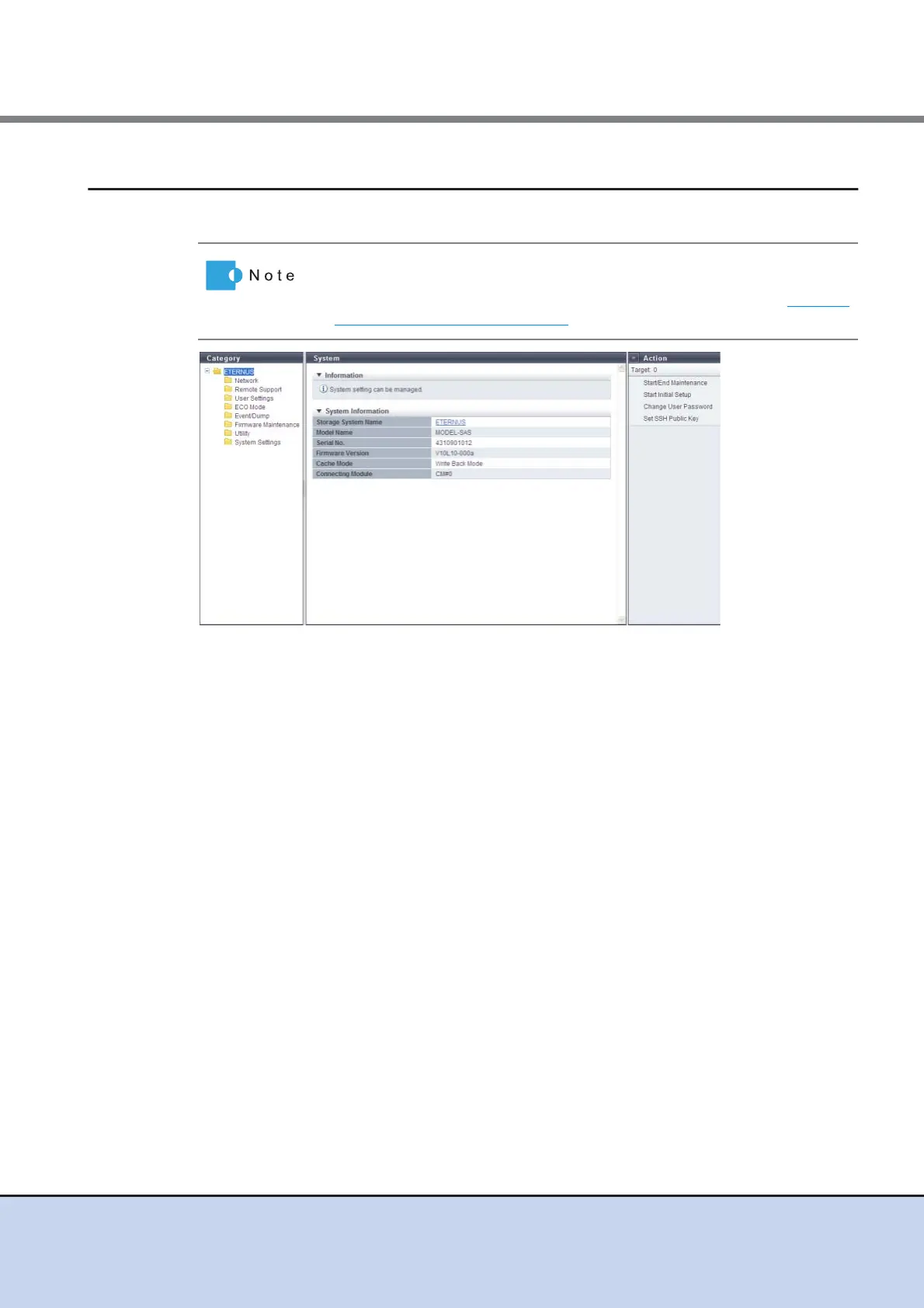
This function displays the system information.
The following items are displayed in the Main area:
• Storage System Name
The name for the ETERNUS DX Disk storage system is displayed.
By clicking this item, the [Storage] screen in the [Component] navigation is displayed.
• Model Name
The model name of the ETERNUS DX Disk storage system is displayed.
• Serial No.
The serial number of the ETERNUS DX Disk storage system is displayed.
• Firmware Version
The current controller firmware version is displayed.
- VxxLyy-zzzz (Vxx: Version, Lyy: Level, zzzz: Release number)
• Cache Mode
The current status and the factor of the cache are displayed. The normal status is "Write Back
Mode".
- Write Back Mode
When a Write request is issued from the host, "Write Complete" is displayed after writing to
the cache area is complete.
- Write Through Mode
When a Write request is issued from the host, "Write Complete" is displayed after writing to
the cache area and the drives is complete.
In the Write Through Mode, "Write Through (factors)" is displayed. When there are
multiple factors, all the factors are displayed.
The factors of the Write Through Mode are described below:
The storage system name is displayed at the top of the [System] navigation
category.
The "Storage System Name" is specified using the procedure in "11.2.9.1
Modify Storage Name" (page 576).



 To Next Page