Chapter 9 Connectivity Management
9.2 Functions in the Action Area for Connectivity
ETERNUS Web GUI User’s Guide
283
Copyright 2011 FUJITSU LIMITED P2X0-1090-02ENZ0
9.2.1 Host Affinity Management
Host Affinity management provides the following functions:
• Create Host Affinity
• Delete Host Affinity
• Modify Host Affinity
9.2.1.1 Create Host Affinity
This function creates a new host affinity by specifying the existing "Host Group", "Port Group",
and "LUN Group".
The host accesses a volume via a defined path. Configuring the host affinity can limit the
volumes which the host can recognize.
• The maximum number of host affinities can be created in the ETERNUS DX Disk storage
system is 1024.
• The maximum number of connectable hosts (the number of HBAs) per port is 256.
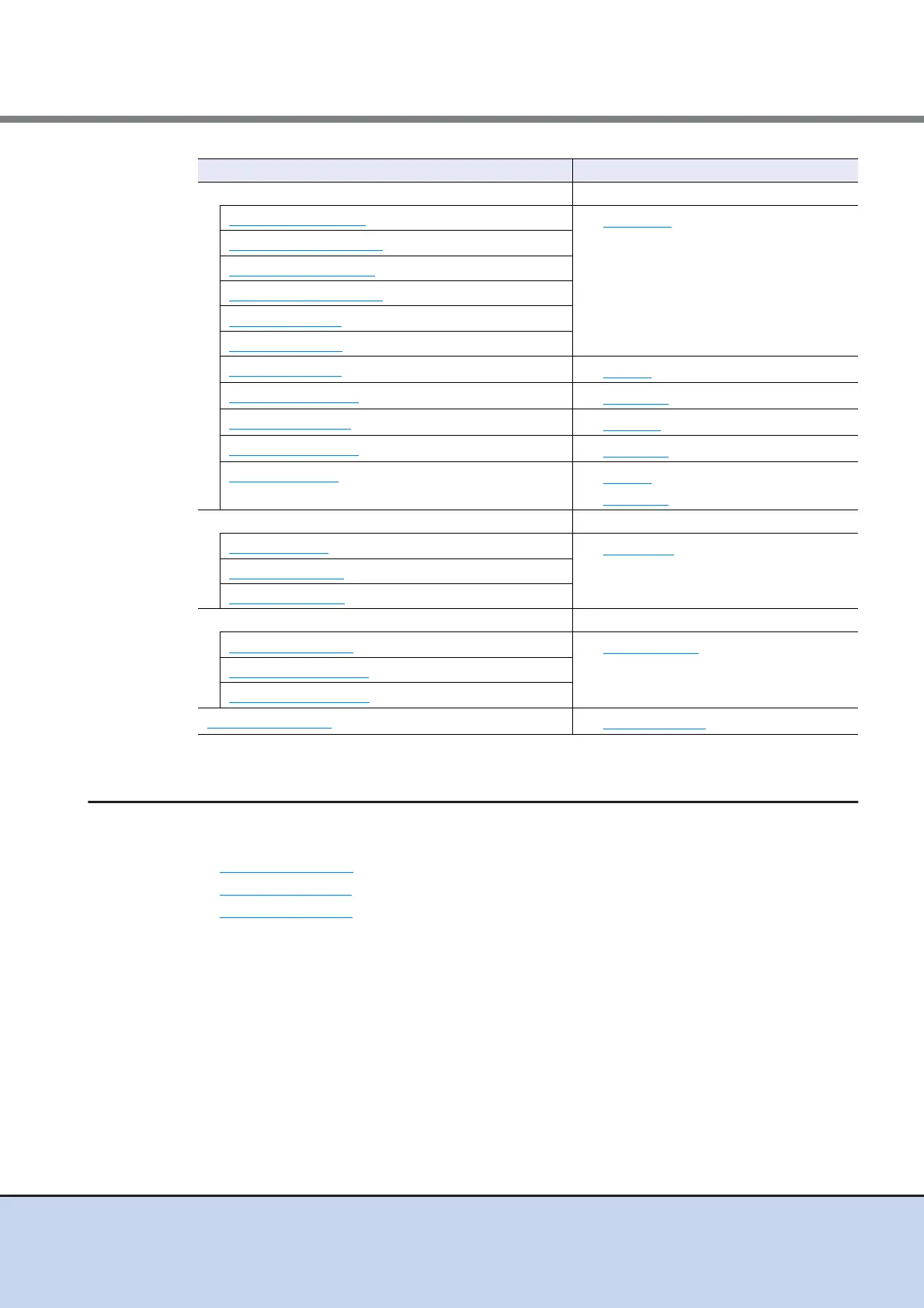
Port Group Management –
Create FC Port Group
• Port Group
Create iSCSI Port Group
Create SAS Port Group
Create FCoE Port Group
Delete Port Group
Modify Port Group
Configure FC Port
• FC Port in Port Group
Configure iSCSI Port
• iSCSI Port in Port Group
Configure SAS Port
• SAS Port in Port Group
Configure FCoE Port
• FCoE Port in Port Group
Modify Port Mode
• FC Port in Port Group
• iSCSI Port in Port Group
LUN Group Management –
Add LUN Group
• LUN Group
Delete LUN Group
Modify LUN Group
Host Response Management –
Add Host Response
• Host Response
Delete Host Response
Modify Host Response
Modify Reset Group
• CA Reset Group
Functions in the Action area for Connectivity Display function



 To Next Page