Chapter 9 Connectivity Management
9.1 Connectivity Status
ETERNUS Web GUI User’s Guide
271
Copyright 2011 FUJITSU LIMITED P2X0-1090-02ENZ0
• CA Port Group Member
The location information of the port, which is a port group member, is displayed.
If there are two port group members, the ports are displayed, being separated with a ",
(comma)". If there are three or more ports, the location information of the two ports and the
[more...] link are displayed.
- CM#x CA#y Port#z (x: CM number, y: CA number, z: Port number)
• Status
Whether the port group is used ("Active") or not ("Inactive") for the host affinity settings is
displayed.
"Host affinity setting" is to specify association between "host group", "port group" and "LUN
group".
- Active
The port group is used for the host affinity settings. The LUN group can be accessed from
the host group via the port group
- Inactive
The port group is used for the host affinity settings. The port group is not being used.
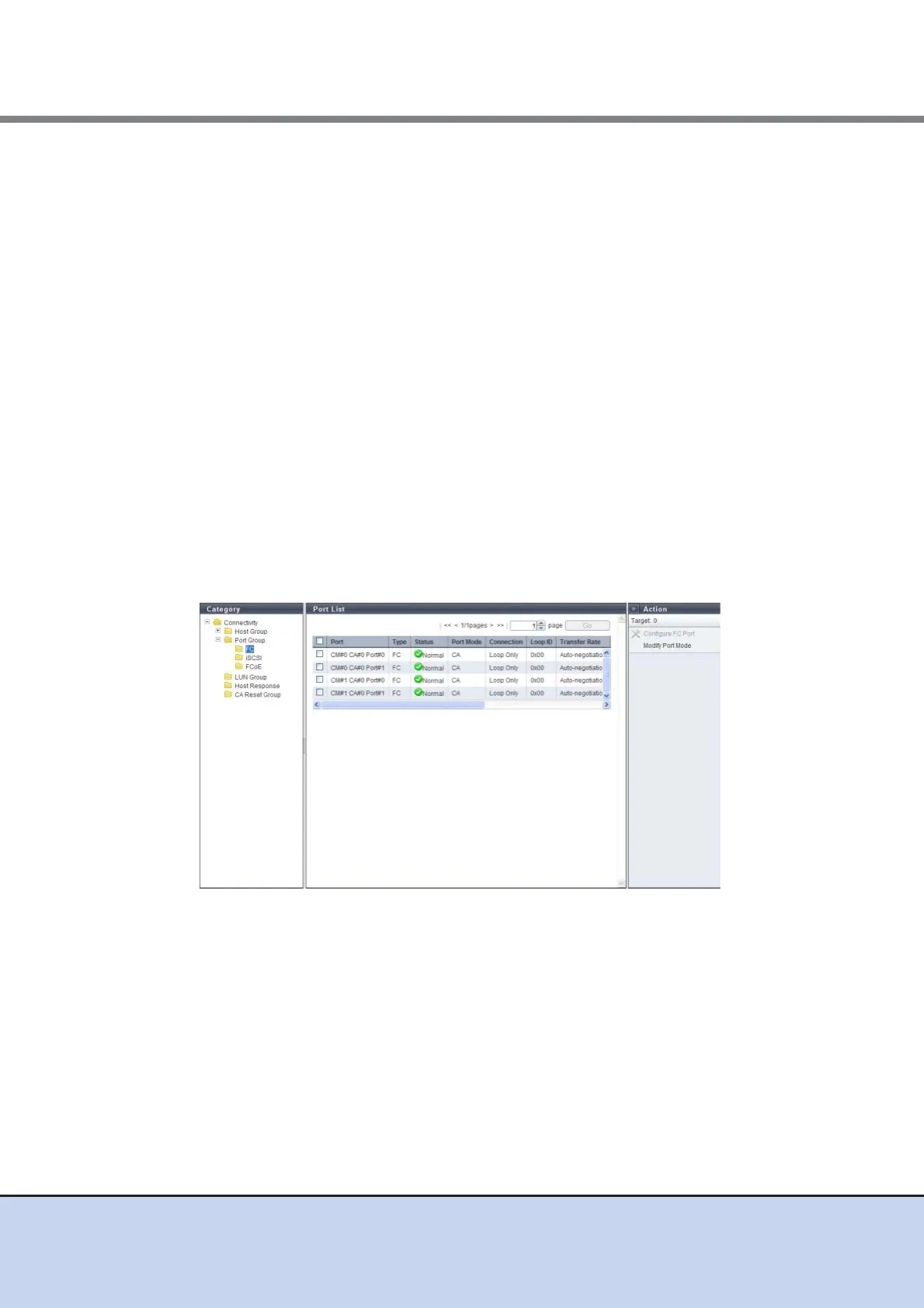
9.1.3.1 FC Port
Parameters of the FC ports that are registered in the ETERNUS DX Disk storage system are dis-
played.
The following items are displayed in the Main area:
• Port
The location information of the target port is displayed.
- CM#x CA#y Port#z (x: CM number, y: CA number, z: Port number)
• Type
The CA type (fixed at "FC") of the target port is displayed.
• Status
The status of the target port is displayed.



 To Next Page