Chapter 11 System Management
11.2 Functions in the Action Area for System
ETERNUS Web GUI User’s Guide
501
Copyright 2011 FUJITSU LIMITED P2X0-1090-02ENZ0
11.2.4 Remote Support Management
This section describes remote support management.
Remote support management provides the following functions:
• Display Communication Log
• Setup Remote Support
• Update Customer Information
• Update Communication Environment Information
• Setup Log Sending Parameters
• Stop/Restart Remote Support
11.2.4.1 Display Communication Log
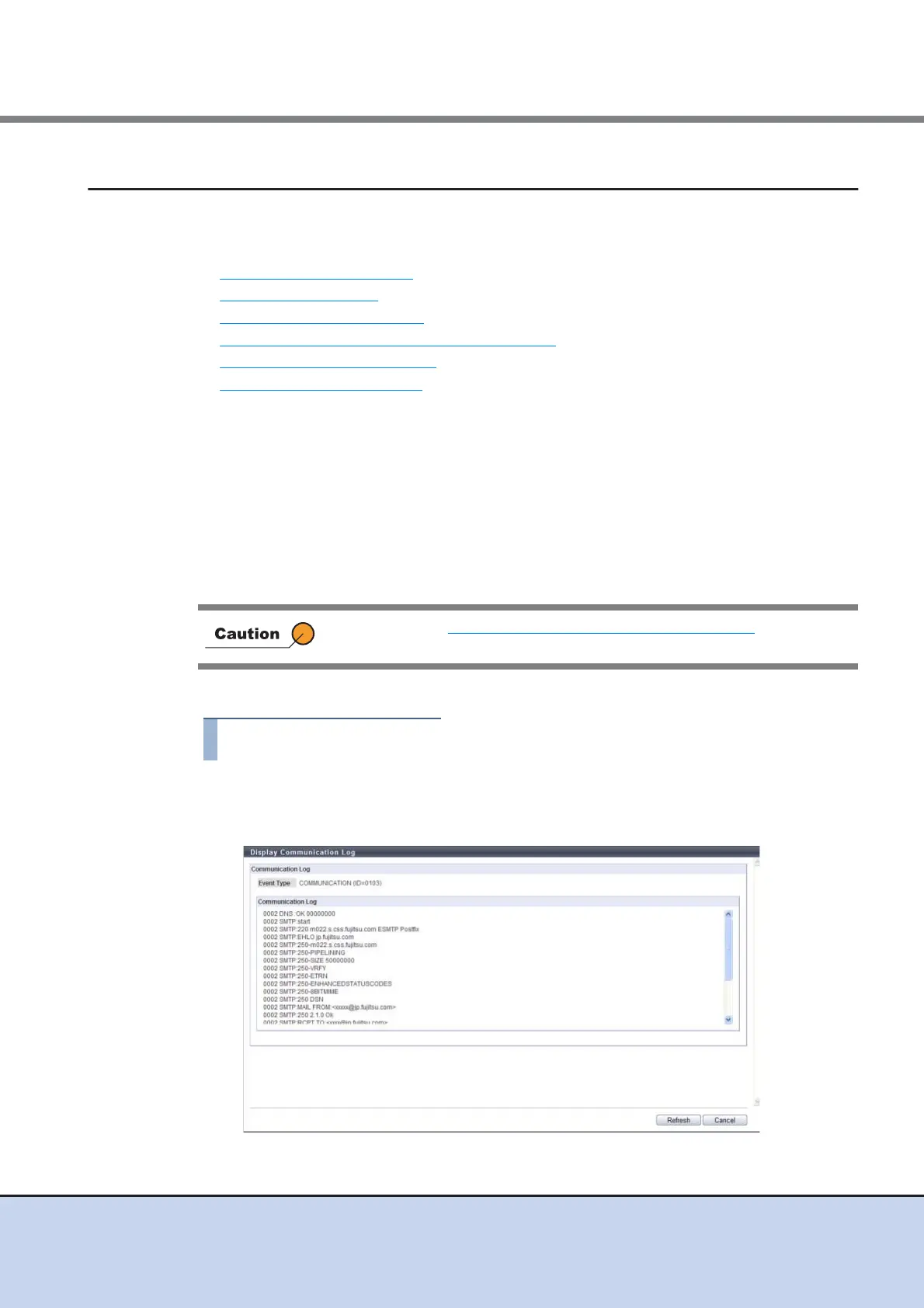
This function displays the communication log between the ETERNUS DX Disk storage system
and REMCS center using the Remote Support function.
When the Remote Support function cannot be operated properly, for example, cannot be con-
nected to the REMCS center, use this log to identify the cause of the problem.
The communication log includes requests from the ETERNUS DX Disk storage system to the
server, and responses from the server to the ETERNUS DX Disk storage system. Only the com-
munication log of the last executed event is displayed.
The procedure to display communication log is as follows:
1 Click [Display Communication Log] in [Action].
2 Check the displayed "Event Type" and the "Communication Log".
If the settings in "11.2.4.2 Setup Remote Support" (page 502) has not been
completed in advance, this function cannot be used.



 To Next Page