Chapter 11 System Management
11.2 Functions in the Action Area for System
ETERNUS Web GUI User’s Guide
516
Copyright 2011 FUJITSU LIMITED P2X0-1090-02ENZ0
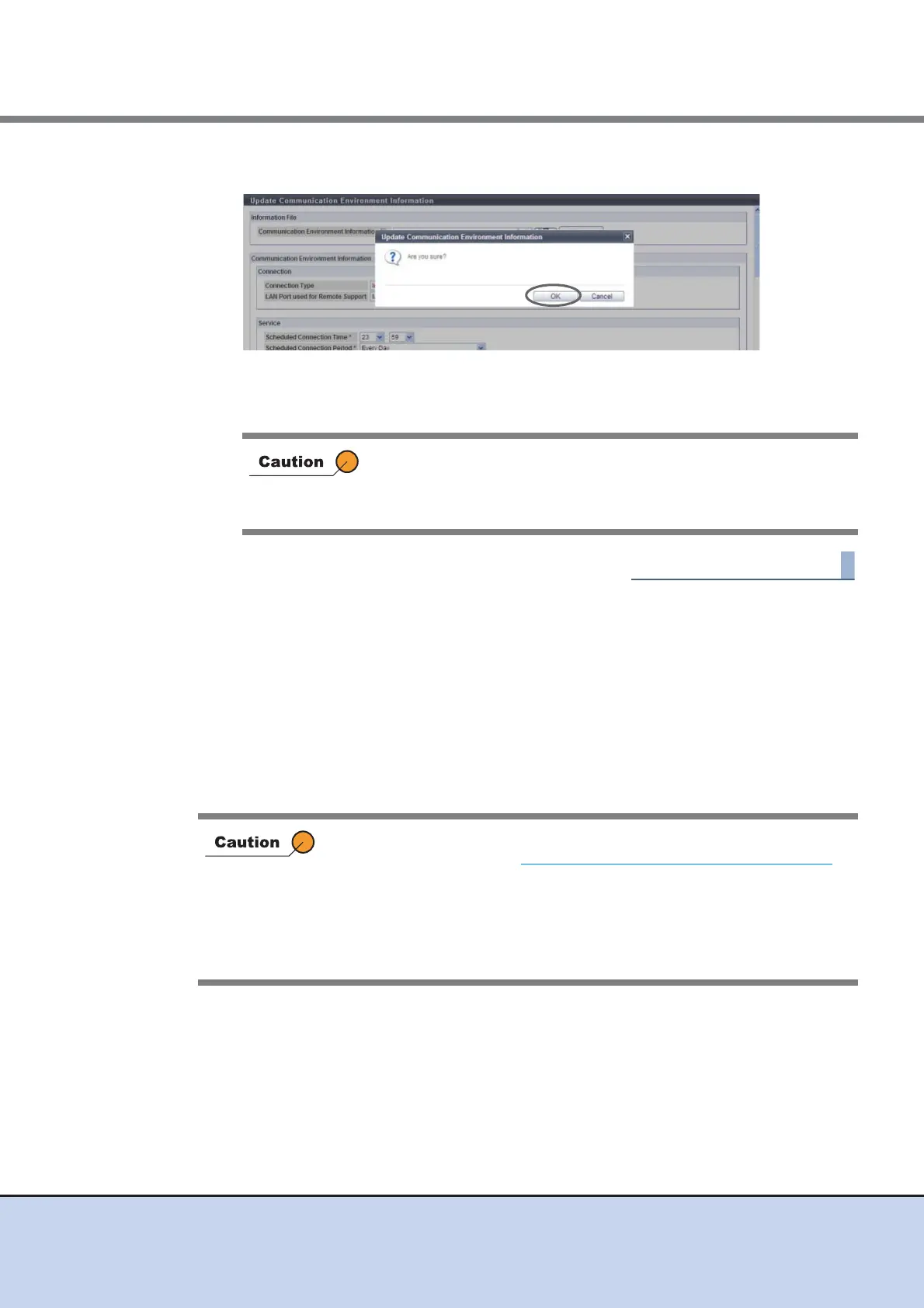
3 Click the [OK] button.
→ Changing of the communication environment information starts.
4 Click the [Done] button to return to the [Remote Support] screen.
11.2.4.5 Setup Log Sending Parameters
This function transfers the internal log of the ETERNUS DX Disk storage system to the REMCS
center.
There are two log sending methods: "Automatic" and "Manual".
• Configure Automatic Log Transmission
The ETERNUS DX Disk storage system sends log periodically or when an event occurs.
• Immediately Send Log Manually
Send log manually.
After completing the setting, the REMCS center sends the setting
confirmation result to the "Administrator E-Mail Address" or the "E-
Mail address result notification". Make sure to confirm the setting
results.
This function cannot be used under the following conditions:
• When the procedure in "11.2.4.2 Setup Remote Support" (page 502)
is
not performed.
• When a problem is detected in the Remote Support settings
• When the "Receiver Mail Address" (REMCS center) is not specified for
the Remote Support
• The Remote Support is stopped



 To Next Page