Chapter 11 System Management
11.2 Functions in the Action Area for System
ETERNUS Web GUI User’s Guide
515
Copyright 2011 FUJITSU LIMITED P2X0-1090-02ENZ0
● Result notification information
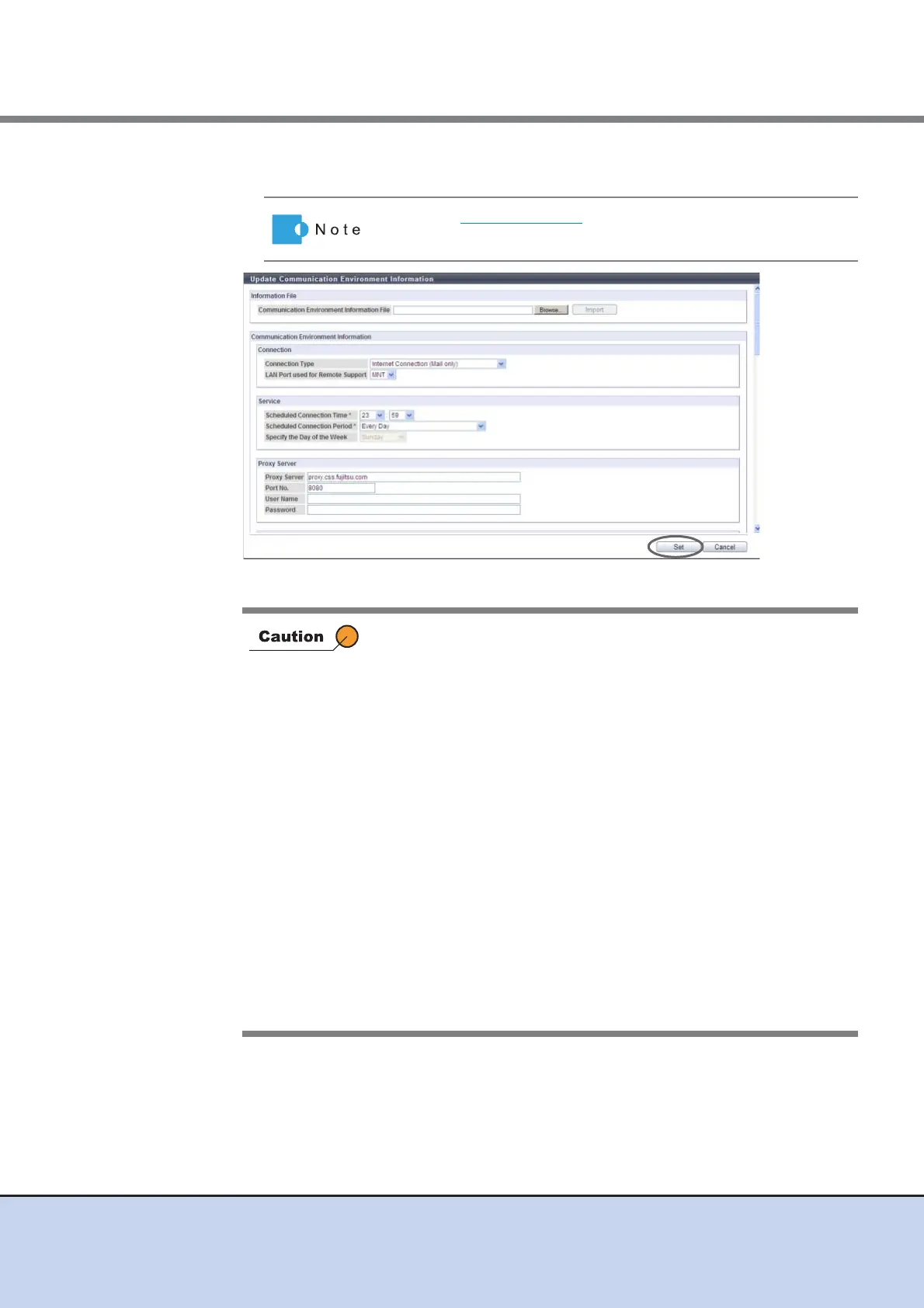
→ A confirmation screen appears.
Refer to Step 2 (page 511) for setting items.
In the following conditions, an error screen appears:
• When the [Set] button is clicked without setting the required item
(items with "*")
• When the [Set] button is clicked while invalid values had been
specified
• When the selected setting information file is not correct
• When file format of the selected setting information file is not
correct
• When "MNT" is specified for the "LAN Port used for Remote
Support" and when the IP Address of the Proxy server/SMTP
server/POP server/HTTP server is the same as the broadcast
address of the MNT port
• When "RMT" is specified for the "LAN Port used for Remote
Support" and the IP Address of the Proxy server/SMTP server/
POP server/HTTP server is the same as the broadcast address of
the RMT port
• When the IP address of the Proxy server/SMTP server/POP
server/HTTP server is the same as the local host address
• When the IP address of the Proxy server/SMTP server/POP
server/HTTP server is other than Class (A, B, C)



 To Next Page