Chapter 11 System Management
11.2 Functions in the Action Area for System
ETERNUS Web GUI User’s Guide
453
Copyright 2011 FUJITSU LIMITED P2X0-1090-02ENZ0
11.2 Functions in the Action Area for System
When using functions in the Action area, select the desired function from the Action area that is
displayed in the status display screen.
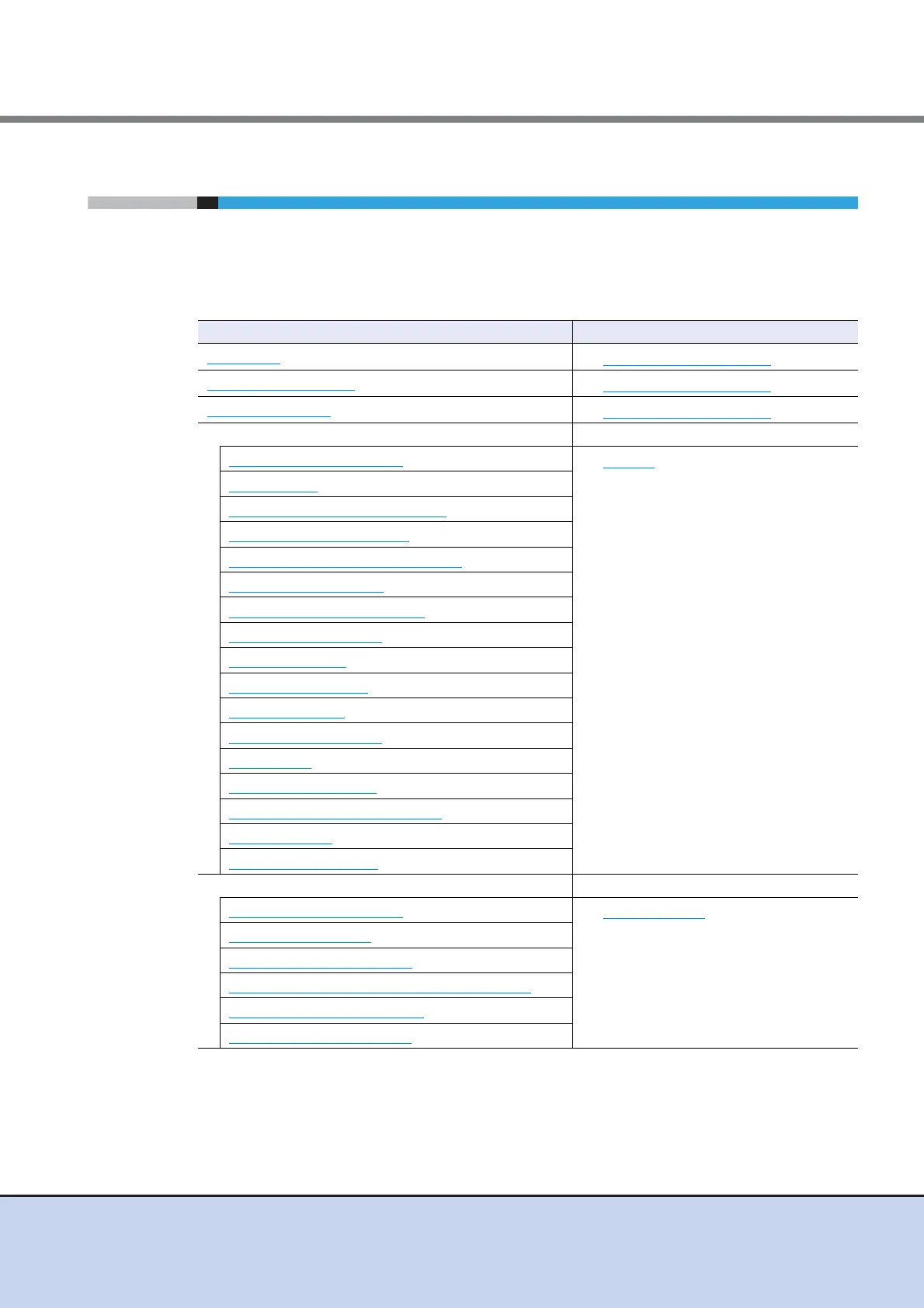
The functions in the Action area for System can be performed from the following display func-
tions:
Functions in the Action area for System Display function
Initial Setup
• System (Basic Information)
Change User Password
• System (Basic Information)
Set SSH Public Key
• System (Basic Information)
Network Management –
Setup Network Environment
• Network
Setup Firewall
Setup SNMP Agent Basic Interface
Setup SNMP Agent Manager
Setup SNMP Agent MIB Access View
Setup SNMP Agent User
Setup SNMP Agent Community
Setup SNMP Agent Trap
Download MIB File
Send SNMP Trap Test
Display SMTP Log
Setup E-Mail Notification
Setup Syslog
Create SSH Server Key
Create Self-signed SSL Certificate
Create Key/CSR
Register SSL Certificate
Remote Support Management –
Display Communication Log
• Remote Support
Setup Remote Support
Update Customer Information
Update Communication Environment Information
Setup Log Sending Parameters
Stop/Restart Remote Support



 To Next Page