Chapter 11 System Management
11.2 Functions in the Action Area for System
ETERNUS Web GUI User’s Guide
484
Copyright 2011 FUJITSU LIMITED P2X0-1090-02ENZ0
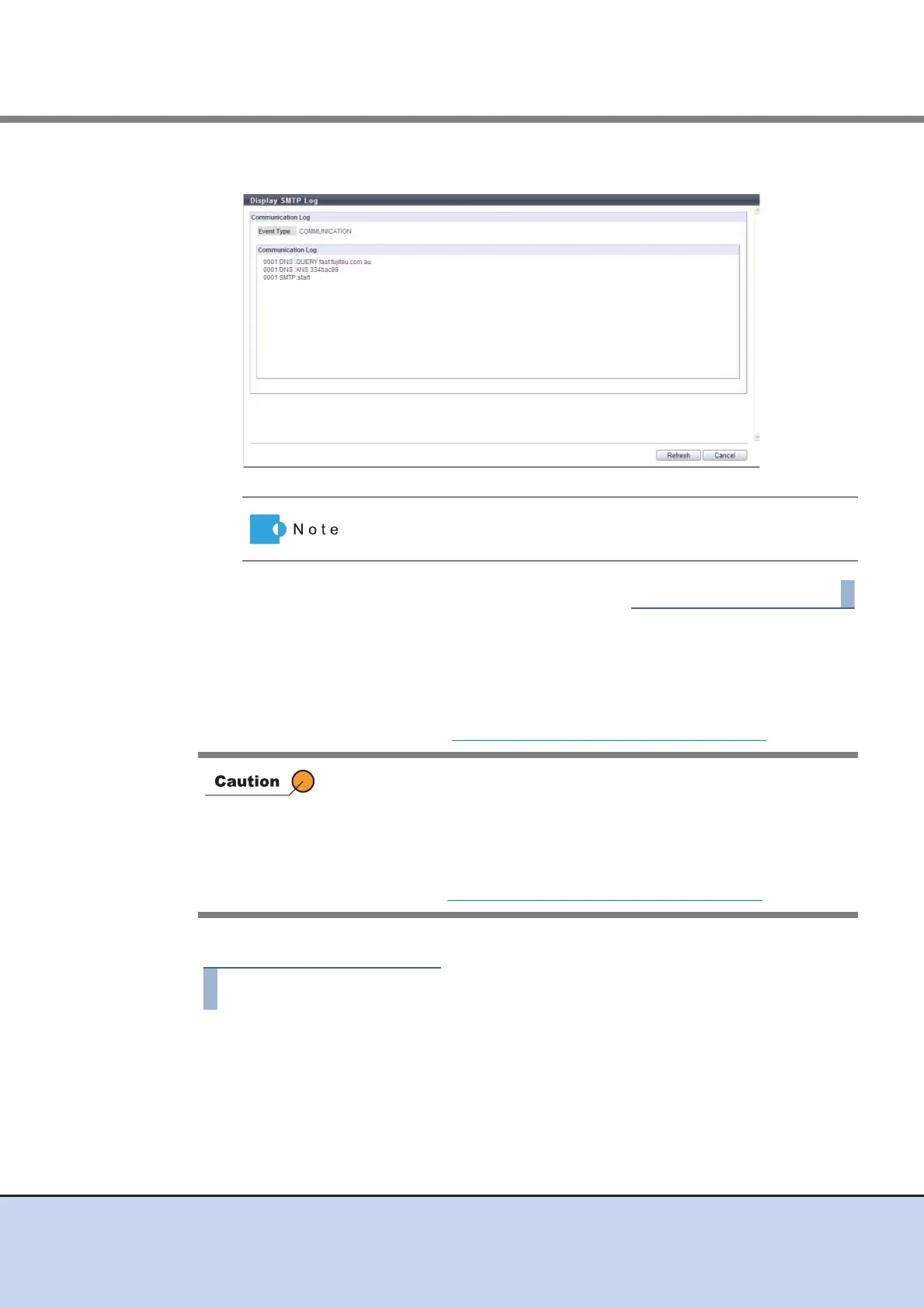
2 Check the displayed "Event Type" and the "Communication Log".
11.2.3.12 Setup E-Mail Notification
This function is used to configure the E-mail Notification settings for the various events detected
by the ETERNUS DX Disk storage system.
To specify event notification, refer to "11.2.7.1 Setup Event Notification" (page 550)
.
The procedure to set a E-Mail notification is as follows:
1 Click [Setup E-Mail Notification] in [Action].
Click the [Refresh] button to update the displayed information.
Once an E-Mail address is specified, the address cannot be deleted (the
address can be changed).
When stopping the event notification via E-Mail, perform one of the
following procedures.
• Disable the "Notificate E-Mail"
• Clear the E-Mail checkbox of the notification method using the
procedure in "11.2.7.1 Setup Event Notification" (page 550)
.



 To Next Page