Chapter 5 Volume Management
5.1 Volume Status
ETERNUS Web GUI User’s Guide
62
Copyright 2011 FUJITSU LIMITED P2X0-1090-02ENZ0
• PL
The prefetch limit is displayed. If PL is "0", prefetch is not performed.
• FP
The selected usage for the Force Prefetch mode, which performs forcible prefetching for
cache, is displayed.
- ON
Perform prefetch even if the sequential characteristics of the data access is not detected.
- OFF
Perform prefetch only when the sequential characteristics of the data access is detected.
• MWC
The value of the Multi Write back Count is displayed.
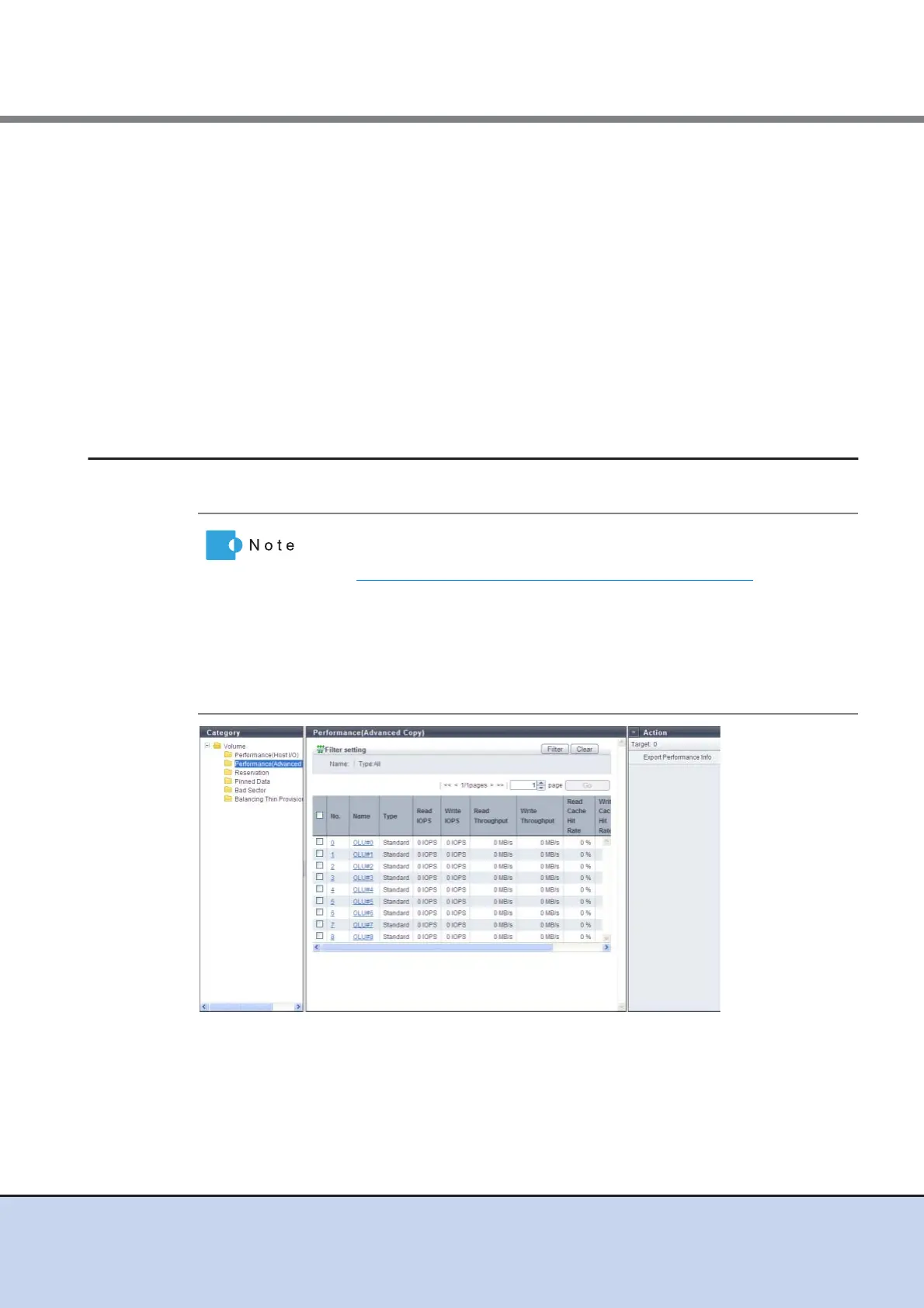
5.1.3 Performance (Advanced Copy)
This function displays the performance information of the volumes for Advanced Copy.
The following items are displayed in the Main area:
• No.
The volume number is displayed.
• Name
The volume name is displayed. Clicking this item displays the [Volume] screen.
• Performance information is obtained when performance monitoring is
operated from GUI, CLI, or any other monitoring software. Refer to
"11.2.7.5 Start/Stop Performance Monitoring" (page 568)
for details on
how to start performance monitoring with GUI.
• The interval for acquiring performance information can be specified
when starting the monitoring. When using GUI, the default interval is 30
seconds.
• The average performance values during the specified interval are dis-
played.



 To Next Page