Chapter 5 Volume Management
5.1 Volume Status
ETERNUS Web GUI User’s Guide
61
Copyright 2011 FUJITSU LIMITED P2X0-1090-02ENZ0
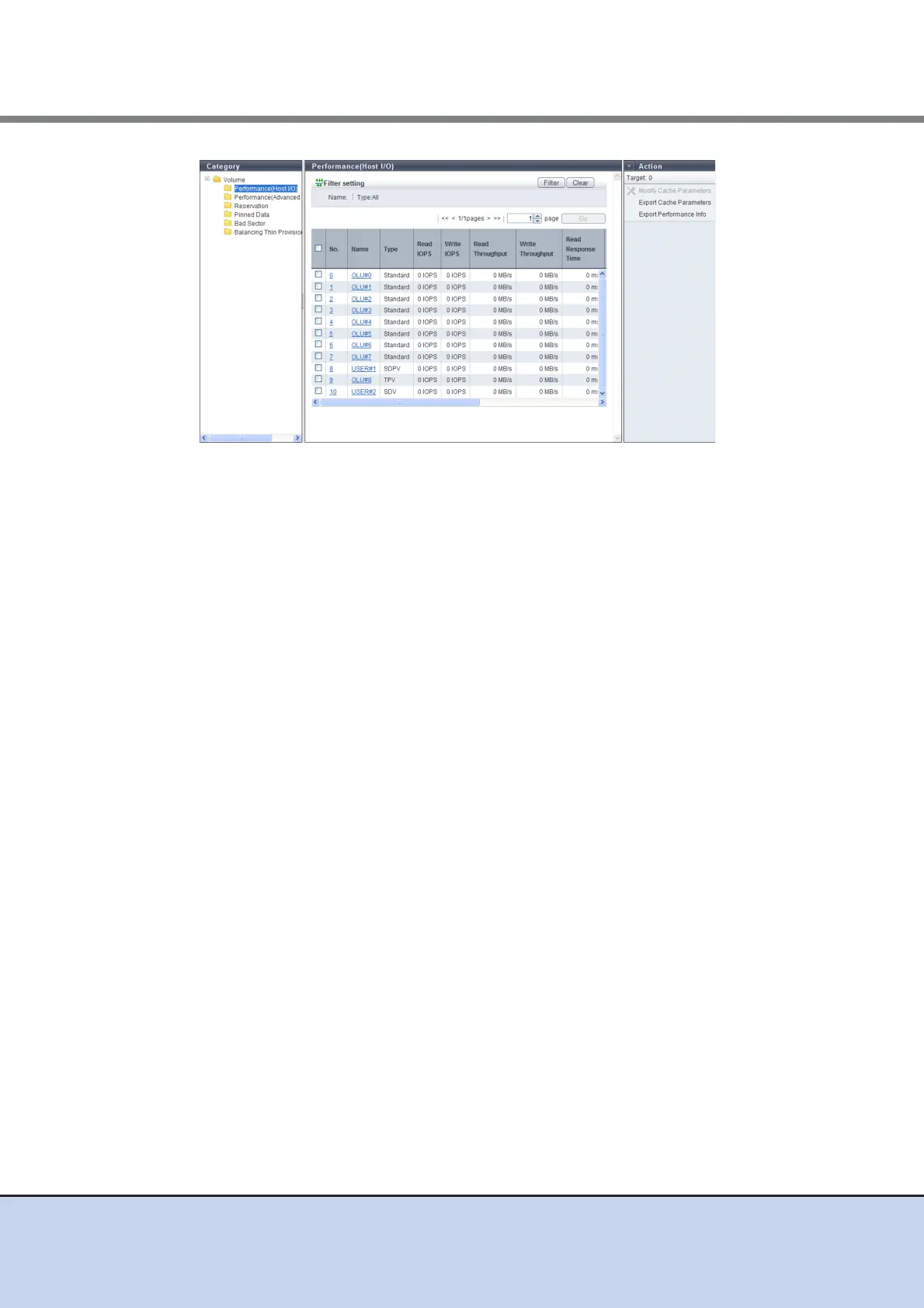
The following items are displayed in the Main area:
• No.
The volume number is displayed.
• Name
The volume name is displayed. Clicking this item displays the [Volume] screen.
• Type
The volume type is displayed.
- Standard
- SDV
- TPV
• Read IOPS
The read count per second is displayed.
• Write IOPS
The write count per second is displayed.
• Read Throughput
The amount of transferred data that is read per second is displayed.
• Write Throughput
The amount of transferred data that is written per second is displayed.
• Read Response Time
The average response time (for read) per millisecond.
• Write Response Time
The average response time (for write) per millisecond.
• Read Cache Hit Rate
The cache hit rate (for read) is displayed.
• Write Cache Hit Rate
The cache hit rate (for write) is displayed.
• Prefetch Cache Hit Rate
The cache hit rate (for prefetch) is displayed.



 To Next Page