Chapter 6 RAID Group Management
6.1 RAID Group Status
ETERNUS Web GUI User’s Guide
115
Copyright 2011 FUJITSU LIMITED P2X0-1090-02ENZ0
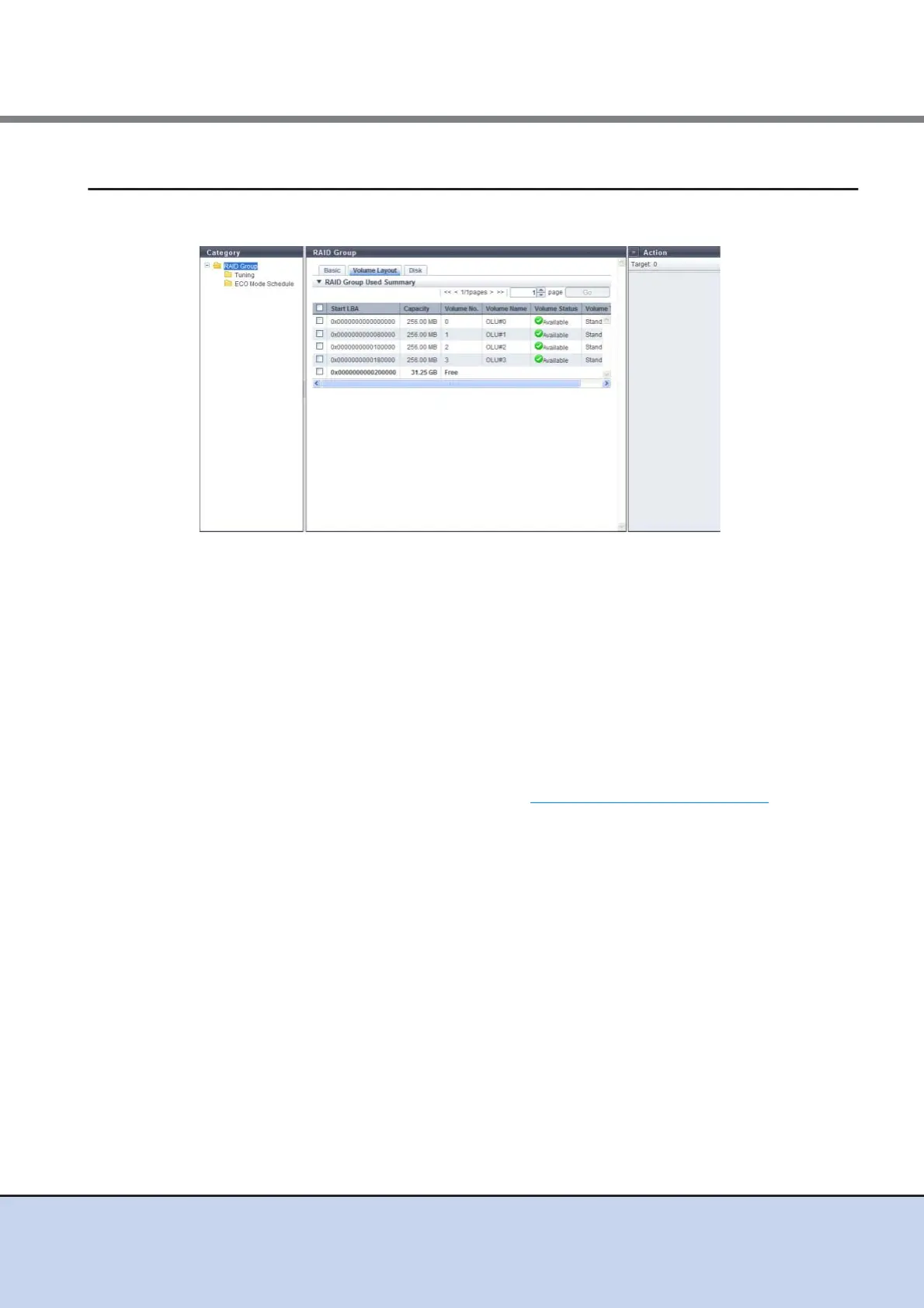
6.1.4 RAID Group (Volume Layout)
Detailed information of the volume layout is displayed.
The following items are displayed in the Main area:
• Start LBA
The first Logical Block Address (LBA) of the volume is displayed.
• Capacity
The volume capacity is displayed.
• Volume No.
The volume number is displayed. Unused space is displayed as "Free".
• Volume Name
The volume name is displayed.
• Volume Status
The volume status is displayed. Refer to "B.2 Volume Status" (page 613)
for detailed
information of volume status.
• Volume Type
The volume type is displayed.
- Standard
- SDV
- SDPV



 To Next Page